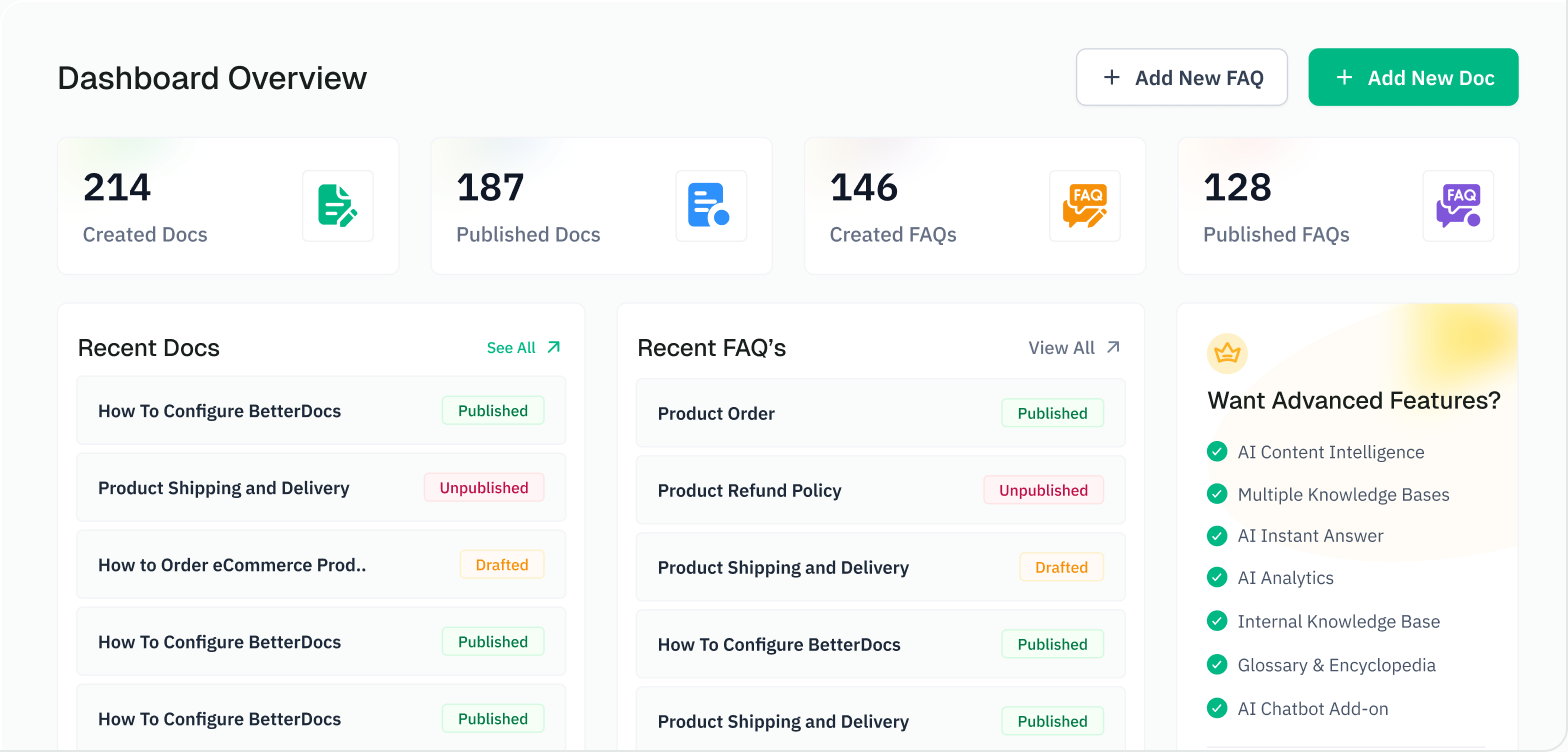
AI-native documentation for WordPress
ⓘ 100% money-back guarantee
BetterDocs writes, organizes and answers from your knowledge base, plugs it into Claude, ChatGPT and Cursor over MCP, and with the AI Chatbot add-on, answers your visitors too. Free on WordPress.org.

★★★★★
475+ five-star reviews
Trusted by support teams at
Why AI-native
Most plugins add a "generate" button. BetterDocs uses AI where support teams actually lose time: writing, organizing, answering, and finding out what's missing.
Create
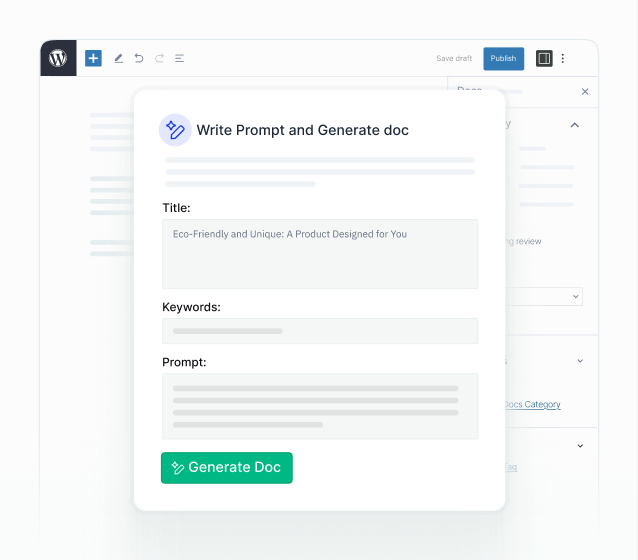
Turn a title into a full doc or FAQ. Then select any passage and improve, expand, fix grammar, change tone or turn it into a table, with reusable instruction Guides for your house style.
Build in bulk
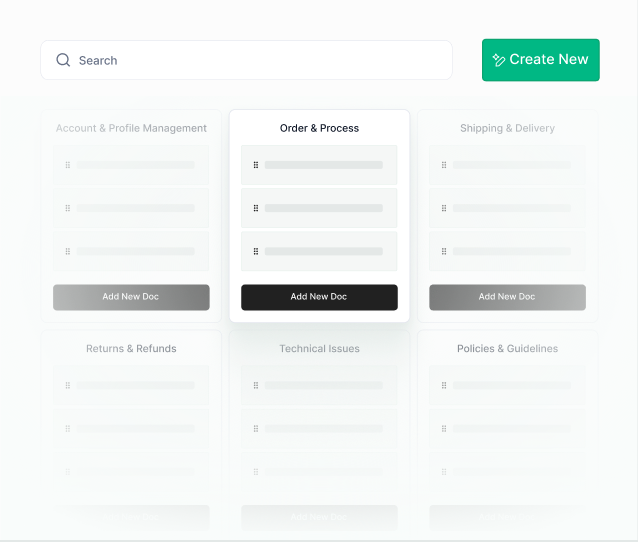
Point it at your site and get categories, full articles and FAQ groups drafted from your real pages and products. No API key needed.
Answer
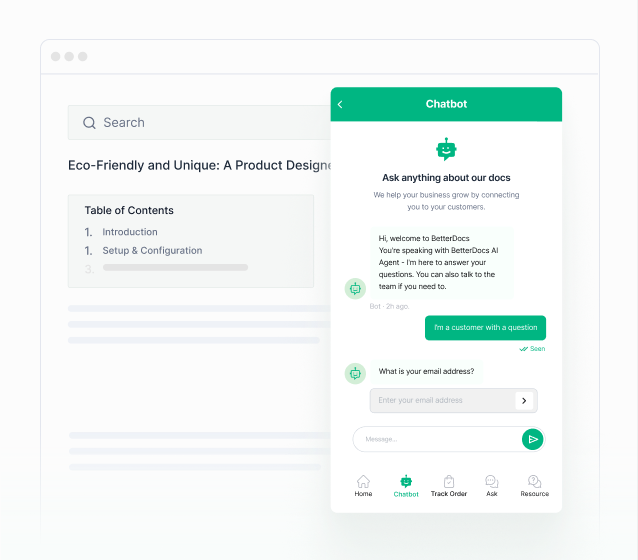
The add-on chatbot answers visitors from your entire knowledge base and links its source. Pro's AI Instant Answer surfaces the right doc from whatever page they're on.
Improve
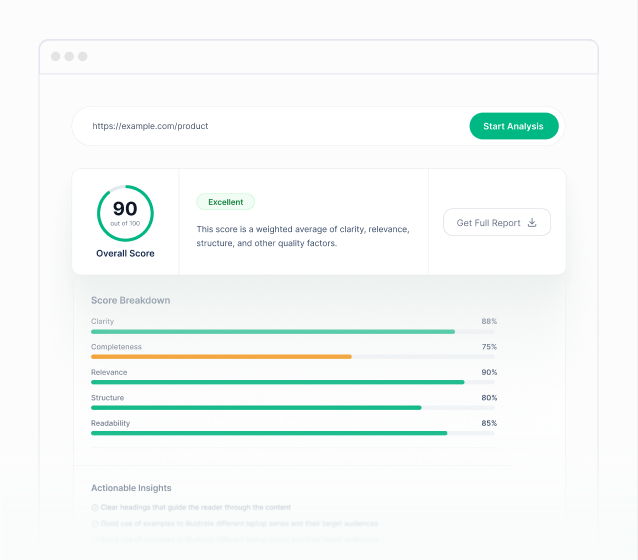
Every doc gets an AI quality score and a summary. Pro adds Content Intelligence: it finds the searches that came up empty, drafts the missing doc, and flags stale and duplicate content.
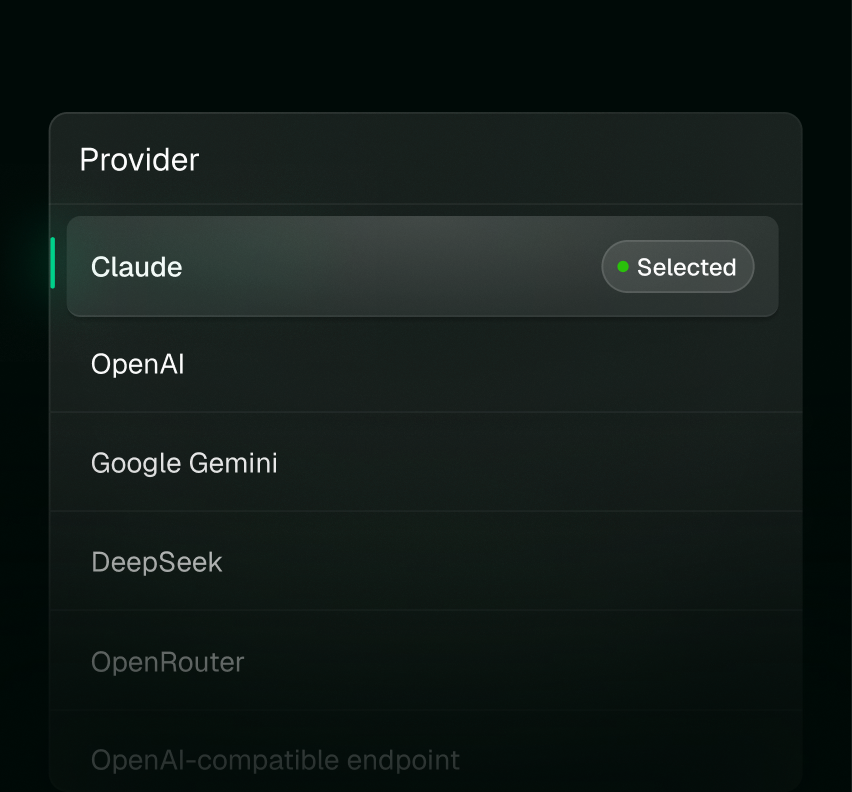
Writing and editing call the provider you choose with your own key — OpenAI, Claude, Gemini, DeepSeek, OpenRouter, or any OpenAI-compatible endpoint.
Runs on
OpenAI
Claude
Gemini
DeepSeek
OpenRouter
Stored in WordPress, stripped from exports, never sent to BetterDocs.

A cheap model for summaries, a strong one for long-form docs. Your call, per setting.
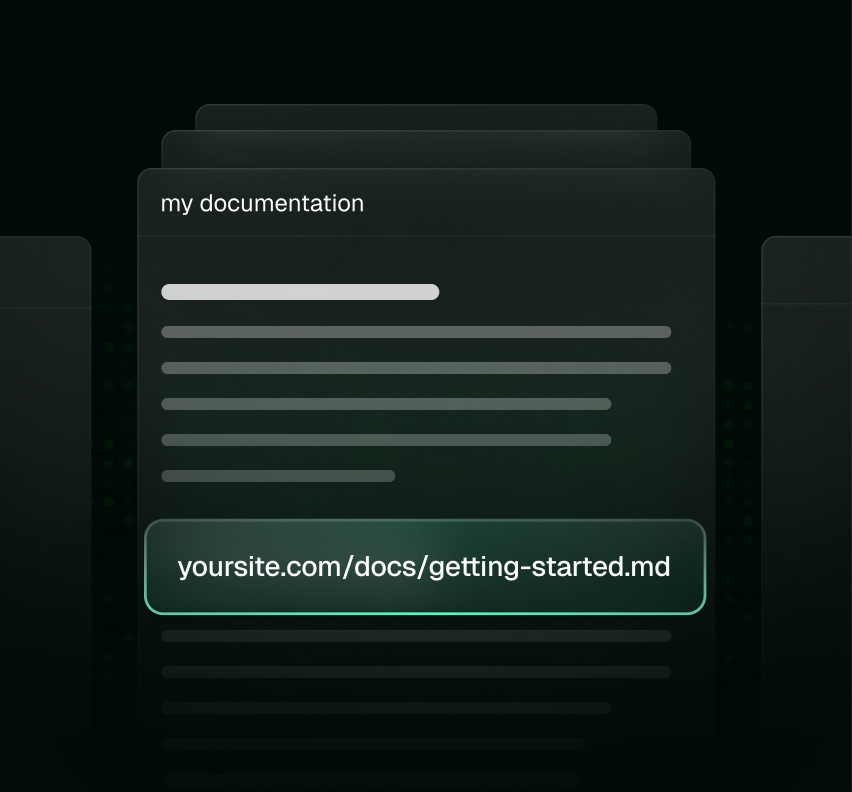
Add .md to any doc URL, or send Accept: text/markdown, and crawlers and assistants get clean Markdown instead of themed HTML.
Sold separately and installed alongside BetterDocs Pro. It learns your entire knowledge base and site content, answers visitors in a chat widget with the source linked, and keeps every conversation in your admin.
✓ Retrieval-augmented answers, grounded in your docs, with the source cited
✓ Knows your store: products, brands, categories and shipping for WooCommerce and FluentCart
✓ Conversation logs in wp-admin; visitors can email themselves the transcript
✓ Replies in your site's language and hands off to your support contact when it can't answer
✓ Brand the widget with your colors and avatar, and run it on OpenAI or Google Gemini
Add AI Chatbot
$69/year oder $8.99/month per site · requires BetterDocs Pro
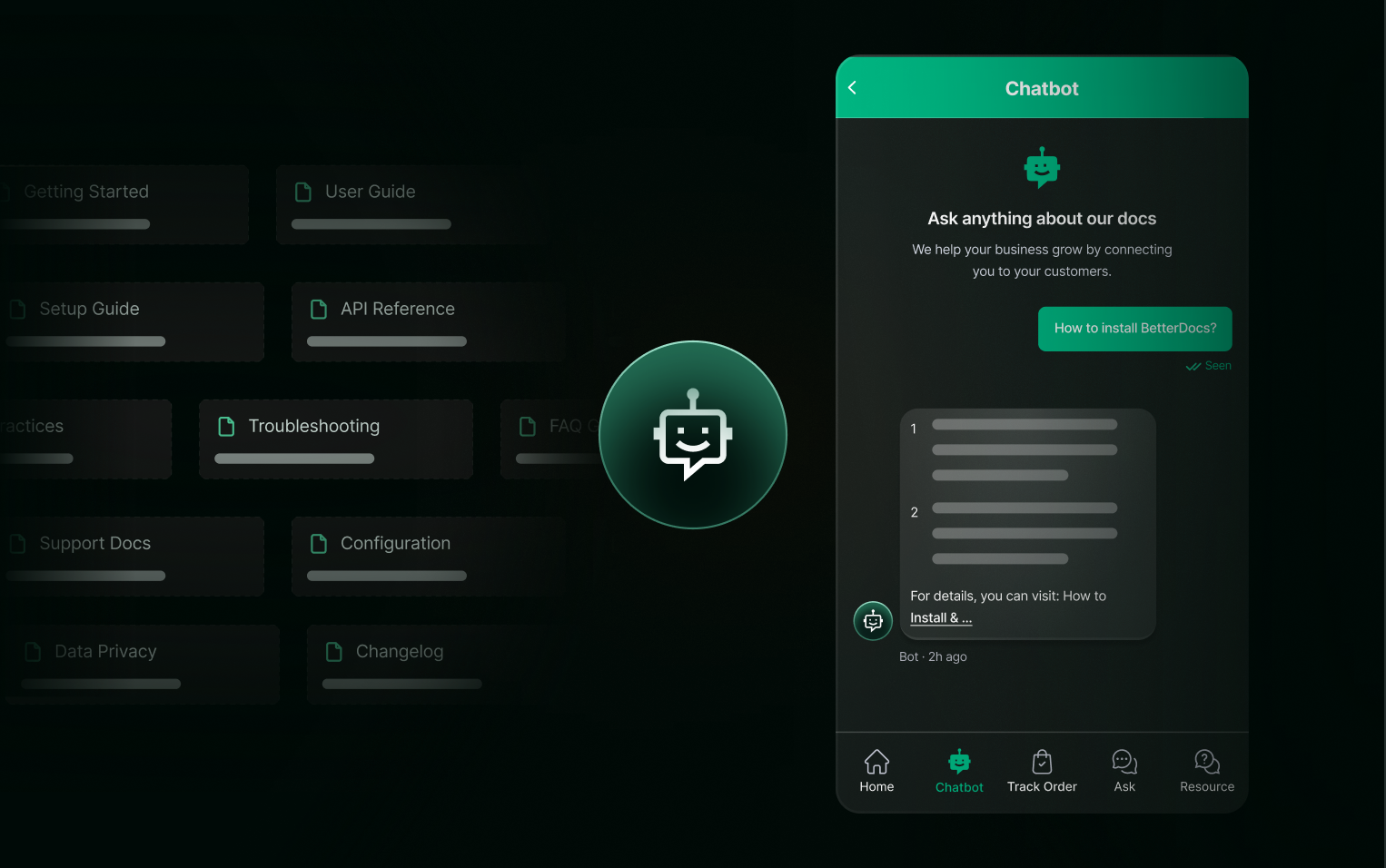
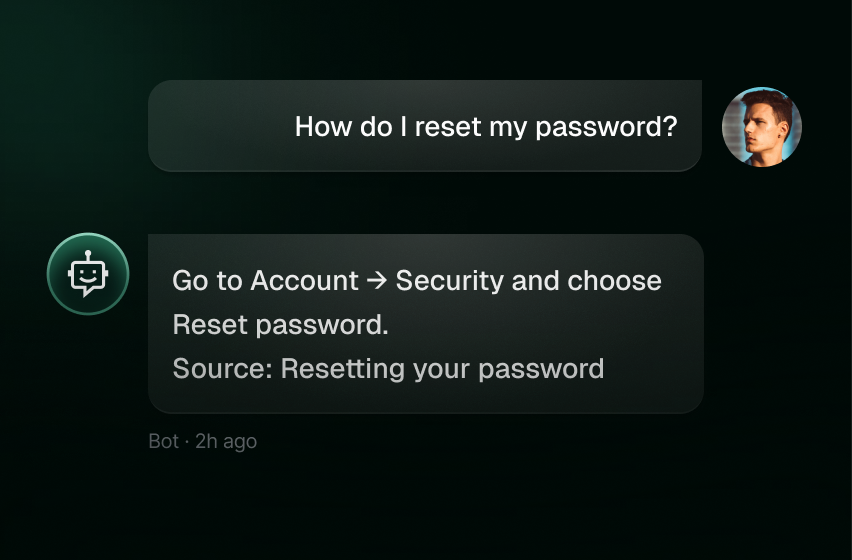
AI Instant Answer in Pro finds the right doc. The chatbot reads it and replies in plain language, with the doc linked underneath.
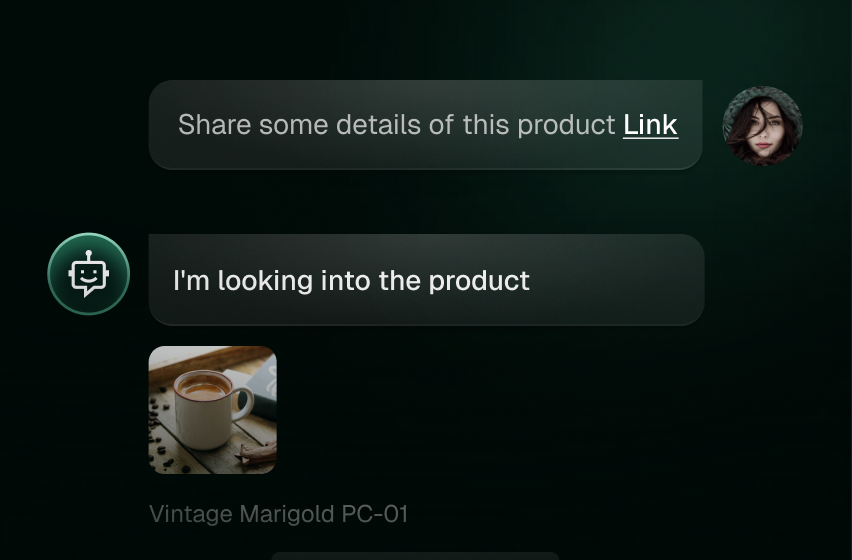
Pulls product names, categories, brands and shipping notes from WooCommerce or FluentCart, so it can answer "do you ship to Canada?" or "which of these is the pro version?" from your catalog.
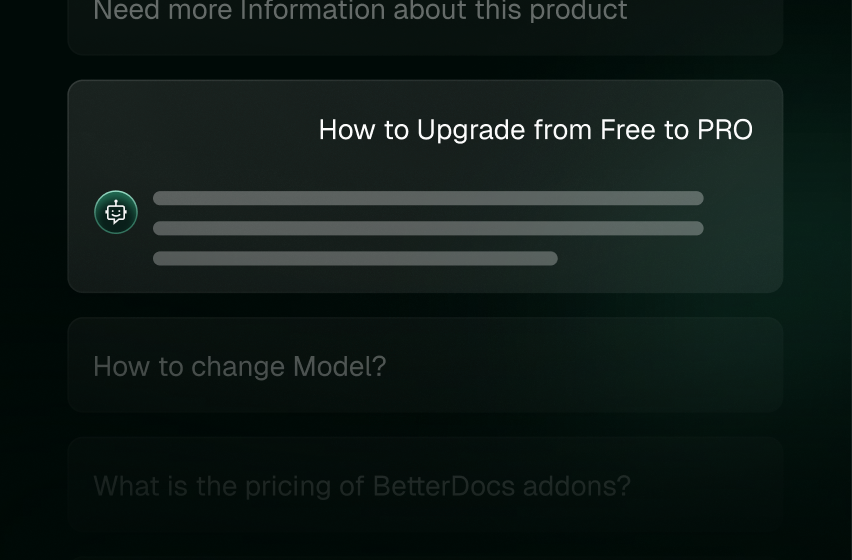
Logs live in wp-admin so you can read what people ask and how it answered. Sync runs in the background as docs change.
MCP Server · Free
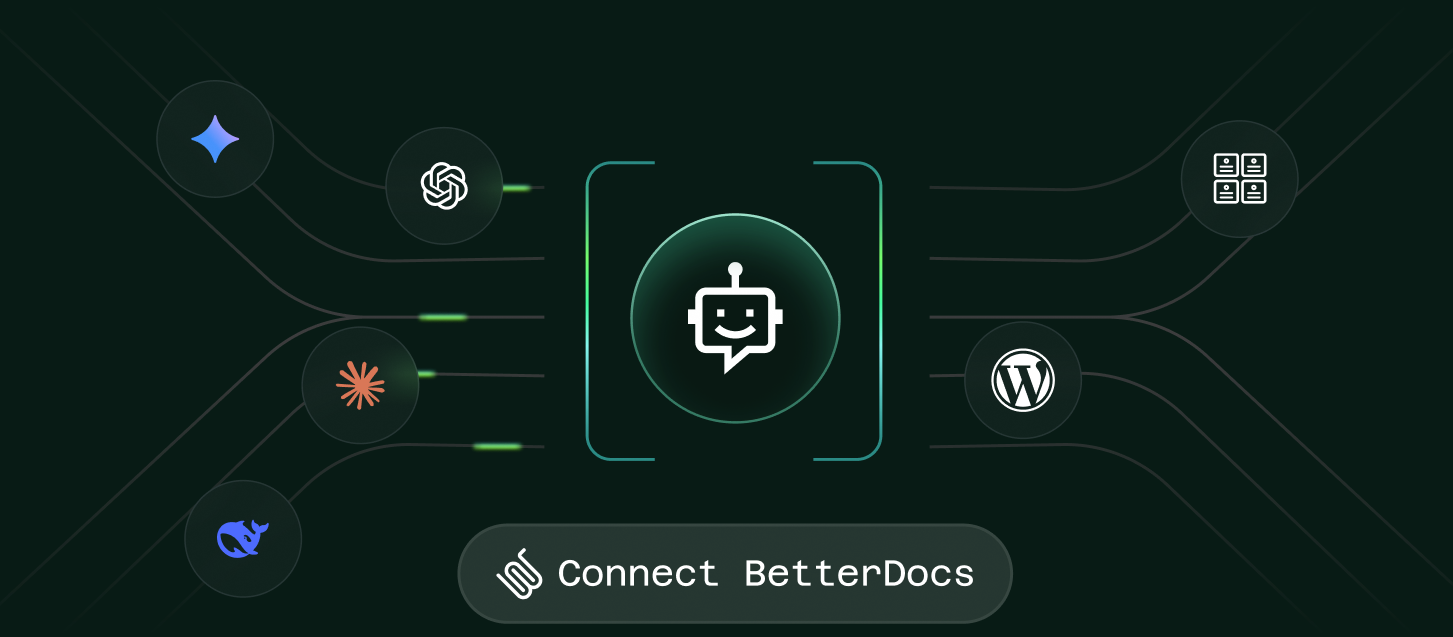
BetterDocs ships a free MCP server on your own domain. Connect your assistant and ask for what you need. It drafts, edits, reorganizes and reads your analytics, as you, with your approval, revocable anytime.
Still a complete knowledge base
Not into AI yet? BetterDocs is a complete knowledge base on its own — and each AI feature has its own switch.
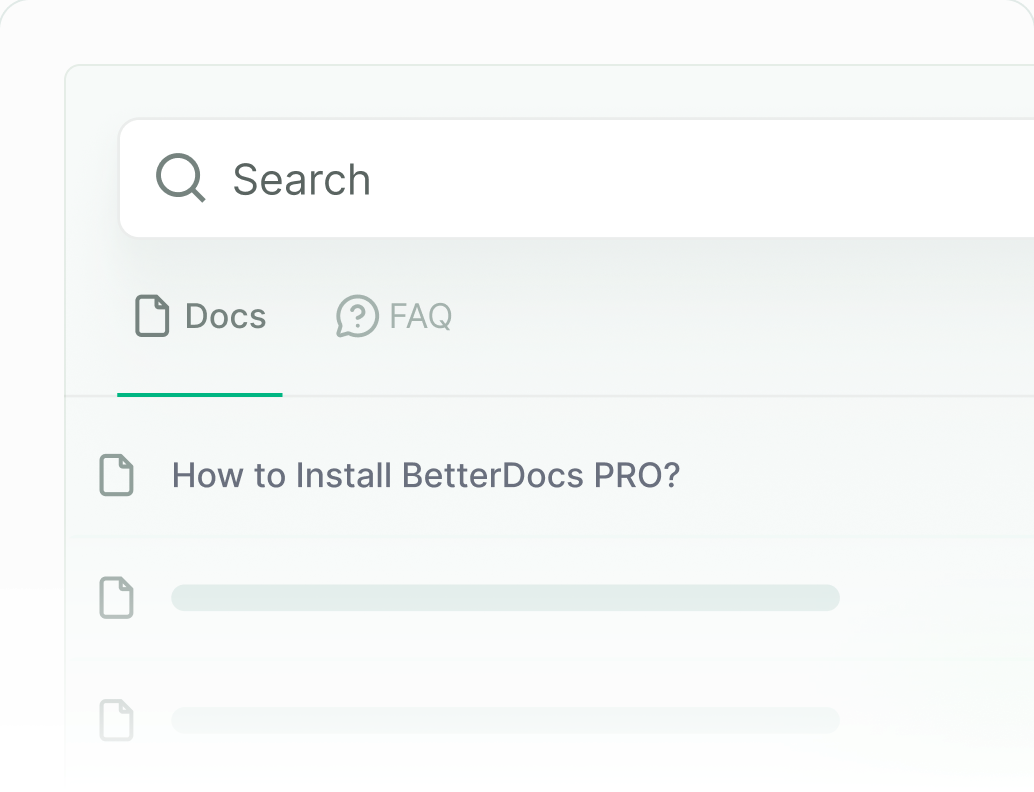
Results as they type, anywhere on the site. Advanced search and popular keywords in Pro.
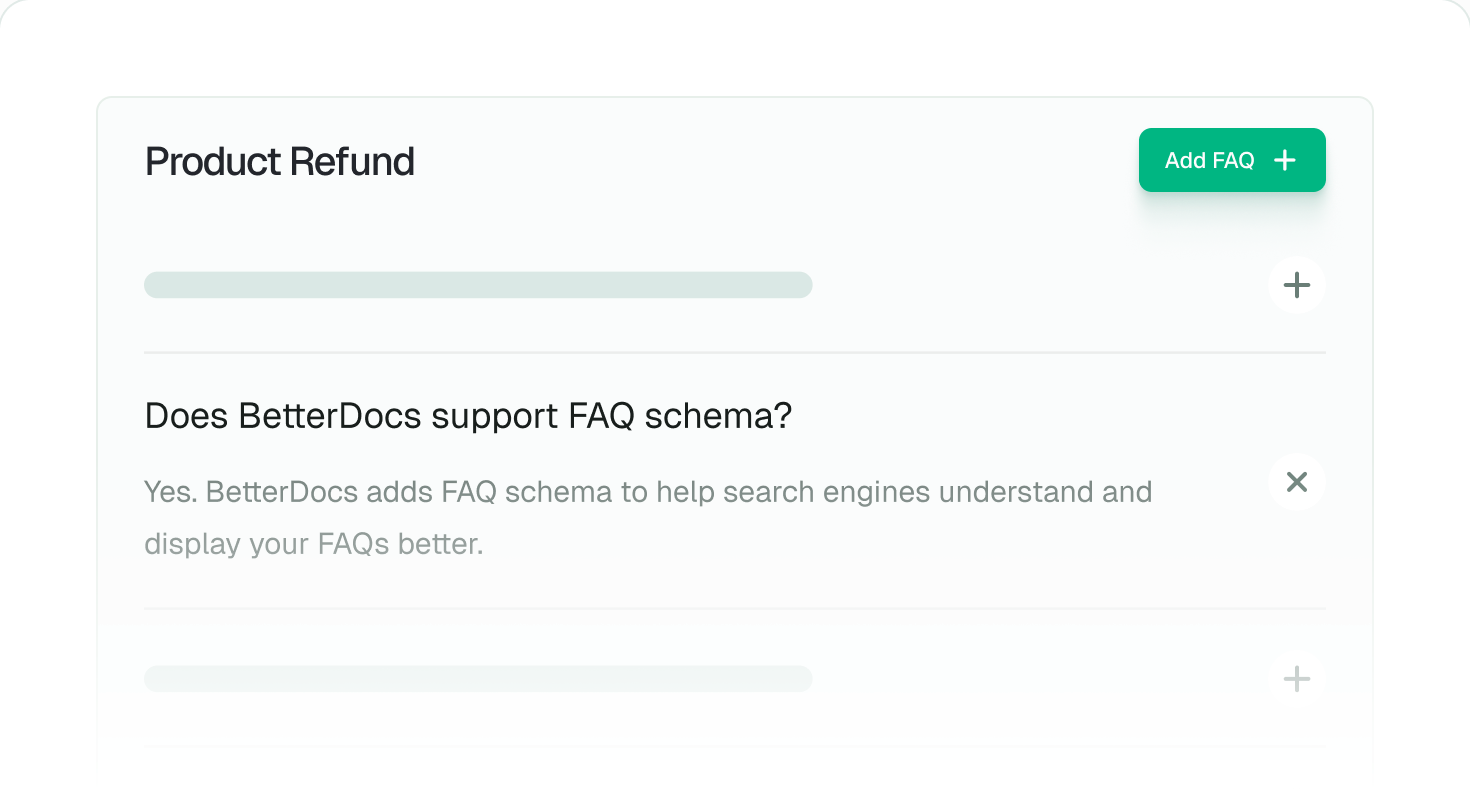
Grouped FAQs with schema. Product FAQs for WooCommerce.
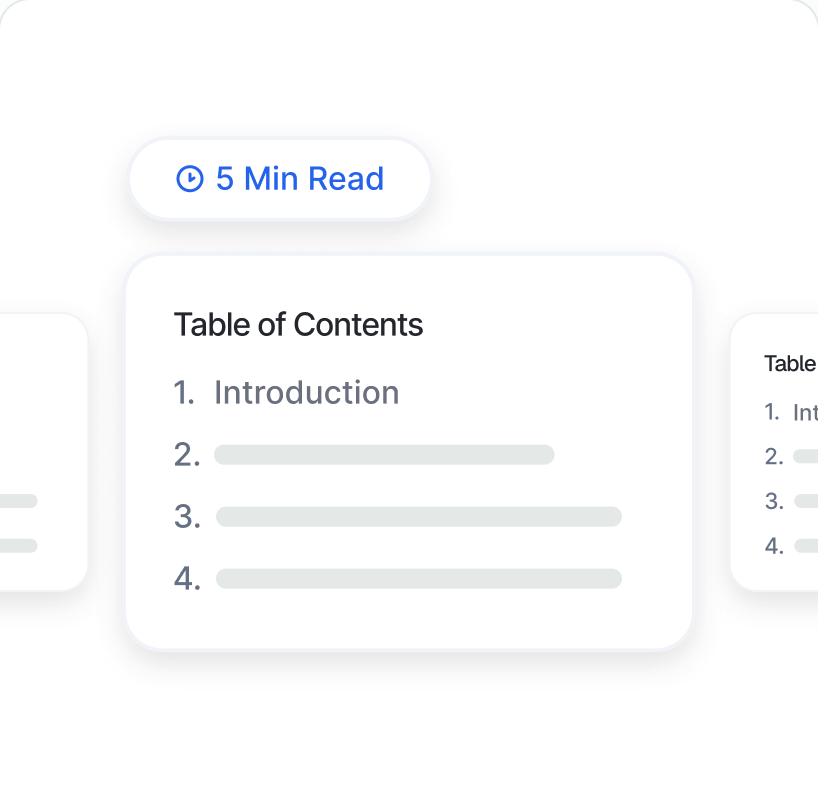
Sticky, collapsible table of contents. Print, share and code-snippet blocks included.
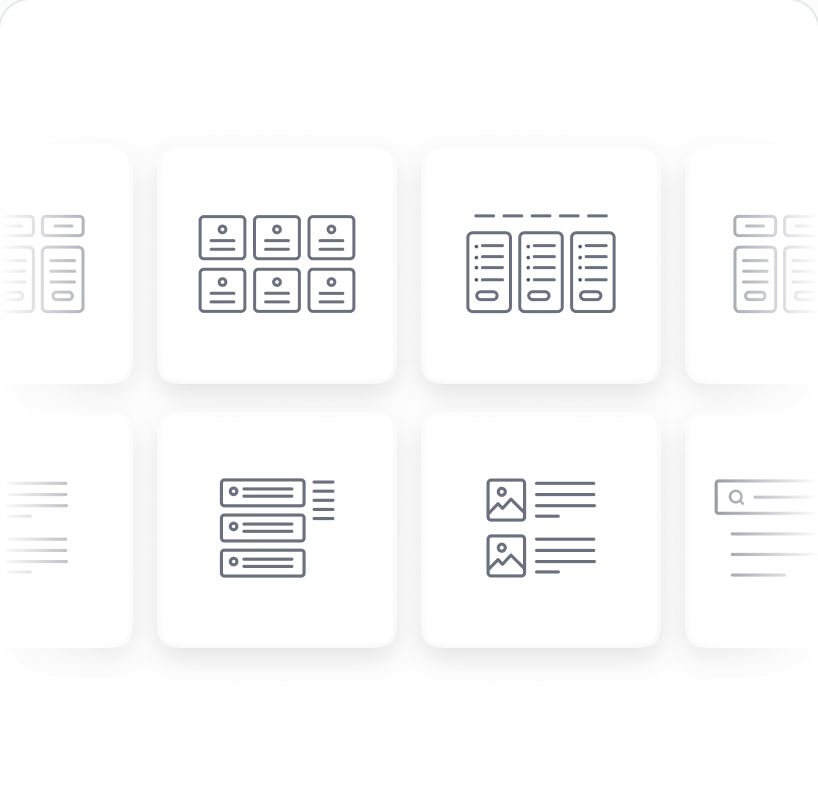
Gutenberg, Elementor, Full Site Editing and ready templates. Works with any theme.
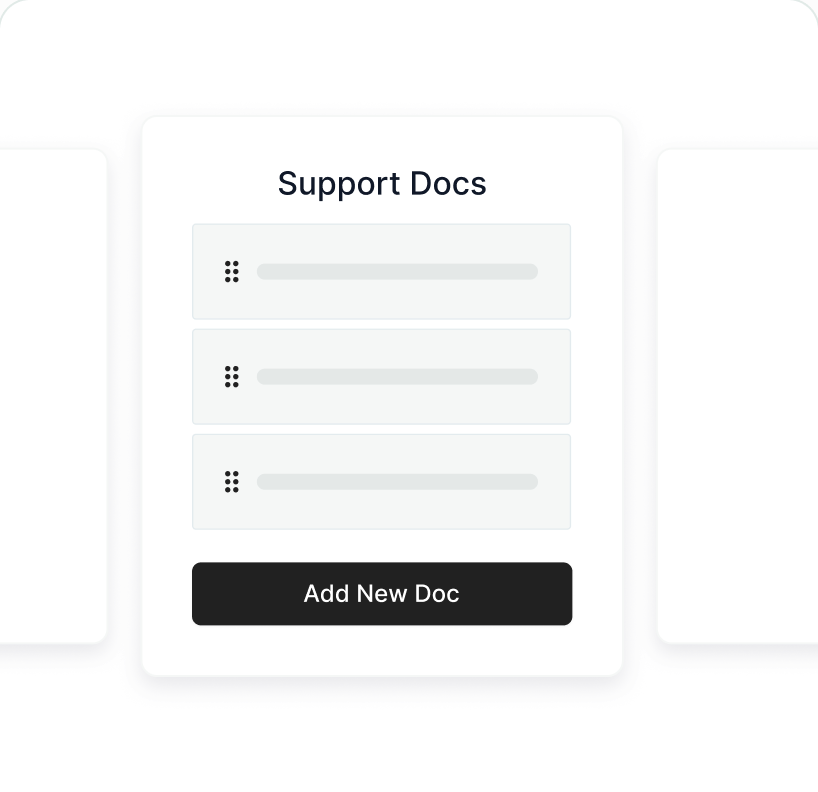
One site, many products. Each with its own categories, search and landing page.
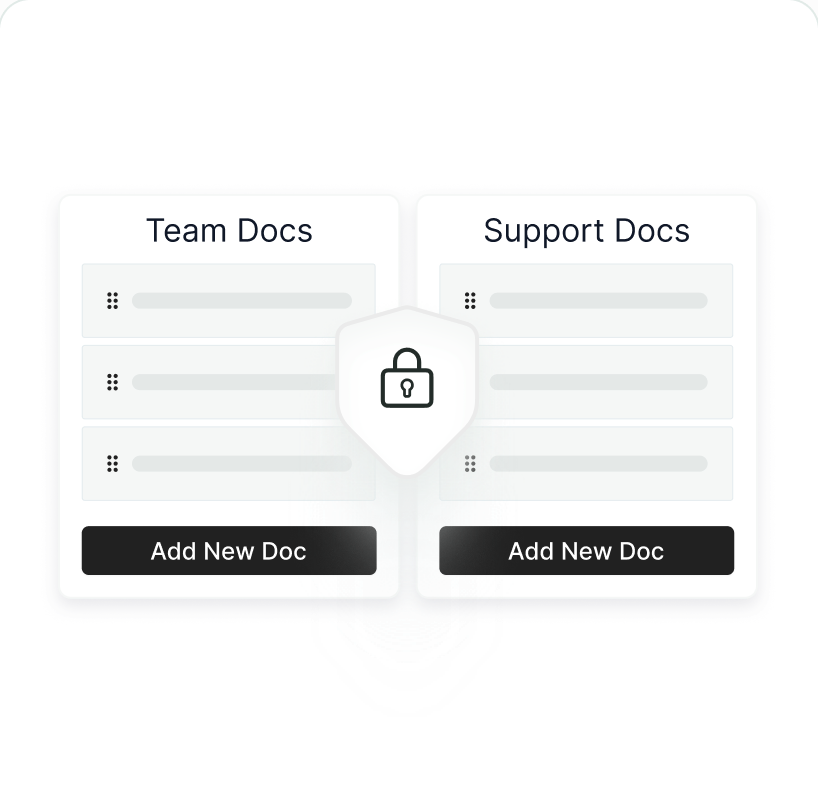
Private docs with role-based access, for your team, partners or paying customers.
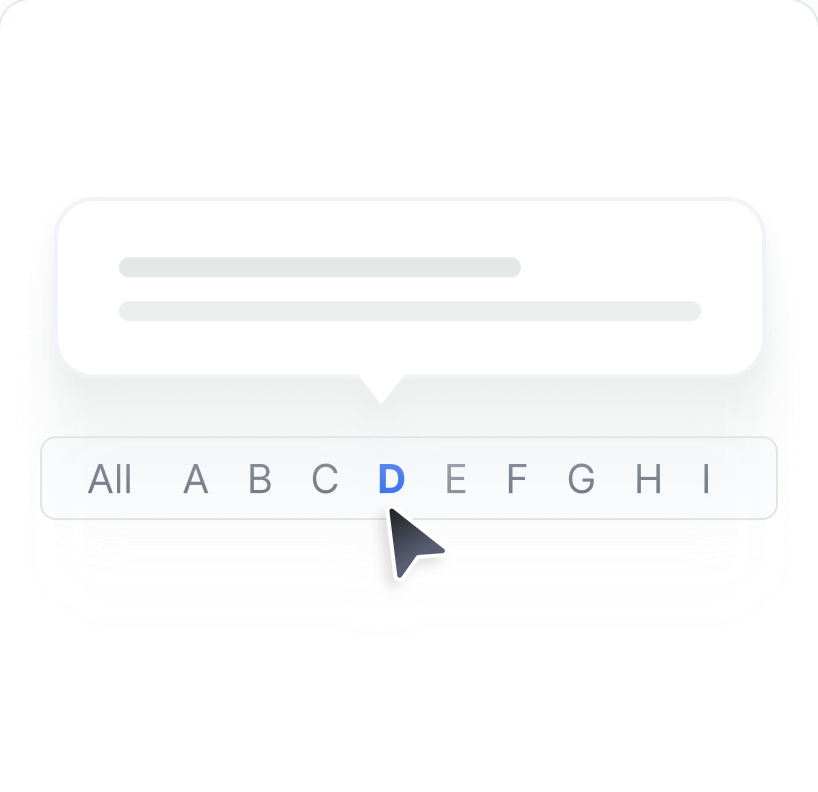
Define a term once. It explains itself on hover everywhere and rolls up into an A–Z page.
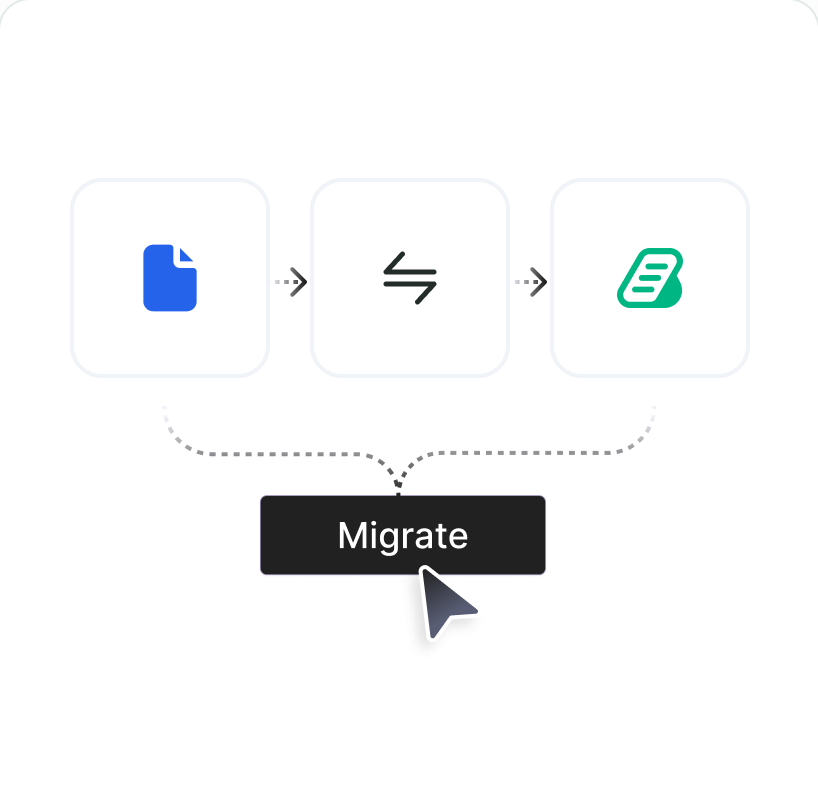
Help Scout importer, plus migration from weDocs, BSF Docs and Echo Knowledge Base.
For product and developer teams
API references generated from your spec, and Markdown docs that stay in sync with your repo.
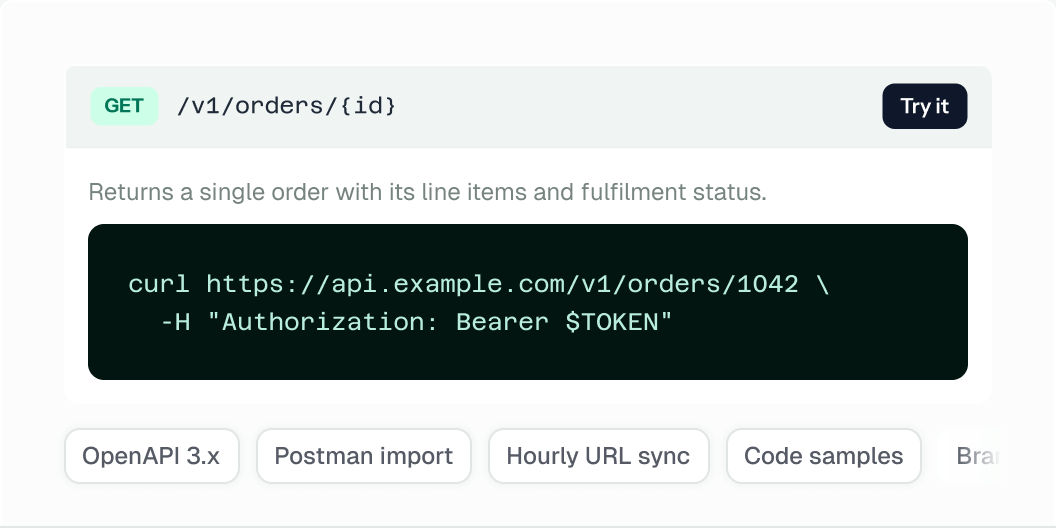
Upload a spec or point at a URL and it stays in sync hourly. Readers get an interactive reference with a Try-it playground; AI fills in the descriptions and examples your spec is missing.
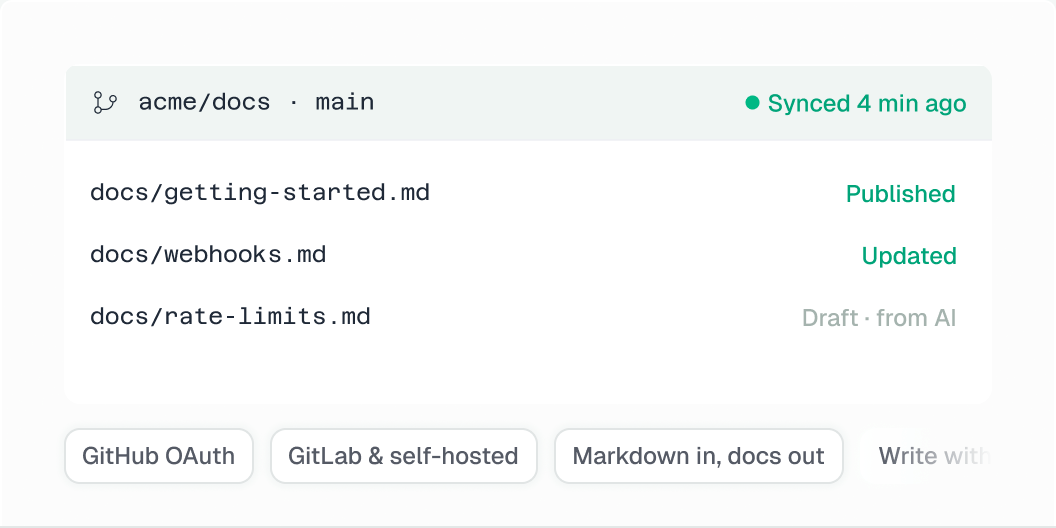
Keep docs as Markdown in GitHub or GitLab and they publish on the next sync — or write in WordPress and push back. Write with AI can draft straight from a repository, so a README becomes a doc in one step.
Analytik
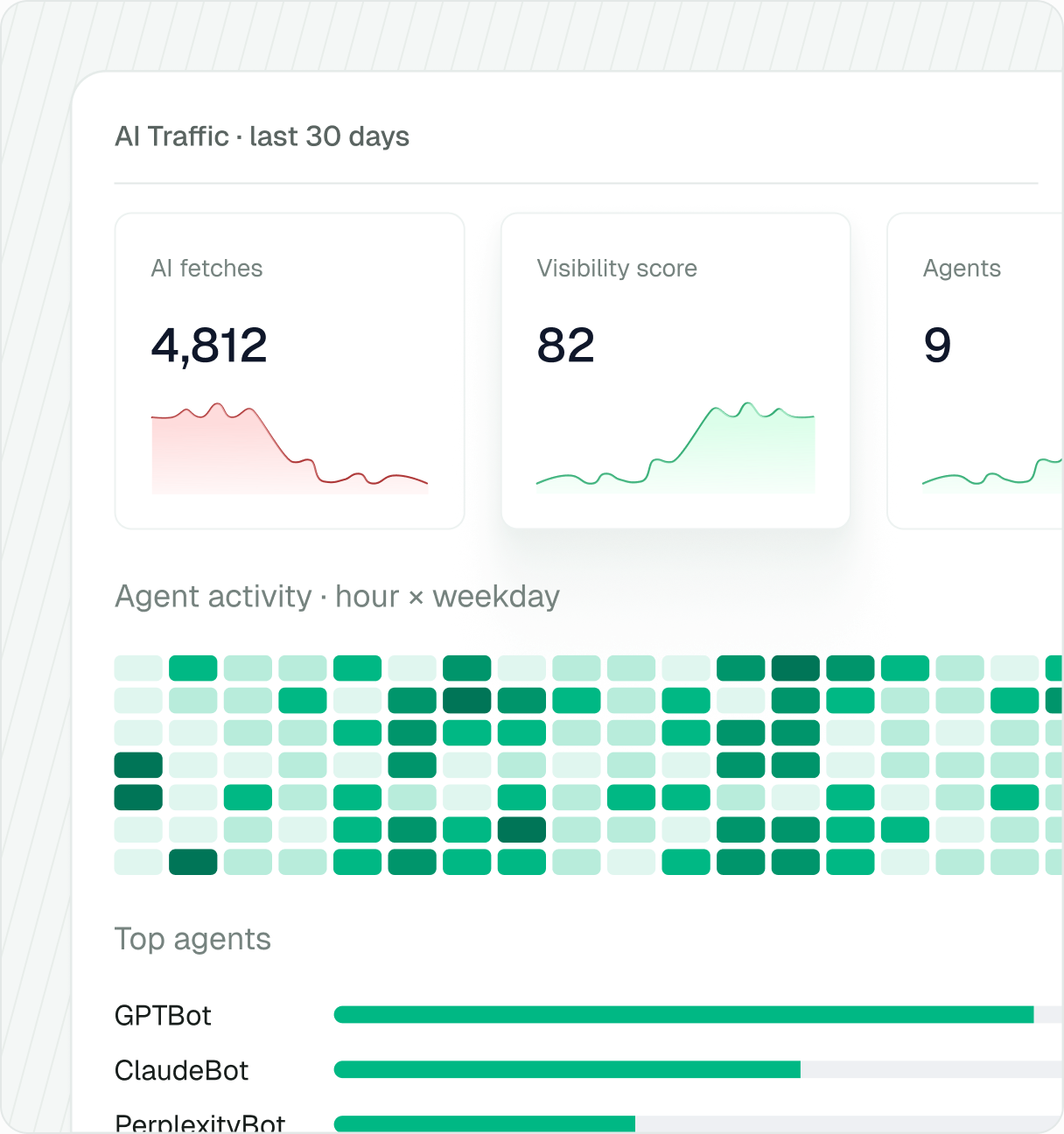
Not pageviews. Reading completion, the searches that came up empty, the links that broke, and which AI crawlers are fetching your docs.
↗ Reading completion, not just views
Scroll depth and finish rate per article, per author, per category.
⌕ Content Gaps
The searches that came up empty, clustered into topics, with a draft of the missing doc ready to go.
⧗ Stale Content & Duplicates
Flags docs that have gone out of date and docs that cover the same ground.
◎ Content Health Score
Grades every doc on structure, freshness, length and reader feedback.
✦ AI Traffic and Visibility Score
Which agents fetch which docs, when, and whether your site is set up to be cited.
∞ Link health
A weekly scan of every link in every doc, with the broken ones and where they live.
▣ Privacy controls built in
IPs anonymized by default, a cookieless mode, retention you set. Country breakdowns and GA4 mirroring are opt-in.
Preisgestaltung
Every paid plan is backed by a 100% no-risk money-back guarantee.
BetterDocs is free on WordPress.org with the MCP server and AI writing included. Pro adds everything below.
Best for agencies and businesses that want Pro on unlimited sites with a single payment.
$209
$299
Billed One Time
LoslegenUnlimited Active Sites
Lifetime Updates & Support
Everything in Free: MCP Server, Write with AI, AI FAQ Builder
AI Analytics & Content Intelligence
AI Instant Answer
API Documentation & Git Sync
Multiple & Internal Knowledge Bases
Add-on: AI Chatbot $8.99/mo or $69/yr
Best Value
Best for growing teams running documentation across multiple websites.
$112
$149
Billed Yearly
Loslegen
Unlimited Active Sites
1 Year of Updates & Support
Everything in Free: MCP Server, Write with AI, AI FAQ Builder
AI Analytics & Content Intelligence
AI Instant Answer
API Documentation & Git Sync
Multiple & Internal Knowledge Bases
Add-on: AI Chatbot $8.99/mo or $69/yr
Best for creators and small businesses launching a knowledge base on one site.
$55
$69
Billed Yearly
Loslegen1 Active Site
1 Year of Updates & Support
Everything in Free: MCP Server, Write with AI, AI FAQ Builder
AI Analytics & Content Intelligence
AI Instant Answer
API Documentation & Git Sync
Multiple & Internal Knowledge Bases
Add-on: AI Chatbot $8.99/mo or $69/yr
Best for agencies that need BetterDocs plus 10+ WPDeveloper premium plugins.
You’ll get Pro access to:


Highlights:
✓ Unlimited Active Sites
✓ 10+ Premium Products
✓ Priority Support From Experts










✓ Unlimited Active Sites & Lifetime Support
✓ AI-Powered ATS & Recruitment SaaS
✓ Most Popular Elementor Add-on
✓ AI-Powered Social Proof Marketing Tool
✓ AI-Powered Gutenberg Blocks Library
✓ AI-Powered Link Management Solution
✓ 6,500+ AI-Powered WordPress Templates
✓ Content Management Tool for WordPress
✓ AI-Powered Knowledge Base Plugin
✓ Advanced WordPress Payment Solution
✓ Embedding Solution with 250+ Sources
✓ Fast & Secure Hosting Solution for Agencies
More Exclusive Deals
Save BIG on 10+ premium WordPress & SaaS solutions
Grab The Deals →
▶
“Instead of searching through hundreds of documentation pages, users can simply chat with BetterDocs AI Chatbot and get instant answers.”
Bjorn Allpas
★★★★★
This plugin checks all the boxes for our documentation needs. There are many customizations available to make it look the way you want it. The search is quick and powerful. I love the automatic table of contents creation and how it links to different areas of a document. Overall, an excellent plugin.

mrgrooves
★★★★★
I have been using BetterDocs for many years for all my websites to create step by step documentations. BetterDocs is one the most advanced, user-friendly and feature-rich plugin that I've used so far. What makes BetterDocs understand out is its ease of use, plenty of useful features and awesome support from the team behind this product. Kudos to BetterDocs team!

nabinjaiswal
★★★★★
This is an excellent plugin for managing documentation. The layout is flawless in our custom theme and the plugin just works. We like being able to move the sections around. This plugin just works. And support is super fast and knowledgeable.

teoleonard
“BetterDocs turns your knowledge base into a 24/7 AI-powered support hub, delivering instant, accurate answers through RAG powered AI.”
Tin Rovic
BetterDocs is another popular knowledge base plugin for WordPress that boasts a clean and modern design, making it a great choice for creating an attractive and professional-looking knowledge base.

★★★★★
We had the idea of opening a section for our website where we could collect all the lists that mothers might need, and with this application, we were able to create practical lists with the design we wanted. A big thank you to its developers for offering us such a plugin.
Engineer Mom
BetterDocs, a very advanced freemium knowledge base creator. We quickly realized that this plugin had to be one part of our top selection when we first tested BetterDocs. BetterDocs has some of the HIGHEST quality, modern templates on the market. Plus, this WordPress documentation and knowledge base plugin works perfectly with Elementor.

▶
“People are getting used to asking chatbots for information. So adding BetterDocs AI Chatbot to your site is a great way to help them navigate.”
Alex Cooper
Questions
Is BetterDocs free?
Yes. The core plugin is free on WordPress.org and includes the knowledge base, AI FAQ Builder, MCP server and AI writing with your own API key. Pro adds AI Analytics, AI Instant Answer, multiple knowledge bases, API docs and Git sync.
Do I need an AI API key?
Not to start. Generating a sample knowledge base needs no key. For Write with AI, summaries and suggestions, add a key from OpenAI, Claude, Gemini, DeepSeek or OpenRouter.
What is the MCP server?
It lets AI assistants such as Claude, ChatGPT and Cursor read and update your docs from chat. Turn it on under BetterDocs → MCP, paste the URL into your assistant and approve the connection on your own site.
Warum ist eine Wissensbasis wichtig?
A knowledge base helps your users use your product or service easily with proper step-by-step directions, and reduces the load on your support team.
How can I customize the design?
You can customize it just the way you want. Start from a ready documentation layout, then fine-tune it with the BetterDocs widgets for Elementor or the BetterDocs blocks for Gutenberg.
Can I run more than one knowledge base?
Yes. BetterDocs Pro lets you run multiple knowledge bases on one site, each with its own categories and search.
Kann ich von meiner vorhandenen Dokumentationslösung migrieren?
Yes. BetterDocs has a built-in Help Scout importer and one-click migration from weDocs, BSF Docs, Echo Knowledge Base and PressApps.
Do I need BetterDocs Pro to use the AI Chatbot?
Yes. To use the BetterDocs AI Chatbot, you have to install and activate the BetterDocs Pro plugin.
Do I need to download the AI Chatbot add-on separately?
Yes. Download the chatbot add-on from the WPDeveloper store to install and activate it on your website.
How can website visitors send queries to the chatbot?
Visitors click the ‘Live Chat’ button on the front end of your site, then ask their questions in the ‘Chatbot’ tab.
Is there a money-back guarantee?
Yes. You are fully protected by our 100% no-risk money-back guarantee. If you aren’t fully satisfied with BetterDocs, reach out to our support team within 14 days of your purchase and we will refund you. No questions asked.
Install free, generate your first knowledge base from your own site, and connect it to the assistant you already use.