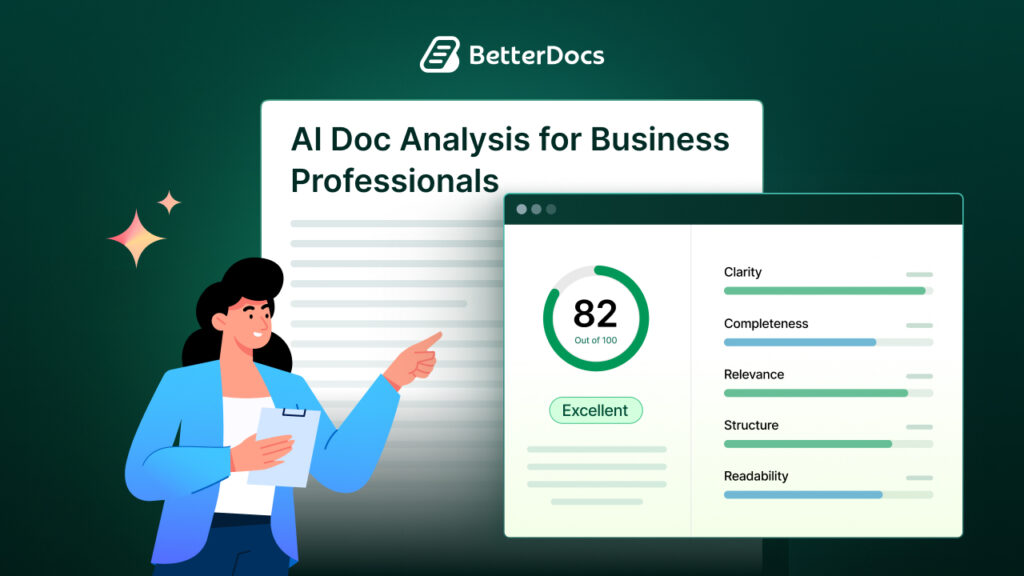
Documentation has always been a challenge. Be it development, support, marketing, or any team. So, outdated guides, missing information and frustrated users trying to figure things out on their own are some commonly faced issues. Now, AI promises to solve this problem by automatically generating documentation. But does AI-driven documentation actually work? To find that out, let us dive into today’s blog.
Strengths of AI Documentation Tools: How AI Improves Documentation?
AI documentation tools claim they can analyze your code and create clear, useful documentation without human effort. They scan through codebases, identify patterns and generate explanations. Some tools even update documentation automatically when code changes. It sounds perfect. No more begging developers to write docs. No more outdated README files sitting in repositories for years.
The technology uses large language models to understand code structure and purpose. These models have been trained on millions of lines of code and documentation. They can recognize common patterns and explain the functions they perform. They can also generate API references, code comments and even user guides. Here is how AI helps improve documentation.
Minimized Repetitive Tasks
AI excels in specific documentation tasks. It handles repetitive work exceptionally well. Generating API references from code is one area where AI performs reliably. If you have hundreds of functions that need basic descriptions, AI can draft them in minutes instead of hours. This alone saves significant time.
Explains Complex Logic
Code commenting is another strong aspect. AI can add inline comments to explain complex logic. While these comments sometimes miss context, they provide a solid starting point. Developers can then refine them as needed.
Helps Maintain Consistency
AI also helps maintain consistency across documentation. It uses the same terminology and formatting throughout. Human writers often introduce variations unintentionally, but AI maintains a uniform style. This makes documentation easier to navigate and understand.
For legacy codebases, AI offers real value. Many older projects have little to no documentation. AI can analyze this code and create initial documentation that provides new team members with a solid foundation. It may not be perfect, but it is better than nothing.
Common Limitations of AI-Generated Documentation

AI-generated documentation can be helpful for speed and coverage, but several limitations become clear when it is used in real-world projects. These gaps often affect clarity, accuracy, and long-term usability.
Lack of Business Context And Intent
AI understands syntax and structure, but it struggles to capture why a piece of code exists. It can describe what a function does technically, yet often misses the business rules, intent, or scenarios that led to its creation.
For example, a function named calculateDiscount() might be documented as “calculates the discount amount based on input parameters.” While accurate, this does notexplain when the discount applies, which users are eligible, or why certain edge cases exist—details that matter most to developers and stakeholders.
Poor Understanding of System Architecture
Good documentation goes beyond individual functions. It explains how components interact, how data flows through the system and what design decisions shaped the architecture.
AI typically documents code in isolation. It lacks the historical and strategic context needed to explain why a particular pattern was chosen, what alternatives were considered, or how different modules depend on one another.
Risk of Confident but Incorrect Information
One of the most serious limitations is accuracy. AI can generate documentation that sounds convincing but is factually wrong. This happens because it predicts likely patterns rather than truly understanding custom or unconventional implementations.
In one case, an AI documented a custom caching mechanism as a simple data retrieval function. The explanation looked legitimate but completely misrepresented how the system worked, making it misleading and potentially harmful for anyone relying on it.
Weak Handling of Domain-Specific Knowledge
AI often struggles with industry-specific logic, terminology and workflows that are not obvious from the code alone. Without explicit signals, it defaults to generic explanations that fail to reflect real-world use cases or specialized requirements. This results in documentation that feels technically correct but practically incomplete.
Generic Output That Misses User Needs
AI tends to produce broad, surface-level descriptions. It does not always know what users actually need, such as common pitfalls, practical examples, or guidance on when not to use a feature. As a result, the documentation may look complete but still leave readers with unanswered questions.
Verification Overhead And Long-Term Risk
Because AI-generated documentation cannot be trusted blindly, teams must manually verify every output. This reduces the time-saving benefits and introduces another risk: incorrect documentation being reused or fed into future AI models, creating a feedback loop of misinformation.
AI-Driven Documentation in Practice: Benefits with Human Oversight
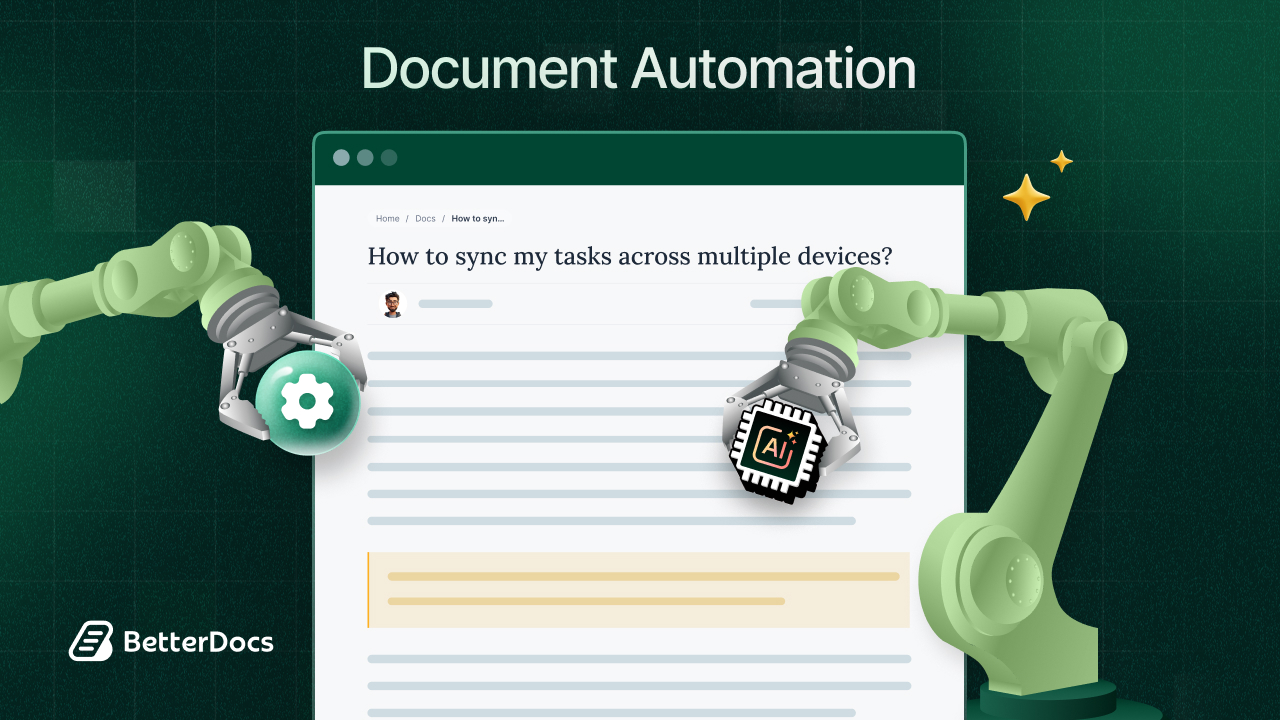
While AI-generated documentation has some limitations, it delivers strong value when used in the right contexts. When paired with human review, AI becomes a practical and scalable documentation assistant rather than a replacement.
Faster Baseline Documentation for Small Teams
AI is especially beneficial for startups and small teams that do not have dedicated technical writers. It enables them to generate baseline documentation quickly, ensuring that core functionality is documented from the start. As the product evolves, teams can refine and expand this foundation without starting from scratch.
Increased Efficiency for Internal Documentation
For internal documentation, AI performs particularly well. Since team members already review and validate content during development and code reviews, AI-generated drafts significantly speed up the process. Errors and gaps are naturally caught as part of normal workflows, reducing documentation overhead.
Meeting Tight Deadlines Without Sacrificing Coverage
When release timelines are tight, AI provides a pragmatic solution. Teams can generate initial documentation to support a launch and improve it over time. This approach is far more effective than shipping features with no documentation at all, which often creates support and onboarding issues later.
Easier Documentation Maintenance Over Time
AI is highly effective at keeping documentation in sync with code changes. When code is updated, AI can help identify which documentation sections need revision and even suggest updated content. This reduces the common problem of documentation becoming outdated as products evolve.
A Strong Hybrid Model: AI Plus Human Expertise
The most effective documentation strategy combines AI efficiency with human judgment. AI handles repetitive and time-consuming tasks, while humans focus on adding context, refining explanations and ensuring accuracy. This hybrid approach consistently produces better results than relying on either AI or humans alone.
Improved Clarity Through Human Review And Editing
Human oversight remains essential. Reviewers need to validate technical accuracy, add real-world examples, explain use cases, and fill in context that AI cannot infer from code. This step ensures the documentation is not only correct but genuinely useful.
Better Audience Awareness And Content Relevance
High-quality documentation depends on understanding the audience. AI does not inherently know whether it’ is writing for end users, junior developers, or senior architects. Humans make these distinctions and tailor the depth, language, and structure accordingly, ensuring the documentation helps readers achieve their specific goals.
Best Practices for Using AI Documentation Tools
To get real value from AI documentation tools, teams need clear guidelines and consistent human oversight. These best practices help ensure AI improves documentation quality without introducing risk.
Start with Low-Risk Documentation Areas
Begin by using AI in areas where mistakes are less costly, such as API references, code comments, or internal notes. This allows teams to evaluate accuracy and usefulness before applying AI to more critical or user-facing documentation.
Treat AI Output as a First Draft
AI-generated documentation should never be published as-is. Treat it as a draft that requires editing and refinement. Review for technical correctness, clarity and completeness, and ensure it aligns with what your audience actually needs.
Build AI into Human Review Workflows
AI works best when integrated into existing documentation and code review processes. Establish a workflow where AI generates content and humans review it systematically. Even under tight deadlines, this review step should not be skipped.
Use AI for Routine And Repetitive Tasks
Leverage AI for tasks like generating initial drafts, updating documentation after code changes, or maintaining reference material. Reserve final documentation, conceptual guides and strategic explanations for human writers.
Provide Strong Context to Improve Output Quality
AI performs better when given clear inputs. Well-structured code, meaningful naming conventions and existing documentation help AI generate more accurate and relevant content. Poor inputs almost always lead to poor documentation.
Involve Subject Matter Experts in Reviews
Ensure that subject matter experts review AI-generated documentation, especially for technical accuracy and domain-specific details. Their input helps catch subtle errors and adds depth that AI cannot provide on its own.
Continuously Monitor Quality and Feedback

Documentation quality should be monitored over time. Track user feedback, support tickets and common questions to identify gaps or inaccuracies in AI-generated content and refine your approach accordingly.
Supplement AI with Human-Written Guides for Complex Topics
For complex workflows, architectural decisions and business logic, rely on human-written documentation. AI can support these areas, but humans should lead the narrative to ensure clarity, reasoning, and practical guidance.
Utilize the Power of AI-Driven Documentation in WordPress
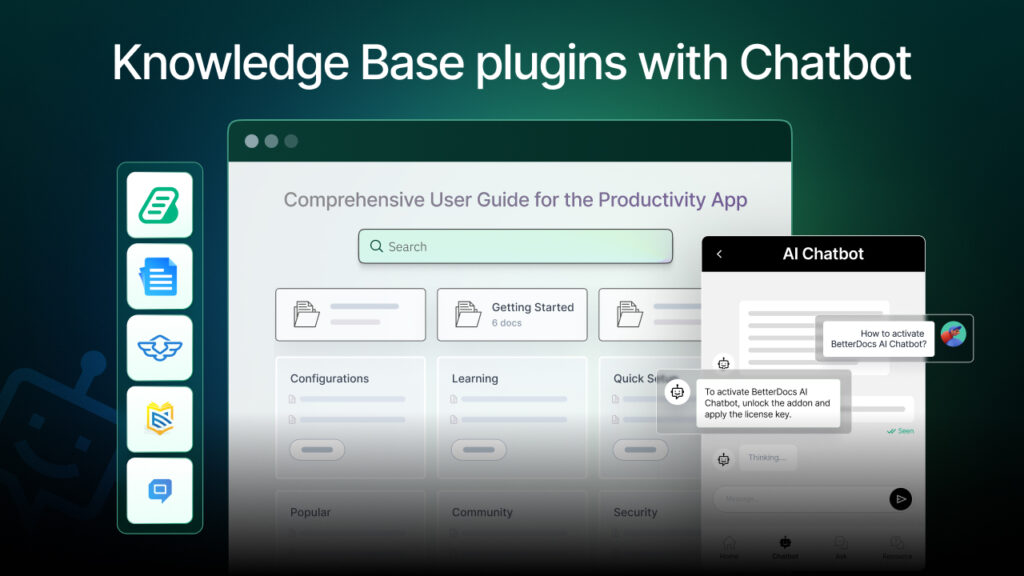
If you are someone using WordPress for your website and looking to build an effective knowledge base utilizing the power of AI, you can use plugins like BetterDocs. It brings the power of AI into customer support by making knowledge base creation and documentation faster, smarter and more scalable. With built-in AI features, teams can easily write high-quality documentation, summarize long articles, and support users in real time.
Whether you are a startup or an enterprise, BetterDocs helps you create consistent, easy-to-read support content that improves self-service and reduces repetitive support requests.
Il Write With AI feature allows you to generate detailed documentation, guides, FAQs and onboarding content instantly using simple prompts, making it easy even for non-technical users to produce polished docs. The AI Doc Summarizer condenses long or technical articles into clear, scannable summaries, helping readers quickly grasp key points. Together, these AI-powered features make BetterDocs a smart knowledge base plugin that makes AI-driven documentation a breeze.
Find the Right Balance Between AI And Humans in AI Documentation
So does AI-driven documentation really work? The answer is both yes and no. AI works remarkably well for specific tasks like generating API references, maintaining consistency, and creating initial drafts. It saves time and helps teams produce more documentation than they could manually.
However, AI does not replace human documentation writers. It produces generic, context-light content that misses crucial information users need. It makes mistakes that look convincing. It can not explain the “why” behind technical decisions or understand what your users actually need to know.
The future of documentation likely involves AI as a powerful assistant rather than a replacement. Teams that use AI to handle routine tasks while humans focus on context, accuracy, and user needs will see the best results. The technology will improve over time, but human judgment and expertise will remain essential for creating truly valuable documentation.
AI-driven documentation works when used appropriately with realistic expectations. It is a useful tool in your documentation toolkit, not a complete solution. Teams that understand both its capabilities and limitations can leverage AI effectively while avoiding its pitfalls. The key is finding the right balance between automation and human insight.
Was this blog helpful? Let us know in our Facebook Community. Also, subscribe to our blogs to get more blogs like this.