
BetterDocs PRO comes with amazing features like Natychmiastowa odpowiedź, Wnikliwe analizy, Wiele baz wiedzy, etc. which can supercharge your knowledge base experience.
How To Install BetterDocs PRO #
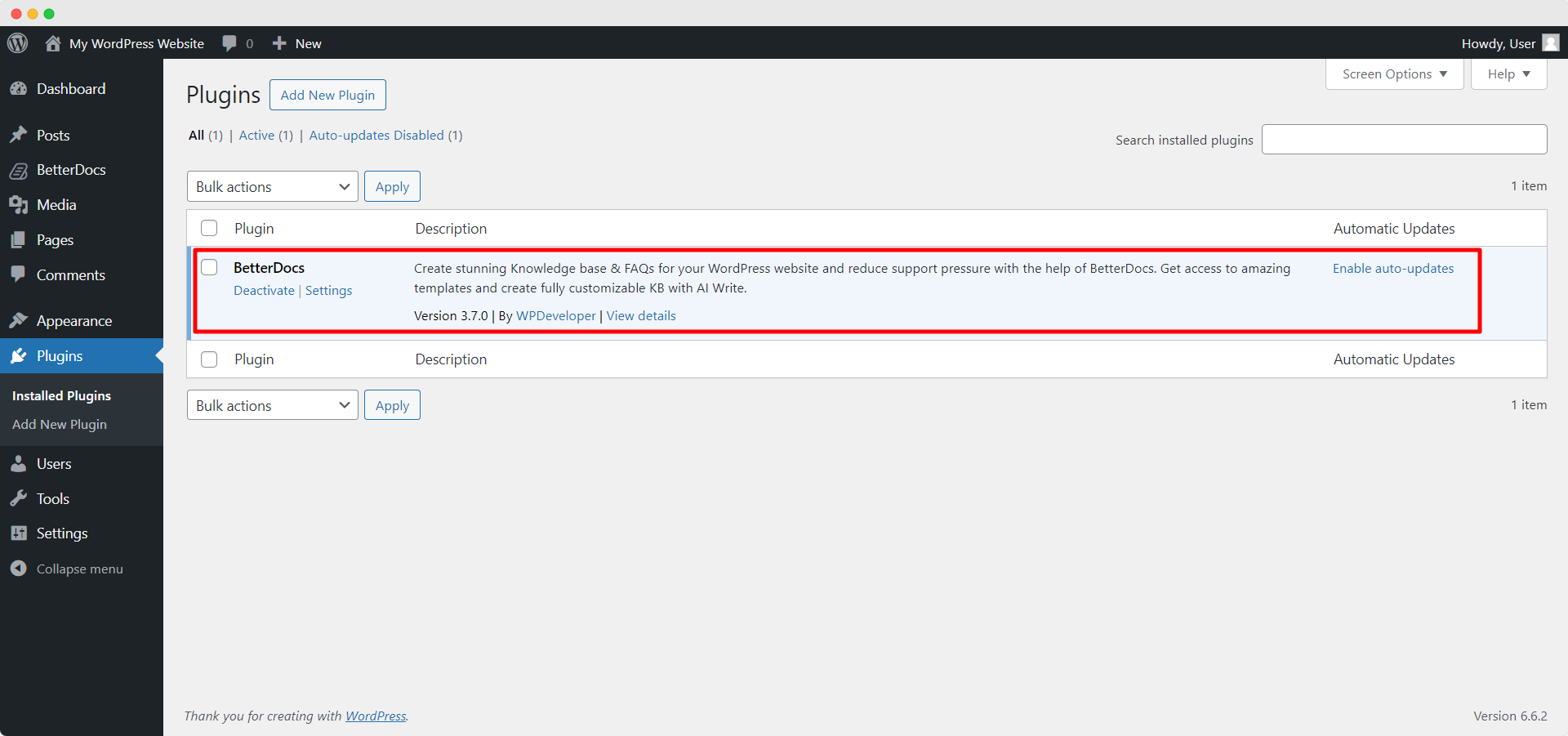
Krok 1: Upewnij się, że masz Installed and Activated the Free version of BetterDocs. You will need to keep the Free version activated to use the PRO Version.
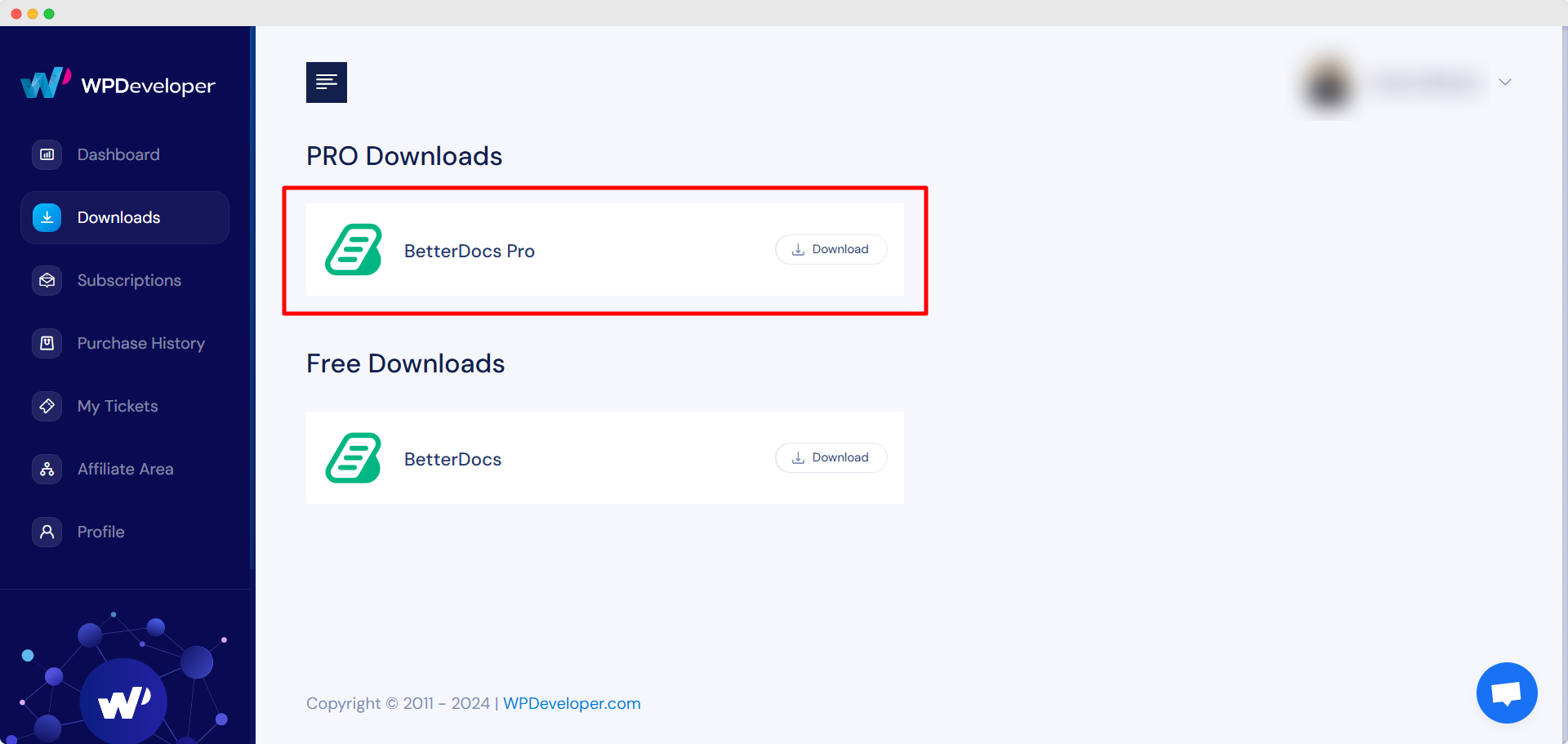
Krok 2: Idź do swojego Konto WPDeveloper and under the “Downloads” w zakładce zobaczysz swoje pliki do pobrania. Następnie pobierz plik wtyczki. Powinno to wyglądać betterdocs-pro.zip.
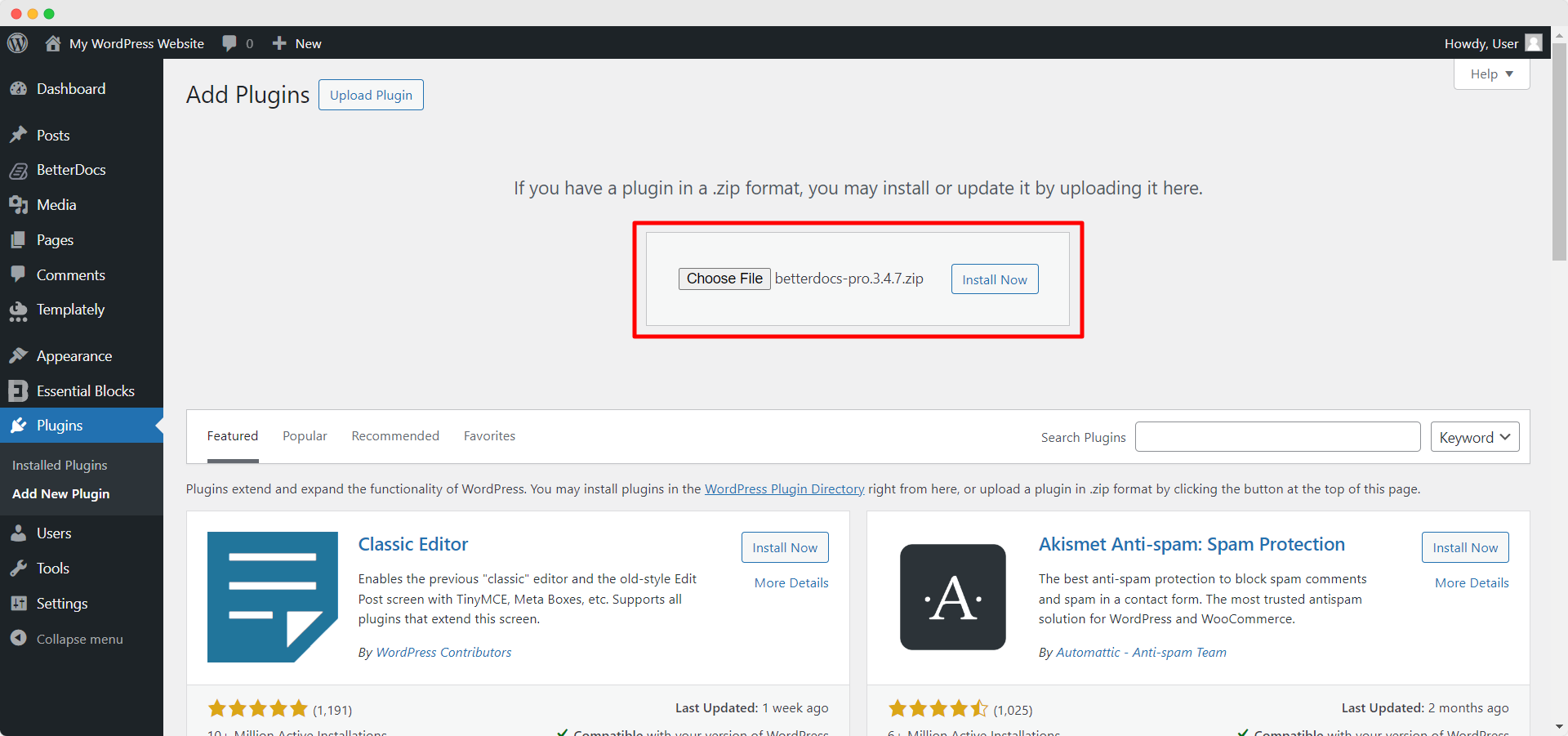
Krok 3: Następnie przejdź do swojego Wtyczki Strona z Pulpit nawigacyjny WordPress. Następnie kliknij 'Dodaj nowe' i przekaż pobraną wtyczkę BetterDocs PRO. Po pomyślnym przesłaniu kliknij ‘Install Now’ przycisk.
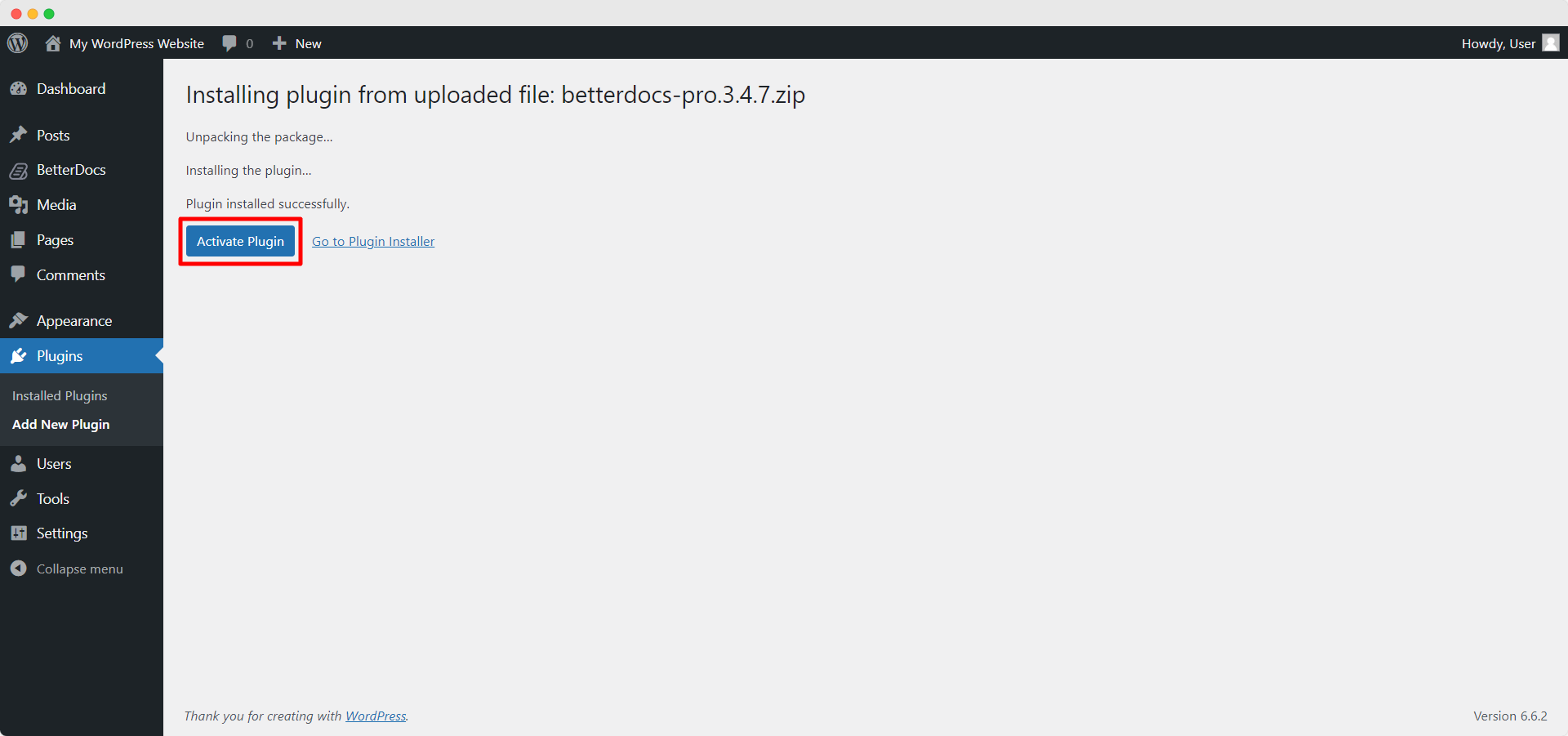
Krok 4: Po zakończeniu instalacji wystarczy kliknąć ‘Activate’ przycisk.
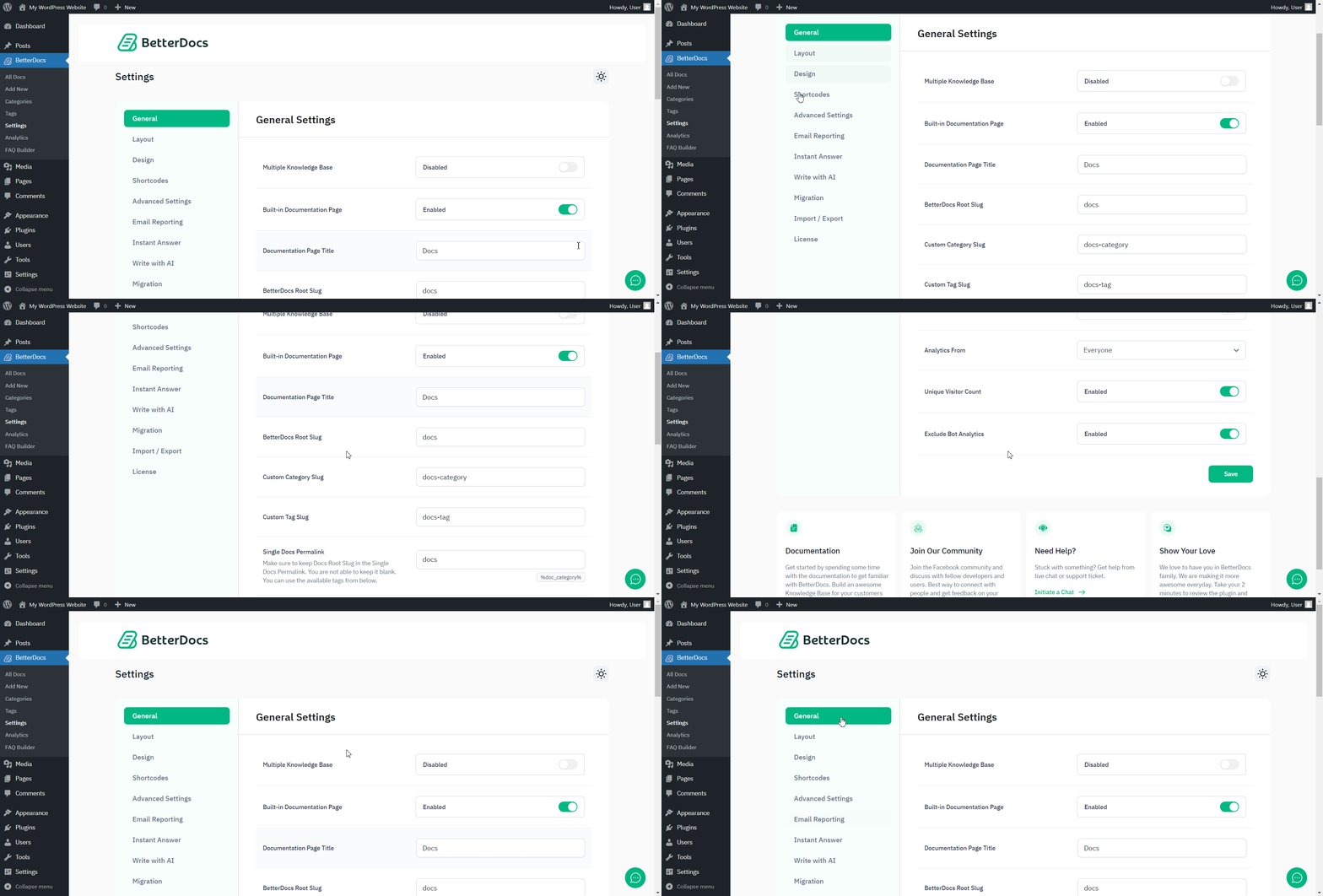
After activation, navigate to the plugin to use all the PRO features of BetterDocs. To configure the basic settings, go to the ‘Settings’ tab under the app. If you want to configure analytics, go to the ‘Analityka’ tab.
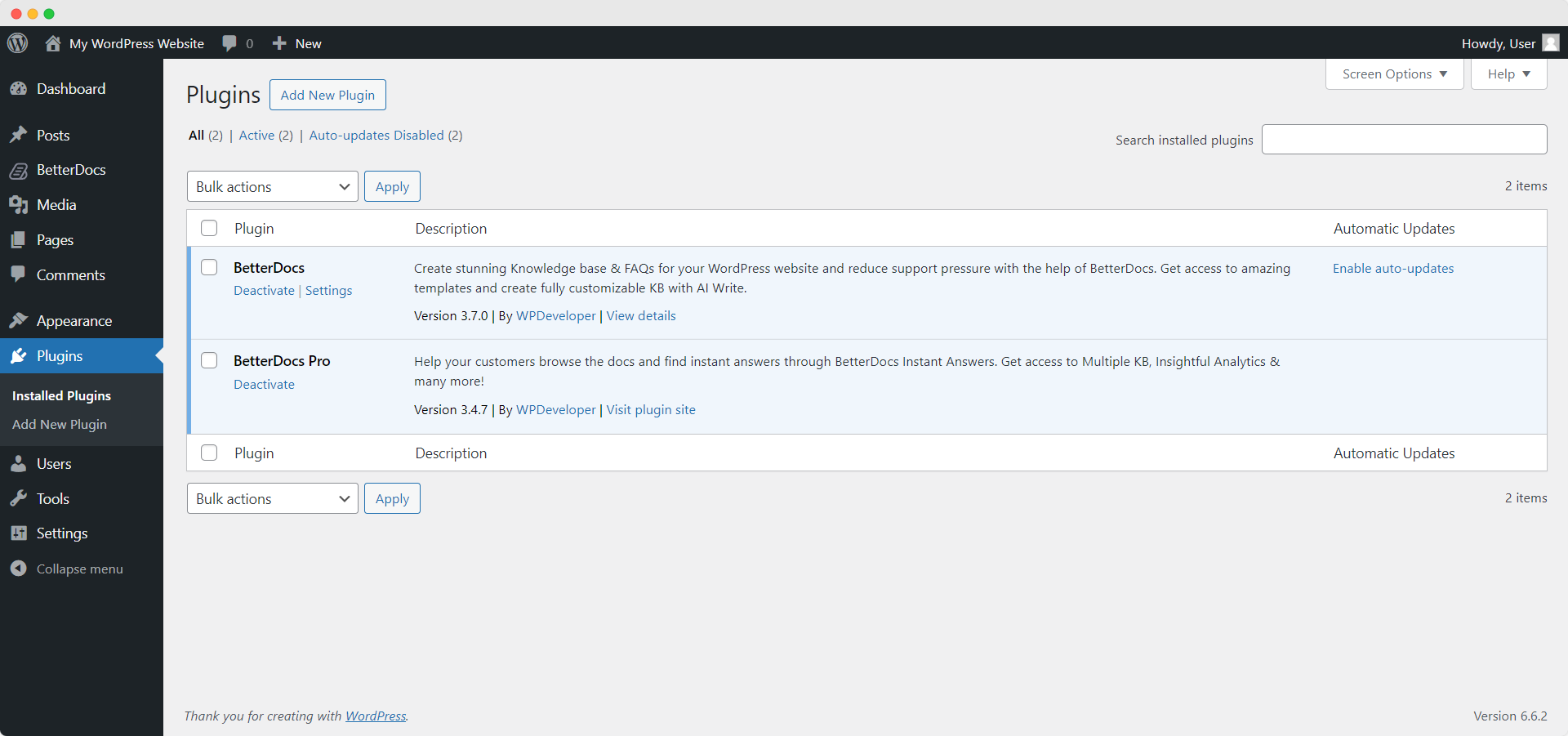
After you have finished activation of BetterDocs PRO, Tak będzie wyglądać strona wtyczek:
To activate the license key of BetterDocs PRO, you can check out this dokumentacja.
Utknąć? Skontaktuj się z nami dedicated support team for any further assistance.




