
BetterDocs 带有高级 Drag & Drop Builder, which allows you to organize all your documentation instantly. You can easily move any content to another category and sort it according to your preferred order. Most impressively, you can add a new post, edit it, or even delete your existing posts from one place.
Before you begin, make sure that you have created some posts in BetterDocs and assigned categories to those posts. Once the posts are published, you can view them in the BetterDocs Drag & Drop interface. For more details, you can check out our article on 如何在BetterDocs中创建和发布文档. Now, let’s follow the below guidelines to use the Advanced Drag & Drop Builder and organize your content in BetterDocs:
Navigate To ‘All Articles’ Page #
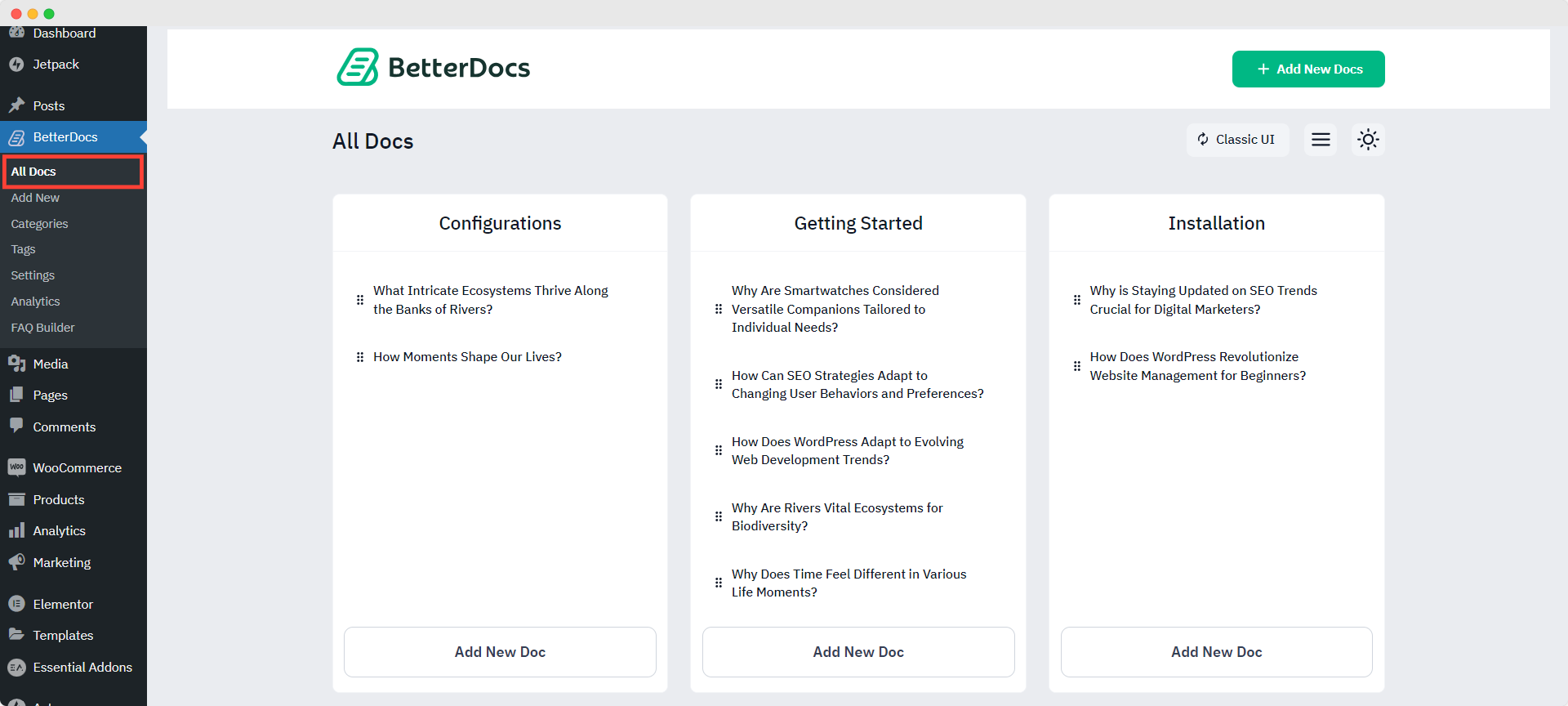
First, go to your WordPress Dashboard and then navigate to wp-admin-> BetterDocs->所有文章. On the ‘All Articles’ page, you will find the Drag & Drop Builder to sort out the documentation per your requirements. You will find each of the documents under its respective categories.
Move Docs From One Category To Another #
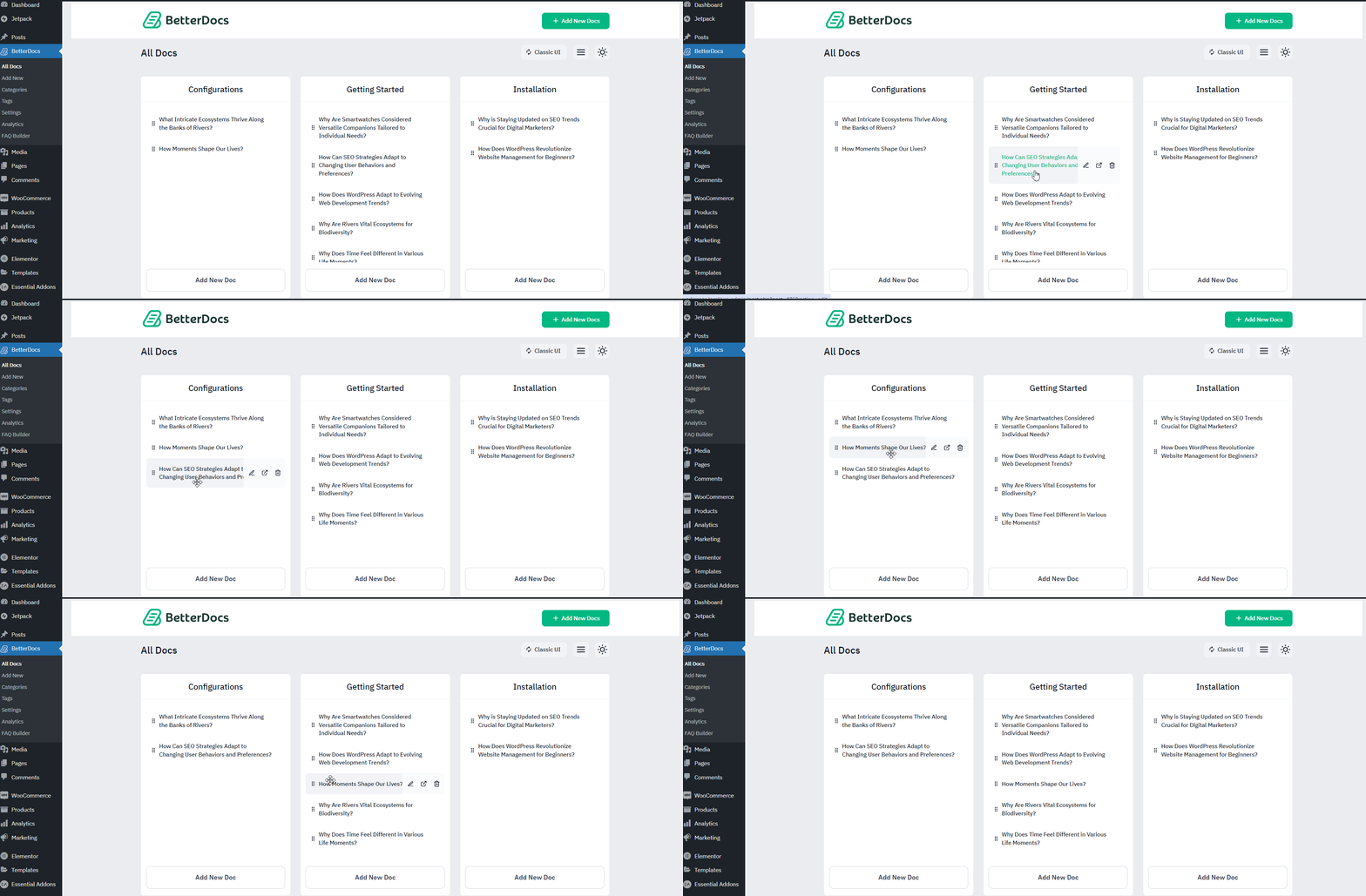
You can easily move your mouse over the document you want to move from one category to another, and then simply drag & drop it to your preferred category. It will be instantly saved. You can even sort out the order of the articles by moving them up or down as well.
Add A New Article #
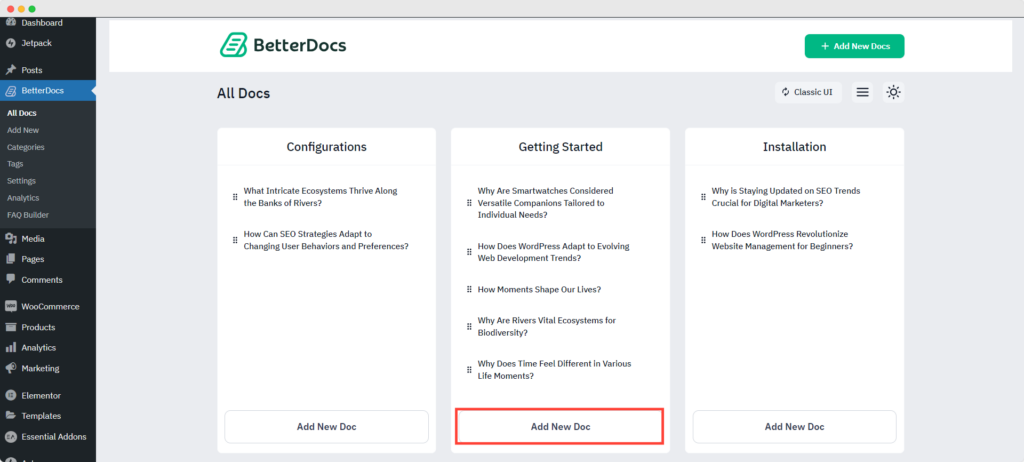
At the top of the screen, you will find the button ‘Add a New Article’ to create a new document. You will then be redirected to the new article page, where you can create your new document. Alternatively, you can click on the ‘Add New Doc’ button from the ‘Drag & Drop Builder’ to create a new Doc as well.
Edit Or Delete Articles #
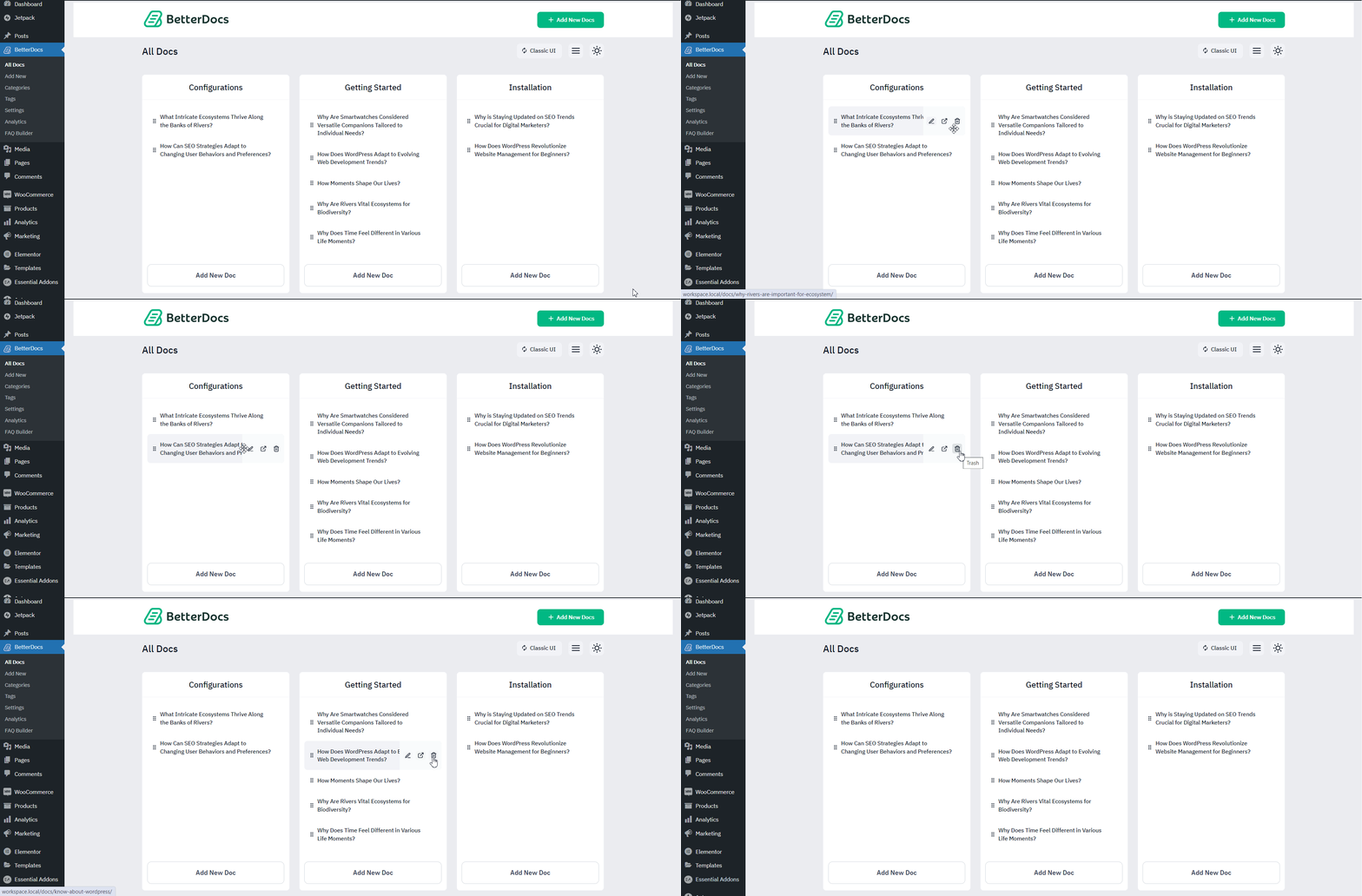
BetterDocs Drag & Drop Builder allows you to edit or delete your existing articles all from one place.
This is how, with the help of BetterDocs 拖放生成器,您可以立即整理您的内容,并为最终用户创建出色的知识库。
被卡住了吗?随时联系我们 专门的支持团队.




