
BetterDocs PRO comes with amazing features like Réponse instantanée, Analyses perspicaces, Base de connaissances multiple, etc. which can supercharge your knowledge base experience.
How To Install BetterDocs PRO #
Étape 1: Assurez-vous d'avoir Installed and Activated the Free version of BetterDocs. You will need to keep the Free version activated to use the PRO Version.

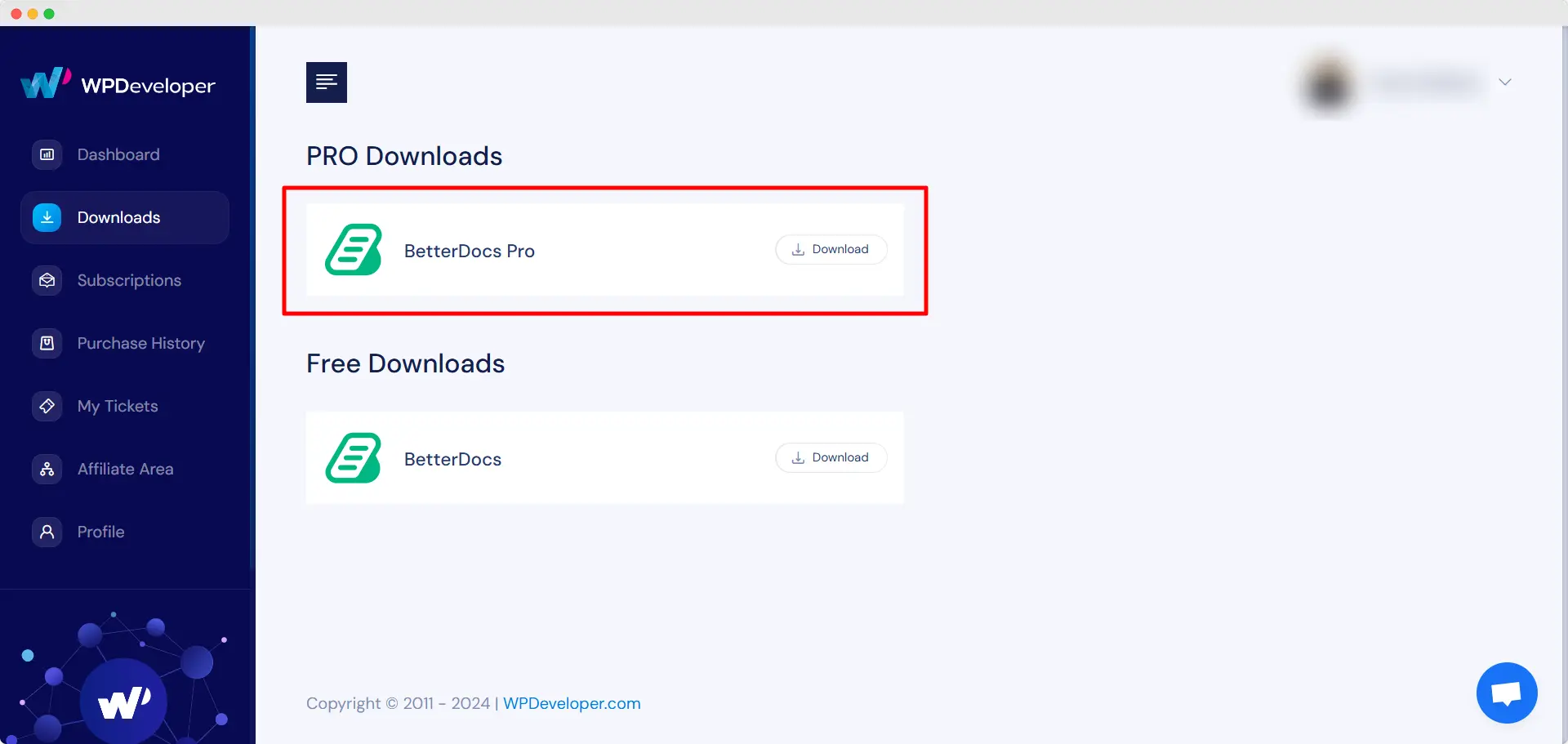
Étape 2: Allez à votre Compte WPDeveloper and under the “Downloads” onglet, vous verrez vos fichiers téléchargeables. Ensuite, téléchargez le fichier du plugin. Cela devrait ressembler betterdocs-pro.zip.
Étape 3: Ensuite, allez à votre Plugins une page de Tableau de bord WordPress. Cliquez ensuite sur «Ajouter nouveau» et téléchargez le plugin BetterDocs PRO que vous avez téléchargé. Après avoir réussi le téléchargement, cliquez sur le ‘Install Now’ bouton.

Étape 4: Une fois l'installation terminée, cliquez simplement sur le ‘Activate’ bouton.

After activation, navigate to the plugin to use all the PRO features of BetterDocs. To configure the basic settings, go to the ‘Paramètres’ tab under the app. If you want to configure analytics, go to the ‘Analytique’ tab.
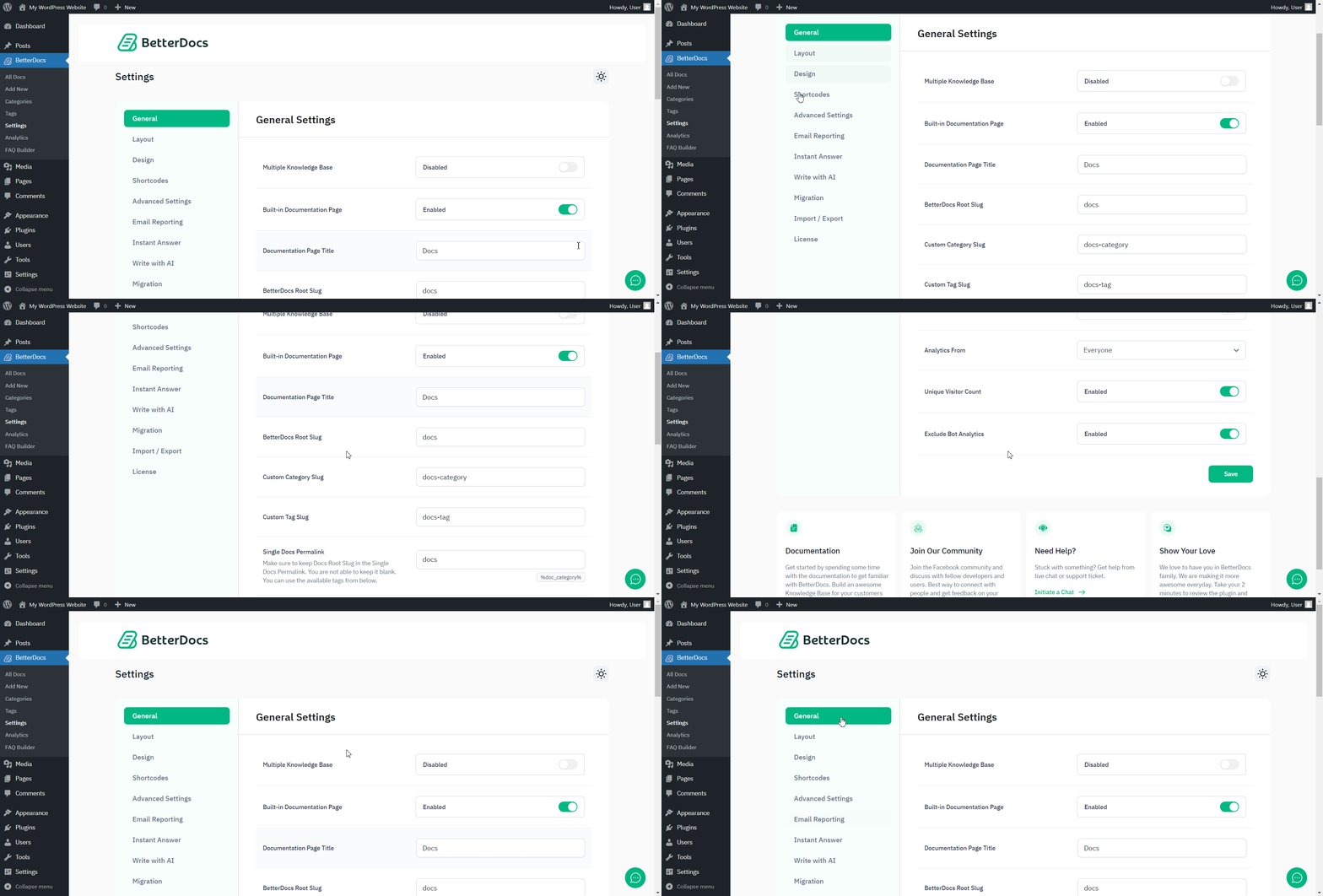
After you have finished activation of BetterDocs PRO, Voici à quoi ressemblera votre page de plugins:

To activate the license key of BetterDocs PRO, you can check out this Documentation.
Être coincé? N'hésitez pas à contacter notre dedicated support team for any further assistance.




