
BetterDocs प्रो comes with amazing features like तुरंत जवाब, व्यावहारिक विश्लेषण, मल्टीपल नॉलेज बेस, etc. which can supercharge your knowledge base experience.
How To Install BetterDocs PRO #
चरण 1: सुनिश्चित करें कि आपके पास है Installed and Activated the Free version of BetterDocs. You will need to keep the Free version activated to use the PRO Version.

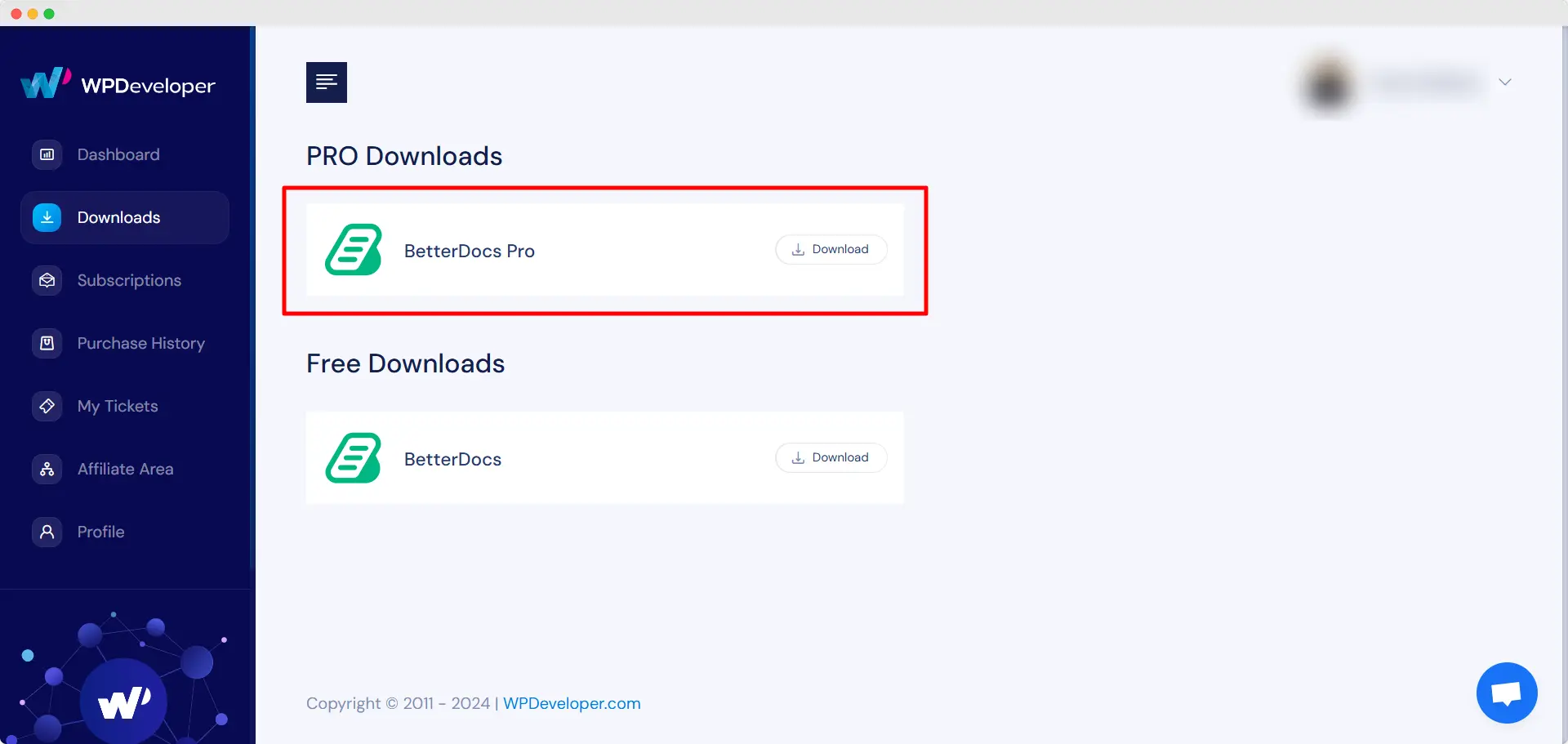
चरण 2: अपने पर जाओ WPDeveloper खाता and under the “Downloads” टैब, आप अपनी डाउनलोड करने योग्य फ़ाइलों को देखेंगे। बाद में, प्लगइन फ़ाइल डाउनलोड करें। यह दिखना चाहिए betterdocs-pro.zip.
चरण 3: बाद में, अपने पर जाएँ प्लगइन्स से पृष्ठ WordPress डैशबोर्ड। फिर पर क्लिक करें 'नया जोड़ें' विकल्प और डाउनलोड किए गए BetterDocs प्रो प्लगइन अपलोड करें। सफलतापूर्वक अपलोड करने के बाद, पर क्लिक करें ‘Install Now’ बटन।

चरण 4: स्थापना समाप्त होने के बाद, बस पर क्लिक करें ‘Activate’ बटन।

After activation, navigate to the plugin to use all the PRO features of BetterDocs. To configure the basic settings, go to the ‘Settings’ tab under the app. If you want to configure analytics, go to the ‘एनालिटिक्स’ tab.
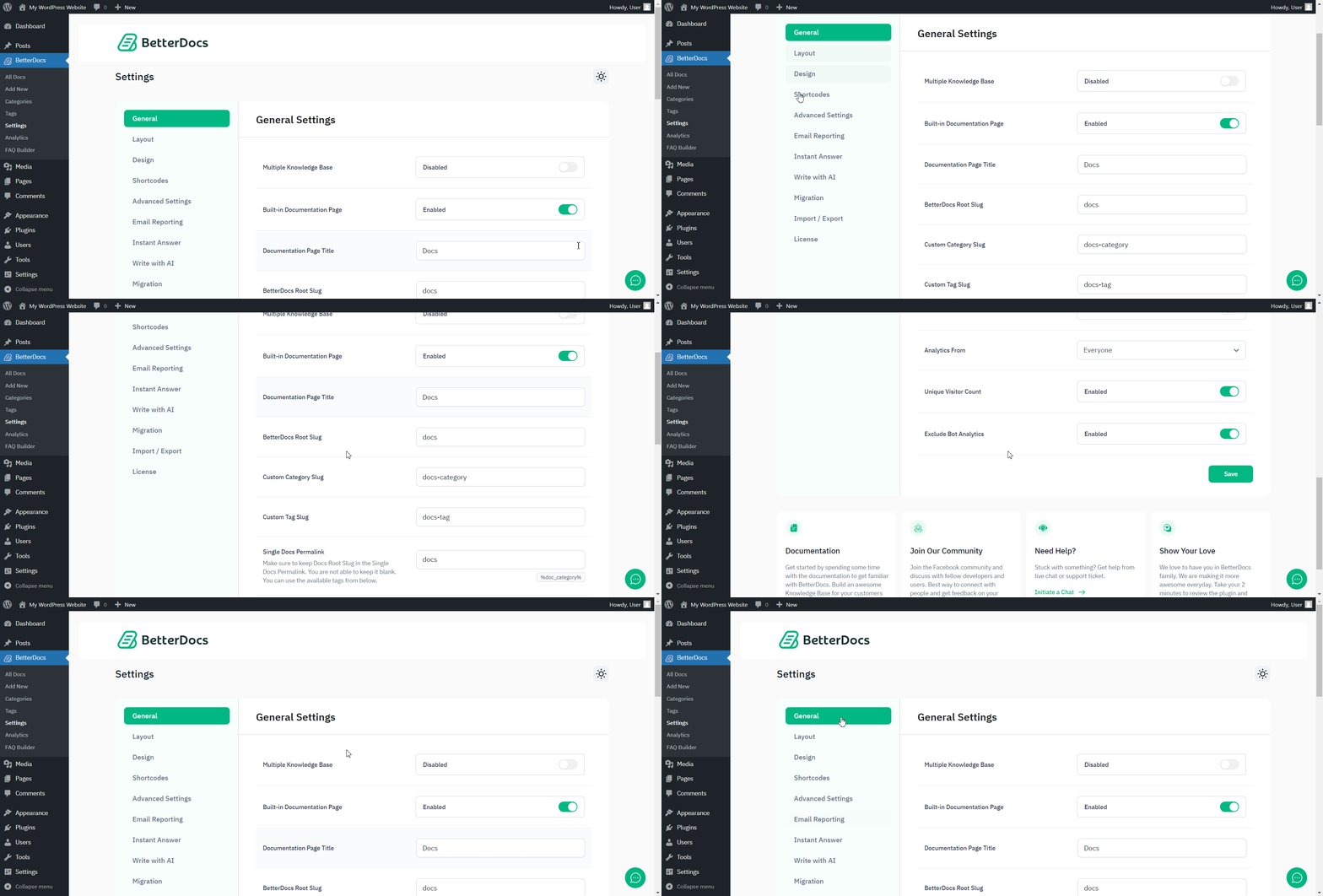
After you have finished activation of BetterDocs प्रो, यह कैसे आपके प्लगइन्स पृष्ठ की तरह दिखेगा:

To activate the license key of BetterDocs PRO, you can check out this प्रलेखन.
फँस गया हूँ? बेझिझक हमारे संपर्क करें dedicated support team for any further assistance.




