
BetterDocs PRO comes with amazing features like Răspuns instant, Analiză interesantă, Baza de cunoștințe multiple, etc. which can supercharge your knowledge base experience.
How To Install BetterDocs PRO #
Pasul 1: Asigurați-vă că aveți Installed and Activated the Free version of BetterDocs. You will need to keep the Free version activated to use the PRO Version.

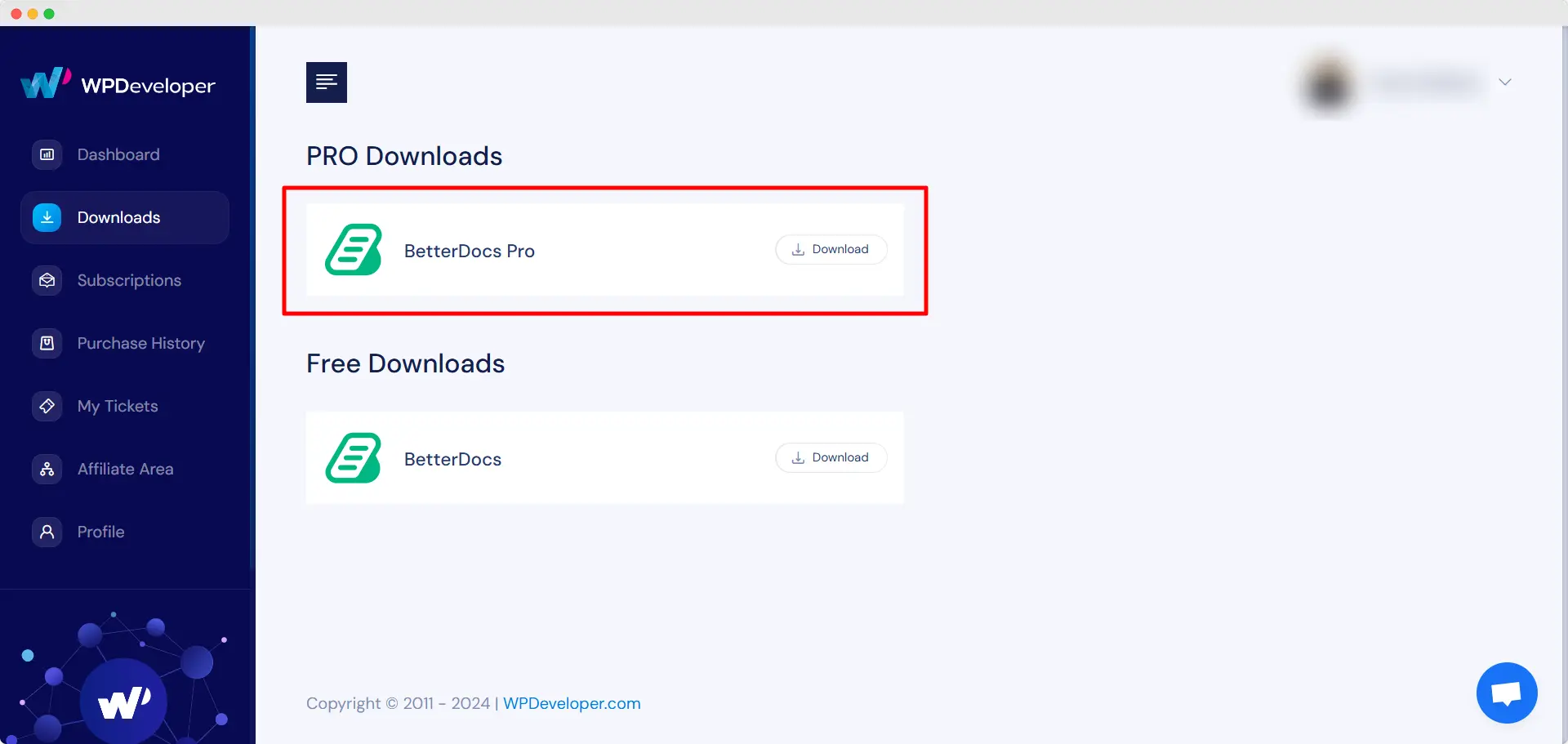
Pasul 2: Mergeți la dvs. Cont WPDeveloper and under the “Downloads” fila, veți vedea fișierele dvs. descărcabile. După aceea, descărcați fișierul plugin. Ar trebui să arate ca. betterdocs-pro.zip.
Pasul 3: După aceea, du-te la tine Plugin-uri pagina din Tablou de bord WordPress. Apoi faceți clic pe butonul 'Adăuga nou' opțiunea și Încărcați pluginul BetterDocs PRO pe care l-ați descărcat. După încărcare cu succes, faceți clic pe butonul ‘Install Now’ buton.

Pasul 4: După terminarea instalării, pur și simplu faceți clic pe butonul ‘Activate’ buton.

After activation, navigate to the plugin to use all the PRO features of BetterDocs. To configure the basic settings, go to the ‘Setări’ tab under the app. If you want to configure analytics, go to the ‘Google Analytics’ tab.
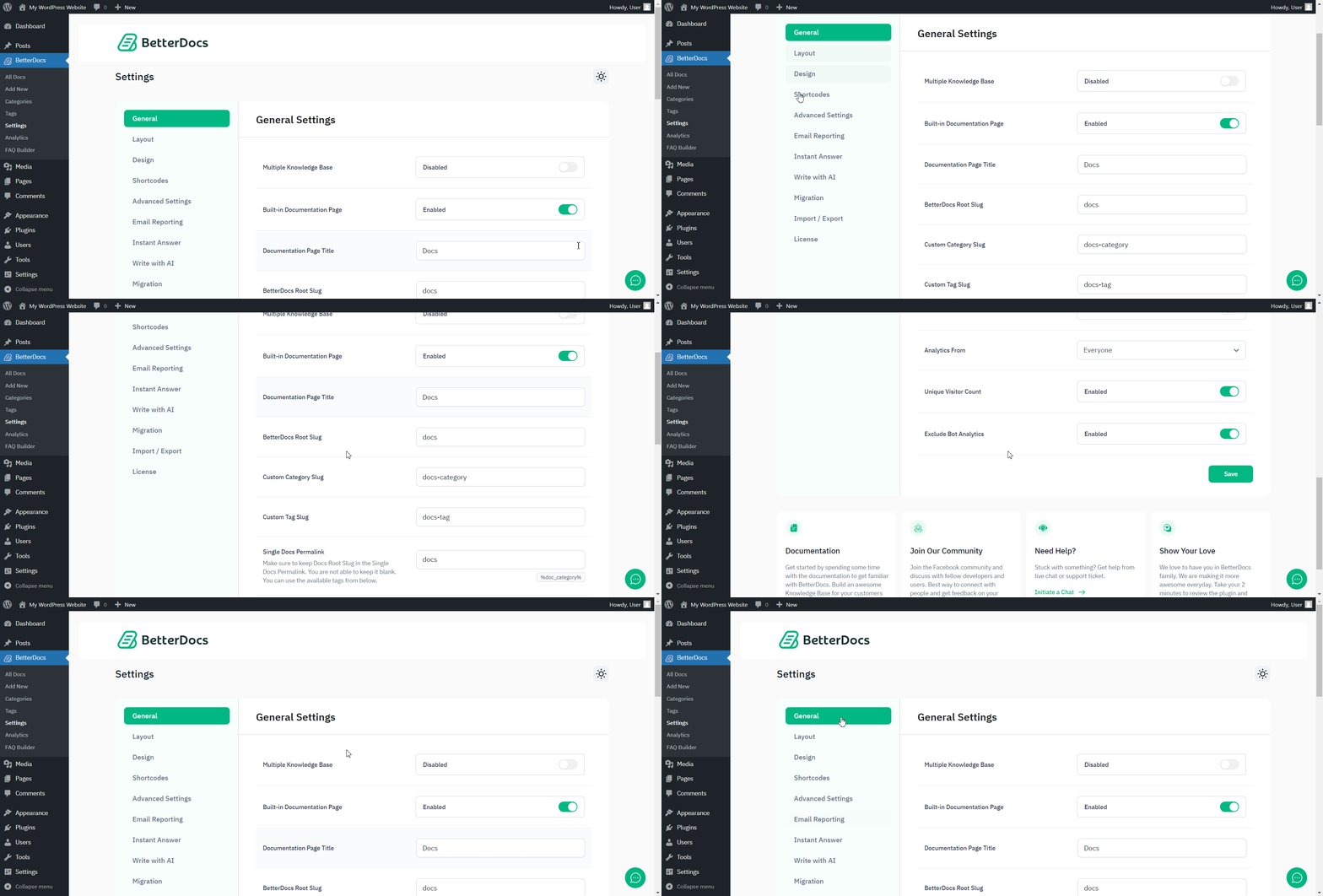
After you have finished activation of BetterDocs PRO, Astfel va arăta pagina dvs. de pluginuri:

To activate the license key of BetterDocs PRO, you can check out this documentație.
A rămâne blocat? Nu ezitați să ne contactați dedicated support team for any further assistance.




