
BetterDocs PRO comes with amazing features like Мгновенный ответ, Проницательная аналитика, Множественная база знаний, etc. which can supercharge your knowledge base experience.
How To Install BetterDocs PRO #
Шаг 1: Убедитесь, что у вас есть Installed and Activated the Free version of BetterDocs. You will need to keep the Free version activated to use the PRO Version.

Шаг 2: Перейти к вашей WPDeveloper account and under the “Downloads” На вкладке вы увидите загружаемые файлы. После этого загрузите файл плагина. Должно выглядеть betterdocs-pro.zip.
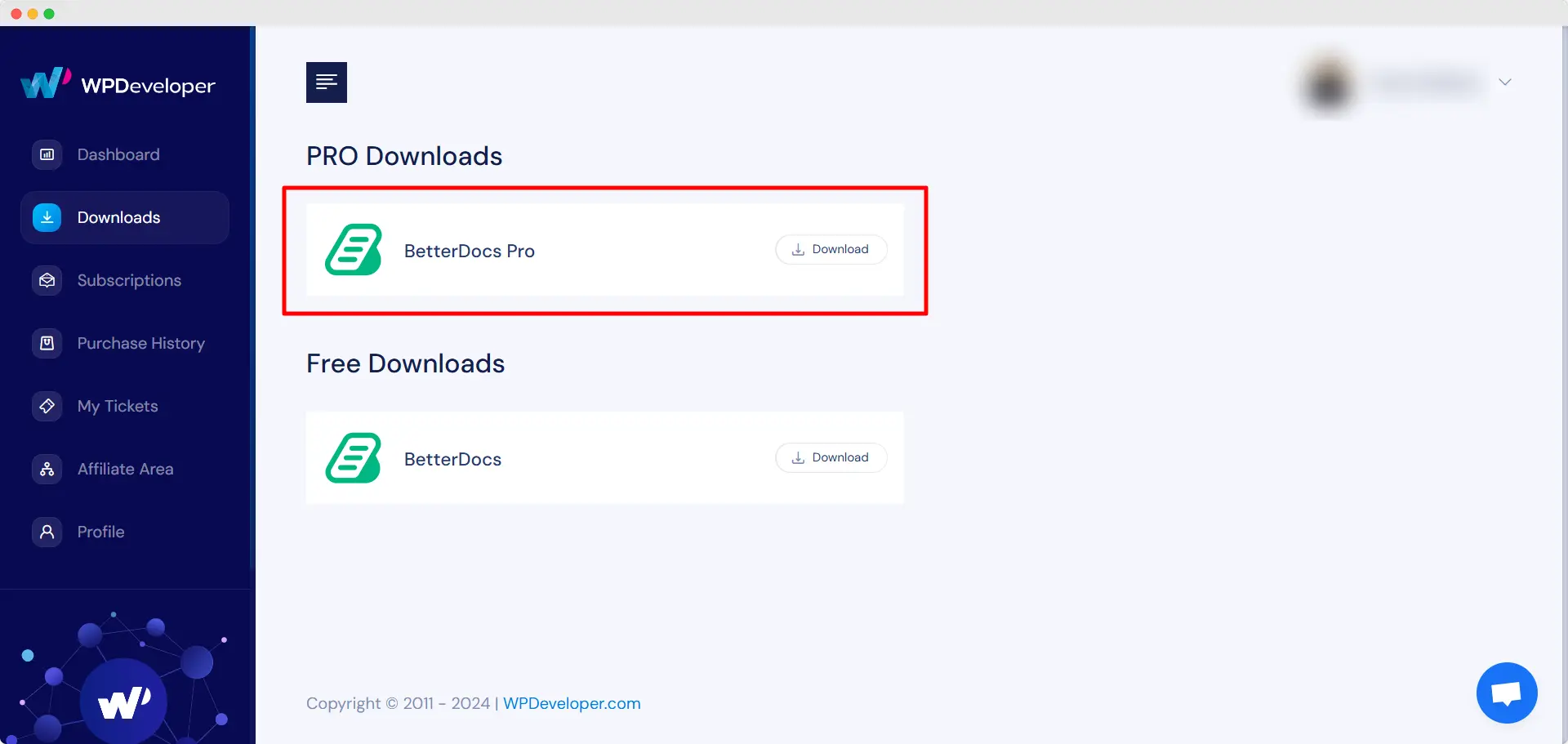
Шаг 3: После, перейдите к вашему Плагины страница от WordPress Панель приборов. Затем нажмите на 'Добавить новое' и загрузите плагин BetterDocs PRO, который вы скачали. После успешной загрузки, нажмите на ‘Install Now’ кнопка.

Шаг 4: После завершения установки просто нажмите на ‘Activate’ кнопка.

After activation, navigate to the plugin to use all the PRO features of BetterDocs. To configure the basic settings, go to the ‘Настройки’ tab under the app. If you want to configure analytics, go to the ‘аналитика’ tab.
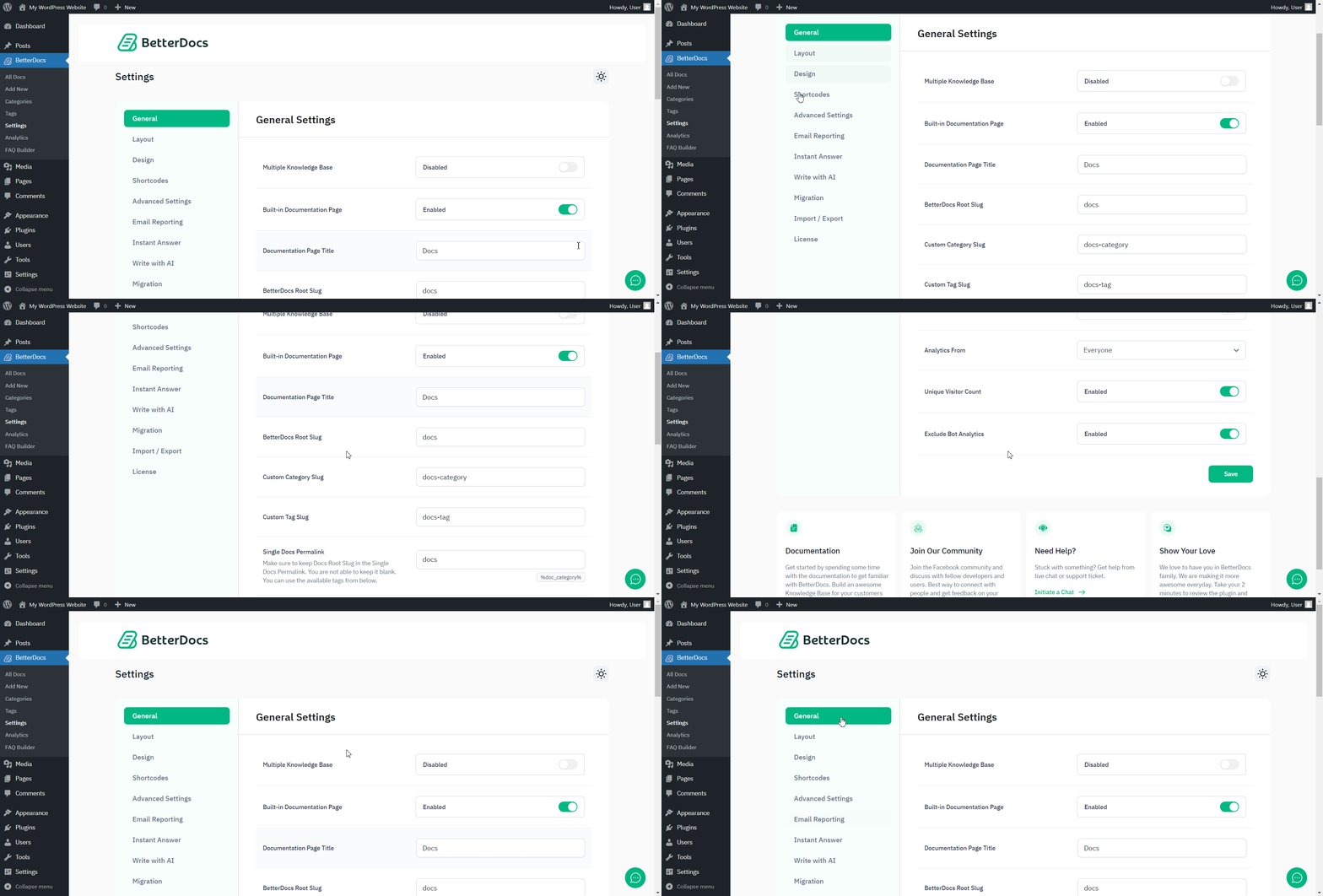
After you have finished activation of BetterDocs PROВот так будет выглядеть ваша страница плагинов:

To activate the license key of BetterDocs PRO, you can check out this документация.
Застрять? Не стесняйтесь обращаться к нашим dedicated support team for any further assistance.




