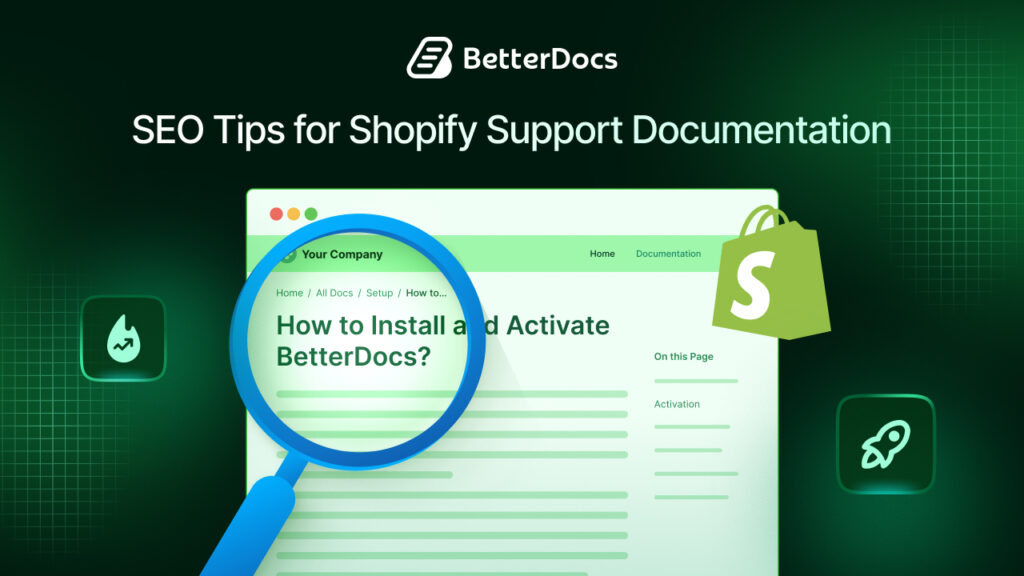
If you run a Shopify store, you have probably spent a lot of time optimising your product pages, category pages and blog posts for search engines. But there is one section of your website that often gets completely overlooked: your support documentation.
Shopify support documentation includes help articles, FAQs, how-to guides, troubleshooting pages and policy explanations. Most store owners treat these pages as internal elements, something they throw together quickly so customers can find answers on their own.
But here is the thing: these pages can rank on Google. And when they do, they bring in highly targeted traffic from people who are actively looking for help with Shopify-related problems.
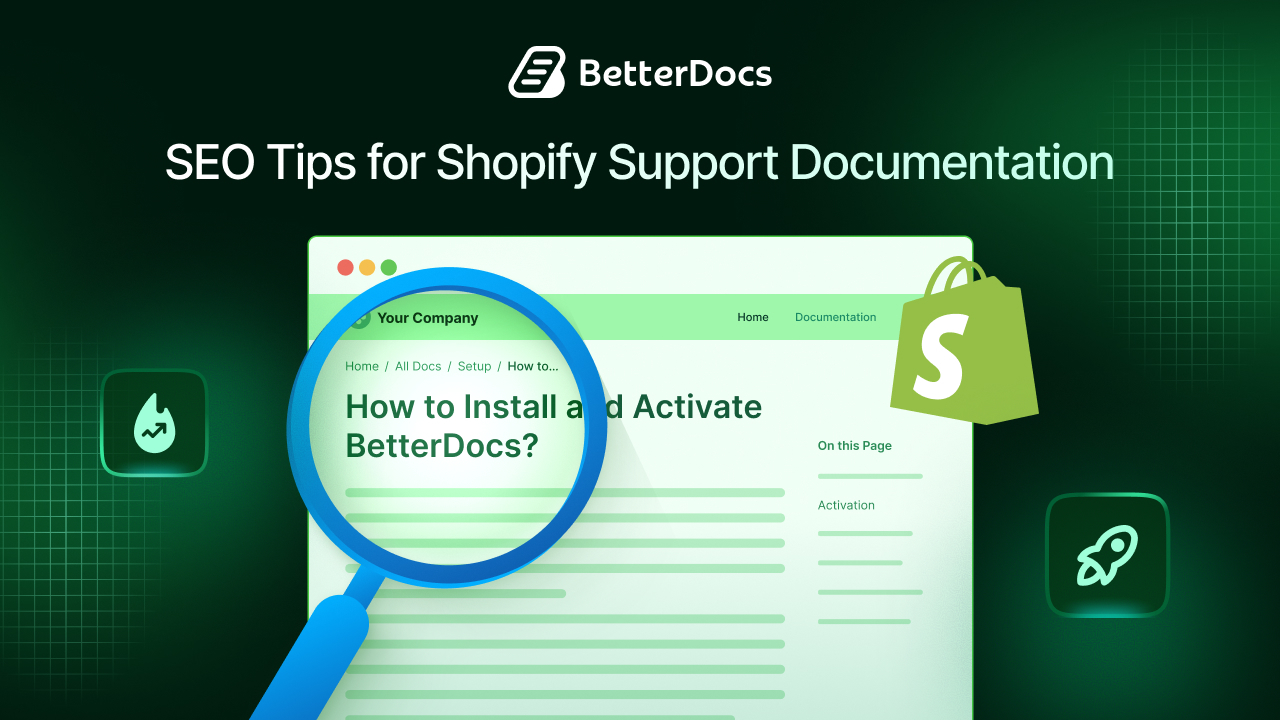
According to HubSpot, companies that publish consistent educational content, including support documentation, generate significantly more leads than those that do not. Search engines love helpful, structured, clearly written content. Your support docs can be exactly that.
This guide covers practical, actionable SEO tips to help your Shopify support documentation rank better, attract the right audience and actually serve the people reading it.
TL;DR: Quick Summary
| Section | TL;DR |
| Why SEO for Support Docs Matters | Shopify support documentation can rank on Google and attract high-intent traffic from users searching for solutions. |
| 1. Do Keyword Research | Identify real search queries using tools like Google autocomplete, Ahrefs, or Search Console and build articles around user problems and questions. |
| 2. Write Search-Focused Titles | Use clear, specific titles that match search intent (e.g., “How to Issue a Refund on Shopify”). Avoid vague titles. |
| 3. Use SEO-Friendly Headings | Structure content with H1, H2, and H3 headings to help users scan content and help search engines understand page hierarchy. |
| 4. Write in Simple Language | Use short sentences, clear steps, and minimal jargon so readers quickly understand solutions and stay on the page. |
| 5. Balance Paragraphs & Lists | Use paragraphs for explanations and bullet or numbered lists for steps and features to improve readability and snippet chances. |
| 6. Optimize Meta Tags | Add keyword-focused meta titles and compelling meta descriptions to improve click-through rate from search results. |
| 7. Add Internal Links | Link related documentation articles together to help users navigate and to strengthen SEO through internal linking. |
| 8. Keep Docs Updated | Regularly update documentation to reflect platform changes and maintain accuracy and search rankings. |
| 9. Optimize for Mobile | Ensure mobile-friendly formatting, short paragraphs, responsive images, and fast page speed. |
| 10. Add Schema Markup | Use structured data like FAQ or HowTo schema to enable rich search results and improve visibility. |
Why SEO Matters for Shopify Support Documentation?
Before getting into the tips, it is worth understanding why this matters.
When a customer types “how to track my Shopify order” or “Shopify refund not processed” into Google, they are looking for a specific answer. If your support documentation shows up in those results, you accomplish several things at once. You capture organic traffic. You position your brand as knowledgeable and trustworthy. And you reduce the number of people reaching out to your support team because the answer is already out there, indexed by Google and easy to find.
Support content also tends to target long-tail keywords, specific phrases with lower competition but higher intent. These are the kinds of search terms that convert well because the person searching already knows what they need. Ranking for them does not require a massive domain authority. It requires well-written, well-structured content that directly answers the question.
The bottom line is simple: your support documentation is an untapped SEO asset. It is time to treat it like one. Below are the SEO tips for writing Shopify Support Documentation.
Tip 1: Do Keyword Research Before You Write Anything
Every piece of Shopify support documentation should start with keyword research. This is not optional; it is the foundation of everything else.
The goal is to identify the exact language your customers use when they search for help. You might call a feature “order management,” but your customers might be searching “how to change a Shopify order after it’s placed.” Those are two very different things and the second one is what needs to be in your documentation.
Start with free tools. Google’s autocomplete feature is one of the easiest ways to find real search queries. Type a phrase related to your store or Shopify’s features and let Google show you what people are already searching for. The “People Also Ask” section on search results pages is another goldmine. It shows you related questions that your documentation could answer.
For more detailed data, tools like Ahrefs, Semrush, Ubersuggest, and Google Search Console give you actual search volume numbers, keyword difficulty scores and traffic estimates. Google Search Console is free and particularly useful because it shows you which queries are already bringing people to your existing pages, even if those pages are not ranking very high, yet.
When doing keyword research for support documentation, think in terms of:
- Questions (“how to”, “why is”, “what does”)
- Problems (“not working”, “error”, “failed”, “not showing”)
- Actions (“set up”, “connect”, “cancel”, “refund”, “edit”)
Build your articles around these phrases. Your focus keyword should appear naturally in your primary articles, metadata and internal linking anchor text.
Tip 2: Write Titles That Match Exactly What People Search For
Your article title is doing two jobs at once. It tells Google what the page is about and it convinces the reader to click.
Generic titles like “Order Help” or “Payments” do not work for SEO. They are too vague for Google to confidently rank them for anything specific and they do not give the reader enough information to know if they’re in the right place.
Strong support documentation titles are specific, action-oriented and closely match real search queries. Compare these two examples:
- Weak: “Refund Information”
- Strong: “How to Issue a Refund on Shopify: A Step-by-Step Guide”
The second title tells Google exactly what the page covers. It also tells the reader, who may be in a hurry or frustrated, that this is exactly what they are looking for.
Include your primary keyword in the title naturally. Do not stuff it awkwardly, but make sure it is there. For Shopify support docs, titles that begin with “How to,” “Why,” “What is,” or “Fixing [Problem]” tend to perform well because they mirror the way people actually phrase their searches.
Also, aim to keep titles under 60 characters where possible, so they display fully in Google search results without being cut off.
Tip 3: Structure Your Documentation with SEO-Friendly Headings
Once someone lands on your support article, they are usually scanning, not reading word by word. They are looking for the specific section that answers their question. This means your headings need to do a lot of the heavy lifting.
From an SEO perspective, headings (H1, H2, H3) help Google understand the structure and hierarchy of your content. Each heading is a signal about what that section covers. If your headings are vague or missing altogether, Google has a harder time figuring out how to categorize your page.
Your H1 should be your main article title; the primary topic of the page. H2 headings should cover the major sections. H3 headings can break those sections down further when needed.
A well-structured Shopify support article might look like this:
- H1: How to Set Up Shopify Payments for Your Store
- H2: What Is Shopify Payments?
- H2: Requirements Before You Get Started
- H2: Step-by-Step Setup Guide
- H3: Step 1 – Go to Payment Settings
- H3: Step 2 – Select Shopify Payments
- H2: Common Issues and How to Fix Them
- H2: Related Articles
This structure is clean, logical, and easy for both readers and search engines to follow. It also increases your chances of appearing in Google’s featured snippets, which display directly at the top of search results, often before traditional organic listings.
Tip 4: Write in Simple, Clear Language
This one sounds obvious, but it is where a lot of support documentation falls apart.
Your readers are coming to your documentation because they are confused or stuck. The last thing they need is dense paragraphs packed with technical jargon and long sentences. Complicated writing creates friction and friction makes people leave.
Write at a reading level that most people can follow without effort. Use short sentences. Break complex processes into steps. Avoid acronyms unless you explain them first. Read your content out loud; if it feels unnatural or hard to follow, simplify it.
From an SEO perspective, readability matters more than most people realise. Google’s algorithms assess user behaviour signals like bounce rate and time on page. If people land on your documentation and immediately leave because it is too confusing, that tells Google the page isn’t delivering what it promised. Over time, this pushes your rankings down.
A good rule of thumb: if a 15-year-old could not understand your support article, it needs to be rewritten. Clear writing keeps readers on the page, builds trust, and signals to Google that your content is genuinely useful.
Tip 5: Balance Paragraphs And Bullet Points Thoughtfully
There is a tendency in content writing to either write wall-to-wall paragraphs or break absolutely everything into bullet points. Neither extreme works well for support documentation.
Paragraphs are great for context, explanation and background information. Bullet points and numbered lists are great for steps, features, options and comparisons. The key is knowing when to use each.
Use numbered lists when the order of steps matters, like a setup process or a troubleshooting sequence. Use bullet points when listing items that do not have a specific order. Use paragraphs to explain the why behind something, or to provide context that a list can not capture effectively.
Mixing these formats thoughtfully also improves your chances of appearing in featured snippets. Google often pulls numbered steps directly from support articles and displays them at the top of search results. A well-formatted how-to article gives your content the best shot at this kind of visibility.
Avoid creating very long bullet lists; more than six or seven items in a row become hard to read and can overwhelm the reader. If a list is getting that long, consider breaking it into subcategories or converting part of it into a short paragraph.
Tip 6: Optimise Meta Titles And Meta Descriptions
Every support article you publish should have a custom meta title and meta description. These are the two lines of text that appear in Google search results and they play a direct role in whether someone clicks on your link.
- Your meta title should include your target keyword and stay under 60 characters.
- Your meta description should summarise the article clearly in one or two sentences and stay under 155 characters.
It will not directly boost your ranking, but a compelling description significantly improves your click-through rate and it does influence your SEO performance over time.
Think of your meta description as a small advertisement for your article. It should tell the reader what they will find on the page and why it is worth clicking. Phrases like “step-by-step guide,” “quick fix,” or “learn how to” work well because they are action-oriented and set clear expectations.
If you are on Shopify, apps like Plug In SEO or Smart SEO can help you manage metadata across your help content more efficiently. On third-party documentation platforms, most tools give you a dedicated field to fill in metadata for each article.
Tip 7: Use Internal Links to Connect Related Content
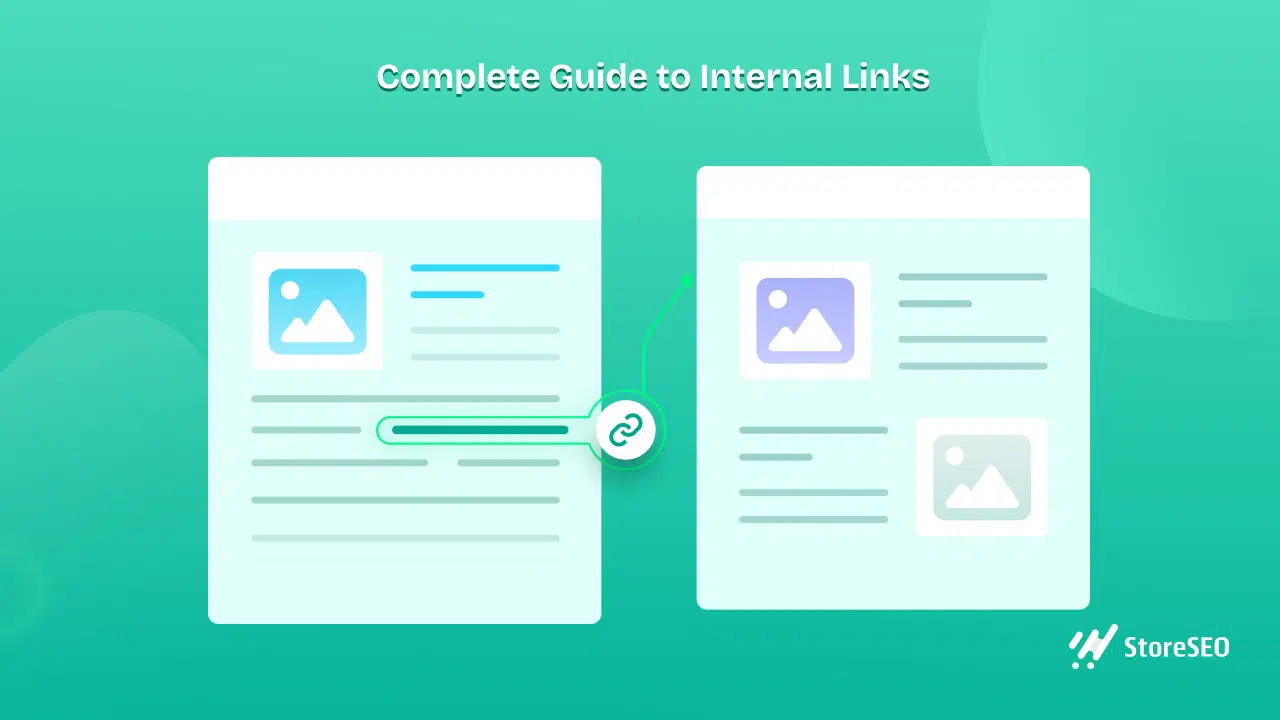
Internal linking is one of the most underused SEO tactics in support documentation and one of the most effective.
When you write a support article, think about what other articles on your site are related. An article about processing refunds could link to your returns policy. A guide on setting up shipping rates could link to your article on managing fulfilment options. Every internal link you add helps Google understand the relationship between your pages and it helps readers find additional information without leaving your site.
Internal links also distribute what SEO professionals call “link equity”, the authority and trust that flows through your site from one page to another. Pages that are well-linked internally tend to rank better than isolated pages with no connections.
When adding internal links, use descriptive anchor text. Instead of “click here,” use something like “read our guide on Shopify refund processing.” This gives Google more context about the page you are linking to.
Aim to add at least two to three internal links per support article. Over time, this creates a well-connected documentation library that both Google and your customers can navigate easily.
Tip 8: Keep Your Documentation Regularly Updated
Shopify releases updates frequently. Features change, interfaces get redesigned and processes get simplified or restructured. If your support documentation does not keep up, it becomes inaccurate and this is penalised by both readers and search engines.
Google favours fresh, accurate content. Pages that have not been updated in years tend to lose rankings over time, especially in fast-moving niches like eCommerce. A simple review and refresh, like updating screenshots, correcting outdated steps and adding new information, can give an older article a meaningful SEO boost.
Set a recurring schedule to audit your most important support articles. Every quarter is a good starting point. Check whether the steps still work correctly, whether any screenshots are outdated and whether there are new questions your documentation should be addressing.
You can also use Google Search Console to identify articles that are receiving impressions but not many clicks. These pages are being found by Google, but not compelling people to visit. Often, updating the meta description or refreshing the content is enough to improve performance.
Tip 9: Prioritise Mobile Optimization
According to Statista, over 60% of global web traffic now comes from mobile devices. A significant portion of the people reading your Shopify support documentation will be on a phone, possibly in the middle of trying to resolve an issue while also using their computer.
If your documentation looks cluttered, has tiny text, or requires horizontal scrolling on mobile, people will leave immediately. That high bounce rate signals to Google that your content is not delivering a good user experience, which negatively affects your rankings.
Keep paragraphs short; three to four lines at most. Use adequate spacing between sections. Make sure images and screenshots scale properly on smaller screens. Test every support article on a mobile device before publishing, and check again after any major updates.
Page speed is also a factor. Google has explicitly stated that page speed is a ranking signal, and slow-loading pages frustrate mobile users, particularly. Compress images before uploading, avoid heavy scripts, and use a Shopify theme that’s built for performance.
Tip 10: Add Schema Markup for Rich Results
This is a more technical tip, but it is worth knowing about. Schema markup is a type of structured data you can add to your support documentation to help Google understand what kind of content is on the page.
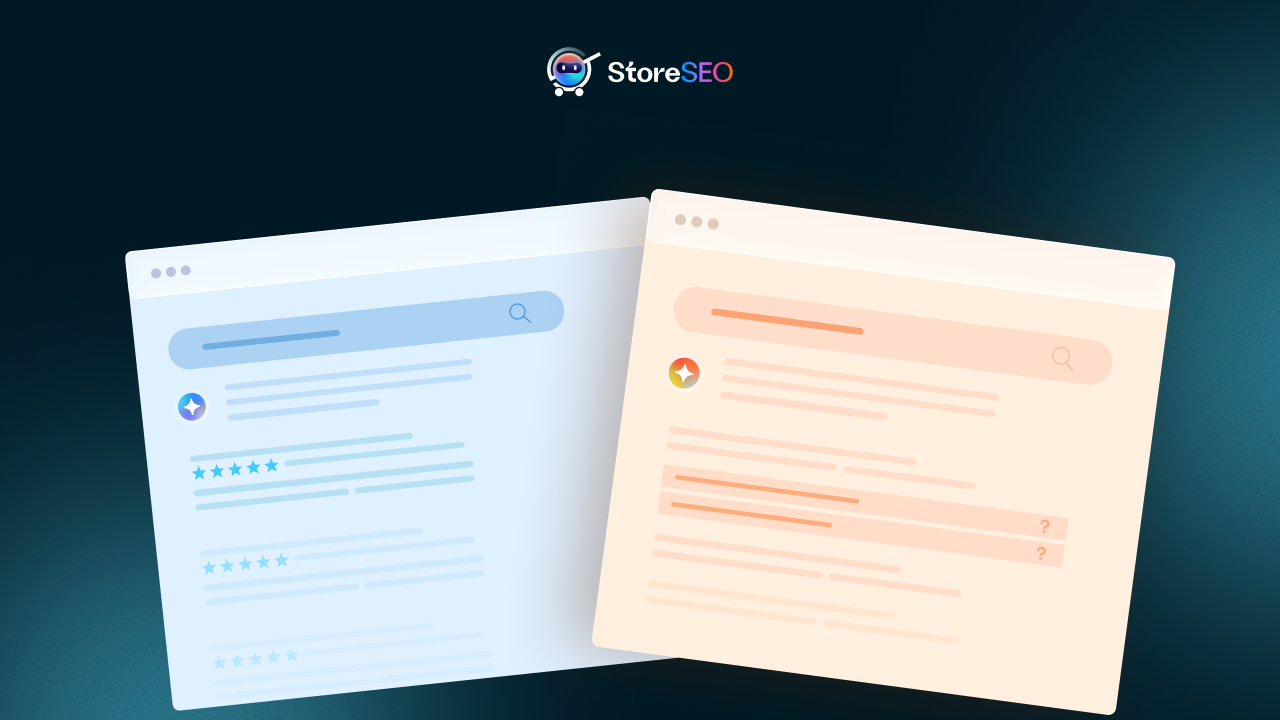
For FAQ pages and how-to guides, there are specific schema types, FAQPage and HowTo, that can trigger rich results in Google search. Rich results display expanded information directly on the search results page, like accordion-style FAQs or numbered steps, without the user even clicking on your link.
These rich results take up significantly more space in search results and tend to get much higher click-through rates than standard links. Many Shopify SEO apps and documentation platforms support schema markup natively, so implementing this doesn’t always require custom code.
If your support documentation includes step-by-step guides or common questions and answers, adding the appropriate schema is one of the most high-impact technical SEO improvements you can make.
Tools That Make SEO-Optimized Shopify Support Documentation Easier
Knowing the principles is one thing. Having the right tools to put them into practice is another. The good news is that there are some excellent Shopify apps built specifically to help you create, manage and optimise your support documentation without needing to be a developer or an SEO expert. Here are three worth knowing about.
BetterDocs
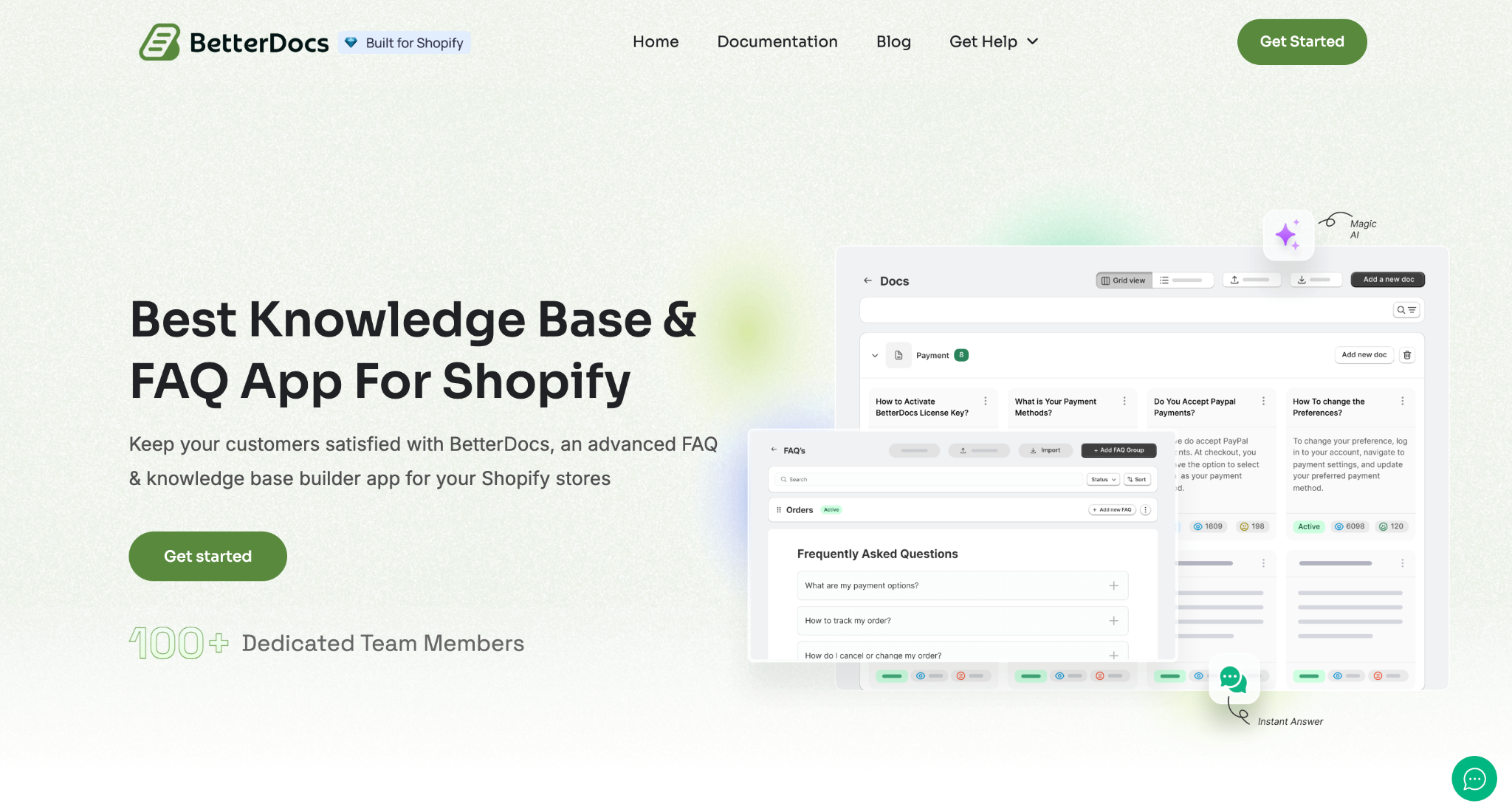
If your Shopify store does not have a structured documentation hub yet, BetterDocs is one of the most efficient apps available for building one from scratch.
BetterDocs is a Shopify knowledge base app that lets you create product FAQ pages and store documentation help centres, with live chat support via WhatsApp and Messenger integrations. It is designed for stores that want to offer more than just a basic FAQ, giving customers a full self-service experience.
From an SEO perspective, BetterDocs lets you build SEO-friendly FAQ pages and documentation with AI-powered content generation. It also includes a Live Chat feature and the ability to import or export documentation, which makes it much easier to organise a large library of support content in a way that is navigable for both readers and search engines.
StoreSEO
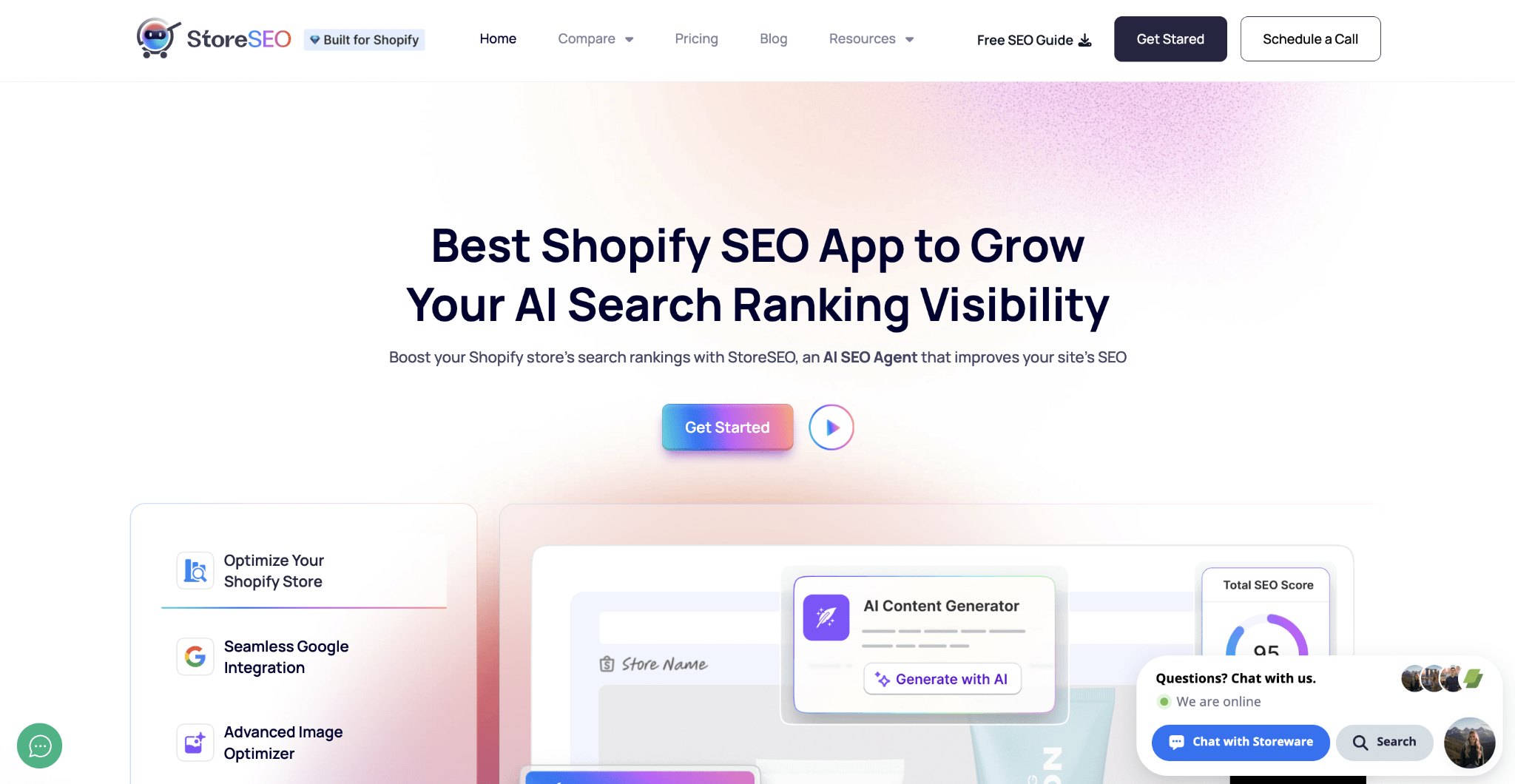
StoreSEO is an all-in-one AI-powered SEO app that handles optimization for Shopify products, pages, blogs and images. It takes care of meta titles, descriptions, alt text, schema markup and sitemaps; all the technical elements that your support documentation needs to rank well.
What makes it particularly useful for support content is how it removes the guesswork. It helps you in optimising meta titles and image alt texts, and features like real-time scoring and bulk editing enhance efficiency. So instead of manually going through each support article to check your SEO, StoreSEO flags issues and helps you fix them quickly.
StoreFAQ
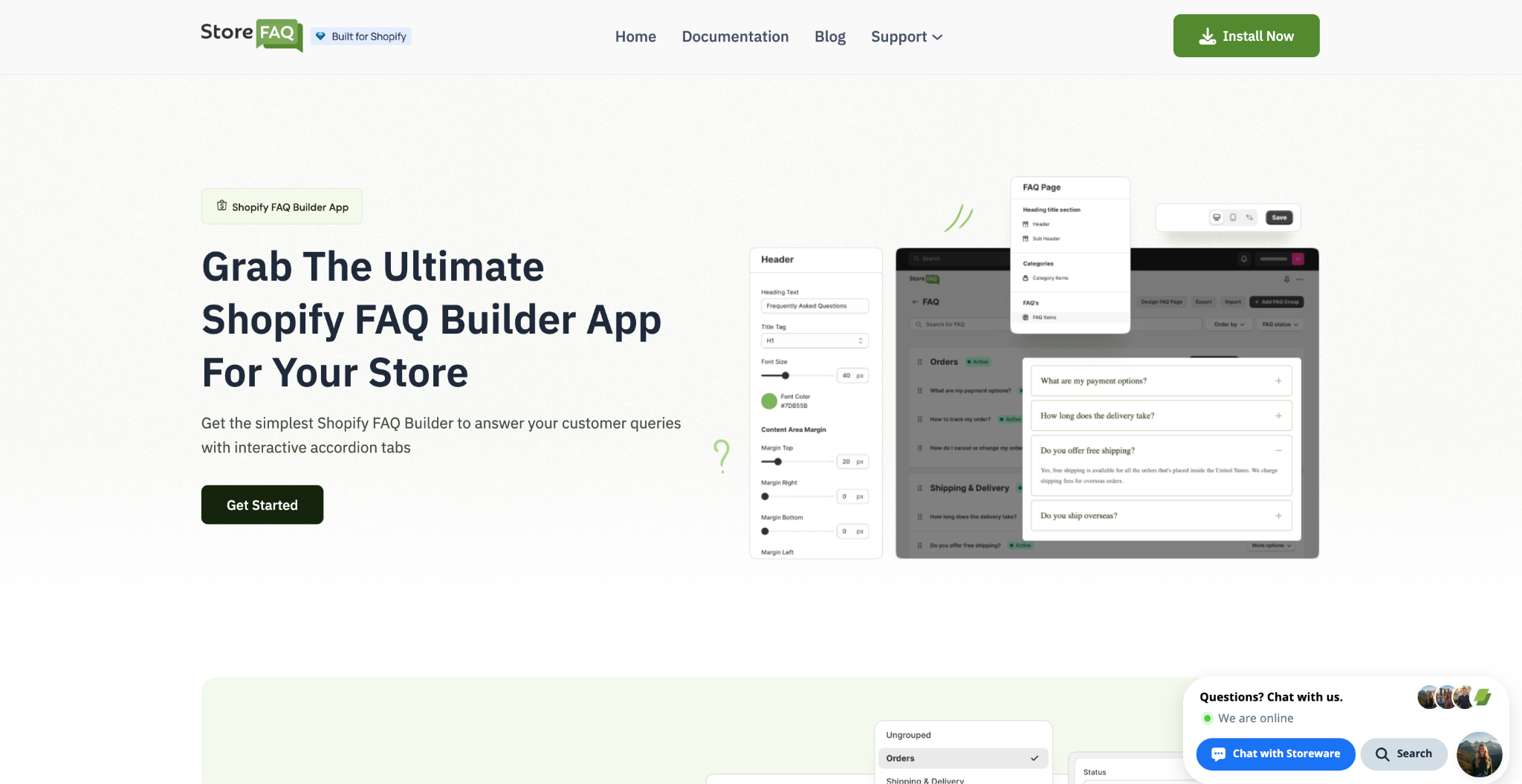
StoreFAQ is a focused, straightforward app for creating FAQ sections that can be placed on any page of your store, product pages, collections, the homepage, or a dedicated help page.
It comes with a drag-and-drop FAQ builder, export and import options, individual product FAQs, FAQ schema markup and an Instant Answer feature to improve the customer experience. The FAQ schema support is what makes it particularly relevant for SEO; it is the structured data that helps Google display your FAQs as rich results directly in search, giving your content more visibility without requiring an additional click.
Users specifically highlight the ability to bind FAQ groups to specific pages or collections, giving full control over the customer experience across different parts of the store. It is a clean, easy-to-use option for stores that want their FAQs to do more than just sit on a help page.
Turn Your Shopify Support Docs Into an SEO Asset
Most Shopify store owners are leaving organic traffic on the table simply because they have not thought about their support documentation from an SEO perspective. The good news is that the changes required are not complicated. They are about being intentional, researching what your customers search for, writing clearly, structuring your content logically and keeping everything accurate and up to date.
Your Shopify support documentation is not just a customer service element. With the right SEO approach, it becomes a consistent source of organic traffic, a trust-building asset, and a competitive advantage in your niche. Start with your most visited articles, apply the principles in this guide, and work through the rest methodically. The results will build over time, and they will be worth it.
Was the thing blog helpful for you? Feel free to share your thoughts and subscribe to our blogs for more useful Shopify guides.