Your customers do not follow a 9-to-5 schedule and neither should your support system. Whether someone lands on your site at 2 AM with a billing question or 6 PM on a Sunday with a technical issue, they expect an instant, accurate answer. That is exactly where a WordPress chatbot plugin paired with a smart AI knowledge base changes the game entirely.
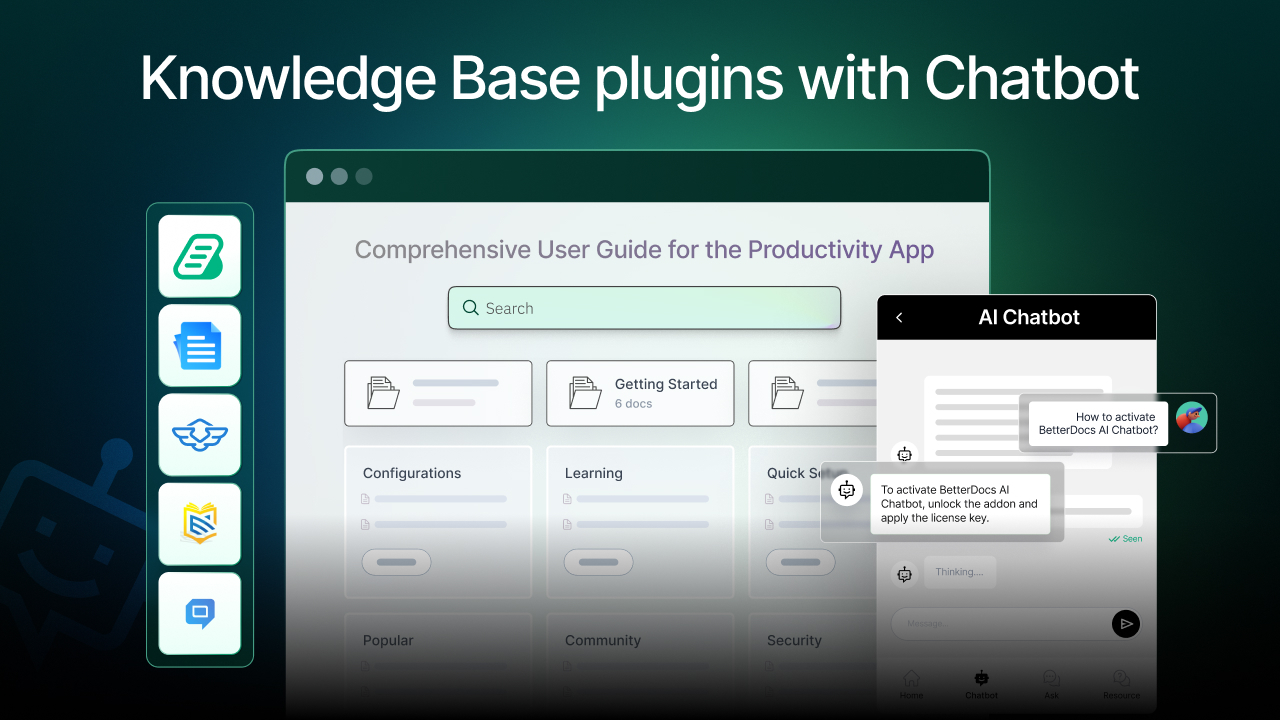
But here is the challenge: not every “AI knowledge base plugin” actually delivers on the promise of an AI chatbot. Some bolt on a chatbot as an afterthought. Others bury it behind expensive enterprise plans. A few don’t have a native chatbot at all.
In this guide, we have done the hard work for you, analyzing, testing and comparing the 5 best WordPress AI Knowledge Base plugins with chatbot functionality so you can pick the right one for 24/7 customer support.
TL;DR — Quick Summary
Don’t have time to read the full guide? Here’s a snapshot of each plugin:
| Plugin | If You Want… | Use This | Expected Resources | Time to Set Up |
| BetterDocs | Full AI chatbot + knowledge base, natively built for WordPress | ✅ Best Overall | Low–Medium | 30–60 mins |
| HelpCrunch | Multichannel AI support (SaaS-based) | Multichannel teams | Medium–High | 1–2 hours |
| Echo Knowledge Base | Free AI chatbot + knowledge base | Budget-conscious teams | Low | 20–30 mins |
| Heroic KB | Data-driven KB with AI assistant (Pro-only) | Analytics-focused teams | Medium | 45–90 mins |
| EazyDocs | Lightweight docs with AI content generation | Small projects/solo devs | Low | 20–40 mins |
Why an AI-Powered Chatbot Is Non-Negotiable for Your Knowledge Base
The big question is: why does your WordPress knowledge base need an AI chatbot? Can’t users just search articles themselves?
The data says otherwise and it is eye-opening.
- 92% of consumers say they would use an online knowledge base for self-service support if it were available and easy to find. (Higher Logic, 2024)
- 51% of customers prefer getting technical support through a knowledge base, but only when it delivers instant, relevant answers.
- AI-powered chatbots can reduce support response times by up to 86% while maintaining high customer satisfaction scores. (Helpshift, 2025)
- 44% of support teams listed AI chatbots as their top investment area in 2024, ahead of analytics tools and knowledge base enhancements.
- Nearly three-quarters of customer service organizations are expected to implement AI agent-assist solutions by the end of 2025. (Gartner via CustomerExperienceDive)
The pattern is clear: a static knowledge base full of articles is no longer enough. When paired with an AI chatbot, your knowledge base transforms from a passive resource library into an active, conversational 24/7 customer support agent, one that never sleeps, never takes a holiday and gives the same quality response at midnight as it does at noon.
The question is not whether you need a knowledge base with chatbot support. It is the WordPress chatbot plugin that delivers the most value, the smartest AI and the easiest implementation.
How Did We Evaluate These Plugins?
Our evaluation was based on real-world criteria that actually matter for businesses deploying a chatbot support & knowledge base solution.
| Criterion | Why It Matters | Weight |
| Native AI Chatbot Quality | Is the chatbot built-in or just a third-party embed? How accurate are its responses? | 🔴 High |
| 24/7 Autonomous Support | Can the chatbot handle queries without human intervention at any hour? | 🔴 High |
| AI Training on Your Own Content | Does the chatbot learn from your knowledge base articles specifically? | 🔴 High |
| WordPress-Native Integration | Is it designed specifically for WordPress, or is it a SaaS tool bolted on? | 🟡 Medium |
| Ease of Setup | How quickly can a non-developer launch the chatbot? | 🟡 Medium |
| Free Version Availability | Is there a usable free tier to try before investing? | 🟡 Medium |
| Pricing & Value | Does the price reflect the AI chatbot capabilities offered? | 🟡 Medium |
| Analytics & Reporting | Can you track how the chatbot and KB are performing? | 🟢 Low |
| Customization & Branding | Can you match the chatbot to your site’s look and feel? | 🟢 Low |
| Support & Documentation | Is there good documentation and customer support for the plugin itself? | 🟢 Low |
Master Comparison Table
Now, let us have a look at which criteria we determined to compare the plugins.
| Rank | Plugin | Free Version | Starting Price | AI Chatbot | Best For |
| 🥇 1 | BetterDocs | ❌ No | $8.99/mo (AI Chatbot add-on) | ✅ Native, OpenAI-powered | Full AI KB + Chatbot for WordPress |
| 🥈 2 | Echo Knowledge Base | ✅ Yes | Free (AI Chat included) | ✅ Native, free AI Chat | Budget-friendly AI knowledge base |
| 🥉 3 | HelpCrunch | ✅ Basic | Pro + AI add-on ($29+/mo) | ✅ AI Agents (SaaS-based) | Multichannel support teams |
| 4 | Heroic KB | ❌ No | $67.60/year (Essential) | ✅ Pro+AI plan only ($239.60/yr) | Data-driven KB with AI (premium) |
| 5 | EazyDocs | ✅ Yes | $39/year (Pro) | ⚠️ Via Antimanual integration | Lightweight docs, basic AI content |
5 Best WordPress Knowledge Base Plugins AI Chatbot Addon
Now, in this part, we will have a deeper look at the plugins that give AI chatbot support, along with the knowledge base. Know more about the plugins, pricing and pros and cons.
🥇 1. BetterDocs — Best WordPress AI Knowledge Base Plugin with Chatbot
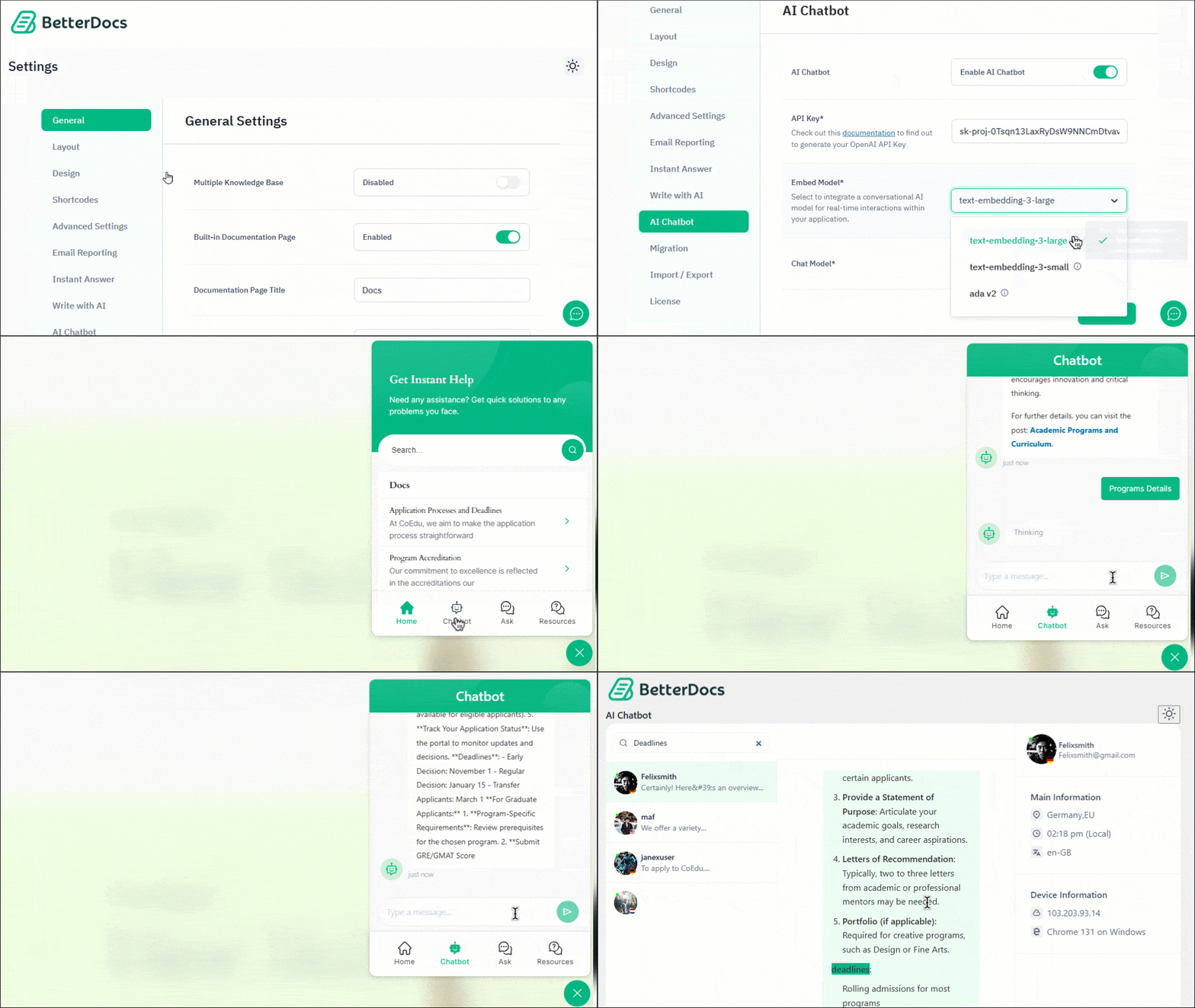
BetterDocs is, without question, the most complete AI Knowledge Base Plugin built natively for WordPress. It combines a powerful documentation builder with a genuinely capable AI chatbot, not as a gimmick, but as a central feature of its product experience.
What separates BetterDocs from the rest is that its AI chatbot is trained directly on your knowledge base content. When a visitor asks a question, the chatbot does not return a generic response; it processes your entire documentation, FAQ library and website content and delivers contextually accurate, instant answers powered by OpenAI. For businesses that need true 24/7 customer support without adding headcount, this is the closest thing to having a tireless support agent available around the clock.
Key AI Chatbot Features
- AI Chatbot: Processes your entire website’s data, including your knowledge base articles, FAQs and pages. Provides instant, accurate responses to visitors via a Live Chat interface.
- OpenAI Integration: The chatbot connects directly to OpenAI, giving you access to the latest GPT models. You choose your preferred embed model (3 options) and chat model (2 options).
- Instant Answers Widget: A floating widget on your site front-end that lets visitors search and get answers from your knowledge base without leaving the current page.
How to Set Up BetterDocs AI Chatbot
- Install BetterDocs (free) from WordPress.org
- Upgrade to BetterDocs PRO and purchase the AI Chatbot add-on ($8.99/month or $69/year)
- Download the AI Chatbot addon from the WPDeveloper store
- Activate both PRO and AI Chatbot using your license key
- Connect your OpenAI API key within BetterDocs settings
- Enable the chatbot on your site — it immediately begins learning from your content
- Customize the chatbot widget appearance to match your brand
| Pros | Cons |
| ✅ Most complete AI chatbot + knowledge base combination for WordPress | ❌ AI Chatbot is a separate paid add-on (not included in base PRO) |
| ✅ Chatbot trained on your specific documentation and website content | ❌ Requires OpenAI API key (separate cost depending on usage) |
| ✅ Powered by OpenAI — industry-leading AI quality | ❌ Most advanced features locked behind PRO tier |
| ✅ Active development team with frequent feature updates | |
| ✅ Freemium model lets you explore before committing | |
| ✅ Supports multiple knowledge bases and internal documentation | |
| ✅ AI writing tools reduce documentation creation time significantly |
Pricing: Free base plugin available. AI Chatbot add-on starts at $8.99/month or $69/year for 1 site. BetterDocs PRO starts at $8.99/month (billed yearly). WPDeveloper Agency Bundle Lifetime is available at $799 (unlimited sites).
🥈 2. Echo Knowledge Base — Free AI Knowledge Base with Chatbot
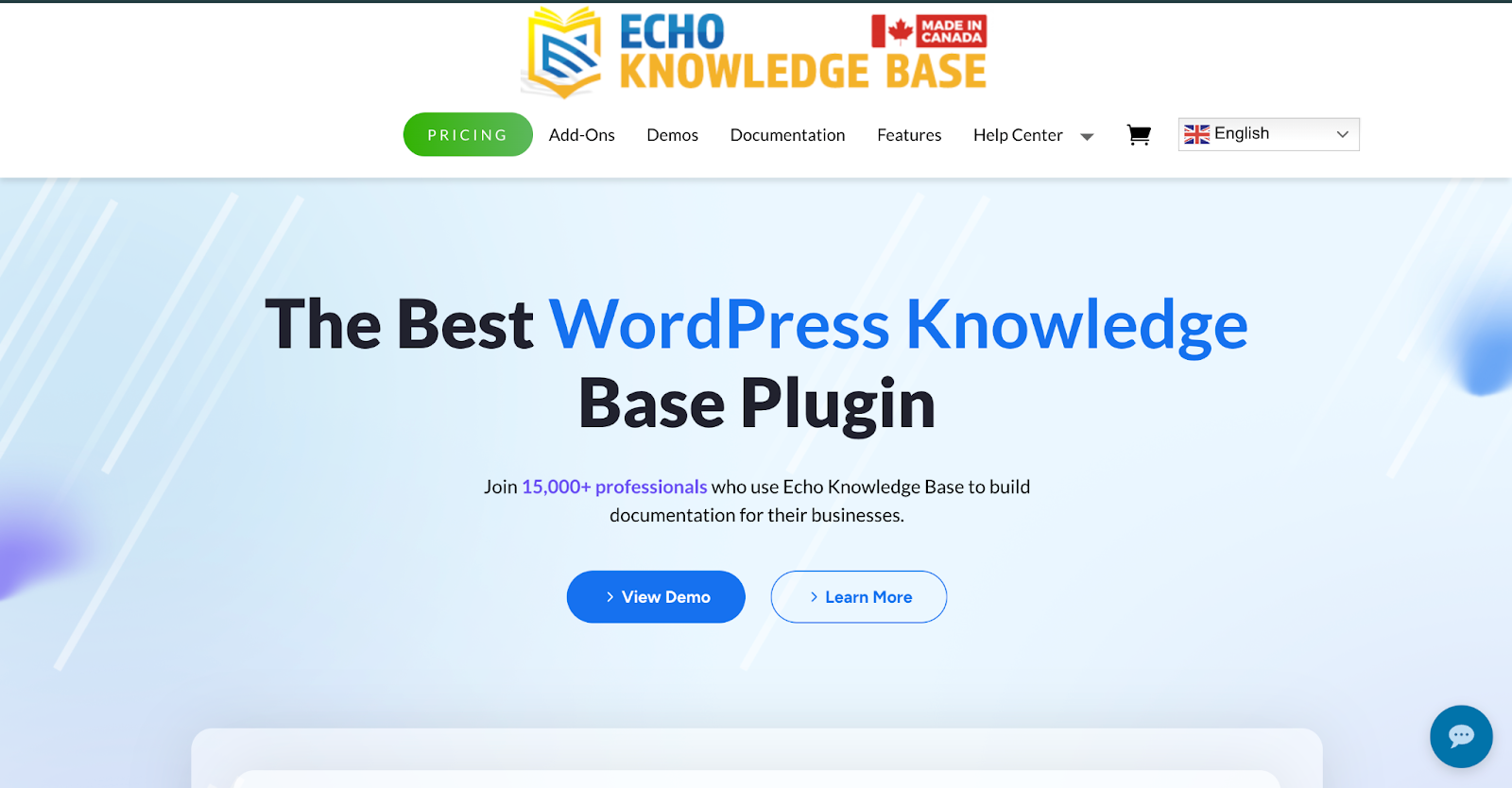
Echo Knowledge Base earns a strong second-place ranking for one remarkable reason: it includes a free AI chatbot right out of the box, no premium plan required. With over 15,000 active installs and a 5-star rating, Echo KB has positioned itself as a serious contender, especially for teams that want an AI-powered knowledge base with a chatbot without spending a dollar upfront.
The AI chatbot gives visitors instant, accurate answers through a conversational front-end widget, trained on your knowledge base articles and content. It supports natural language questions, context-aware responses, and even a human handoff feature that seamlessly transfers the conversation to a live agent when needed.
Key AI Chatbot Features
- Free AI Chatbot: Available in the free plugin, no premium required. Visitors get instant, accurate answers from a chat window trained on your knowledge base content.
- AI Smart Search: A first-of-its-kind multi-panel search experience that runs multiple AI prompts in parallel, surfacing not just one answer but Tips, Glossary Terms, Related Questions, and more simultaneously.
- Human Handoff: Visitors can seamlessly transition from AI chat to a human agent without losing conversation context, critical for complex support scenarios.
- Smart Feedback Detection: Captures thumbs up/down ratings on AI responses and uses negative feedback to automatically present better options (like “Try a different approach” or “Talk to a human”).
- Keyword-Based Handoff Triggers: Automatically offers human support when users type words like “human,” “support,” or “talk to a real person.”
| Pros | Cons |
| ✅ AI chatbot is completely free — remarkable for this category | ❌ Pricing page is password-protected — lacks transparency |
| ✅ Advanced human handoff functionality | ❌ Advanced AI features (PDF training, content gaps) require Pro upgrade |
| ✅ Innovative AI Smart Search with multi-panel results | ❌ Fewer page builder integrations compared to BetterDocs |
| ✅ 15,000+ active installs — proven community adoption | ❌ Less polished AI writing assistant tools |
Pricing: Free plugin with free AI Chat included. Pro plans available (pricing on request).
🥉 3. HelpCrunch — Multichannel AI Chatbot Support
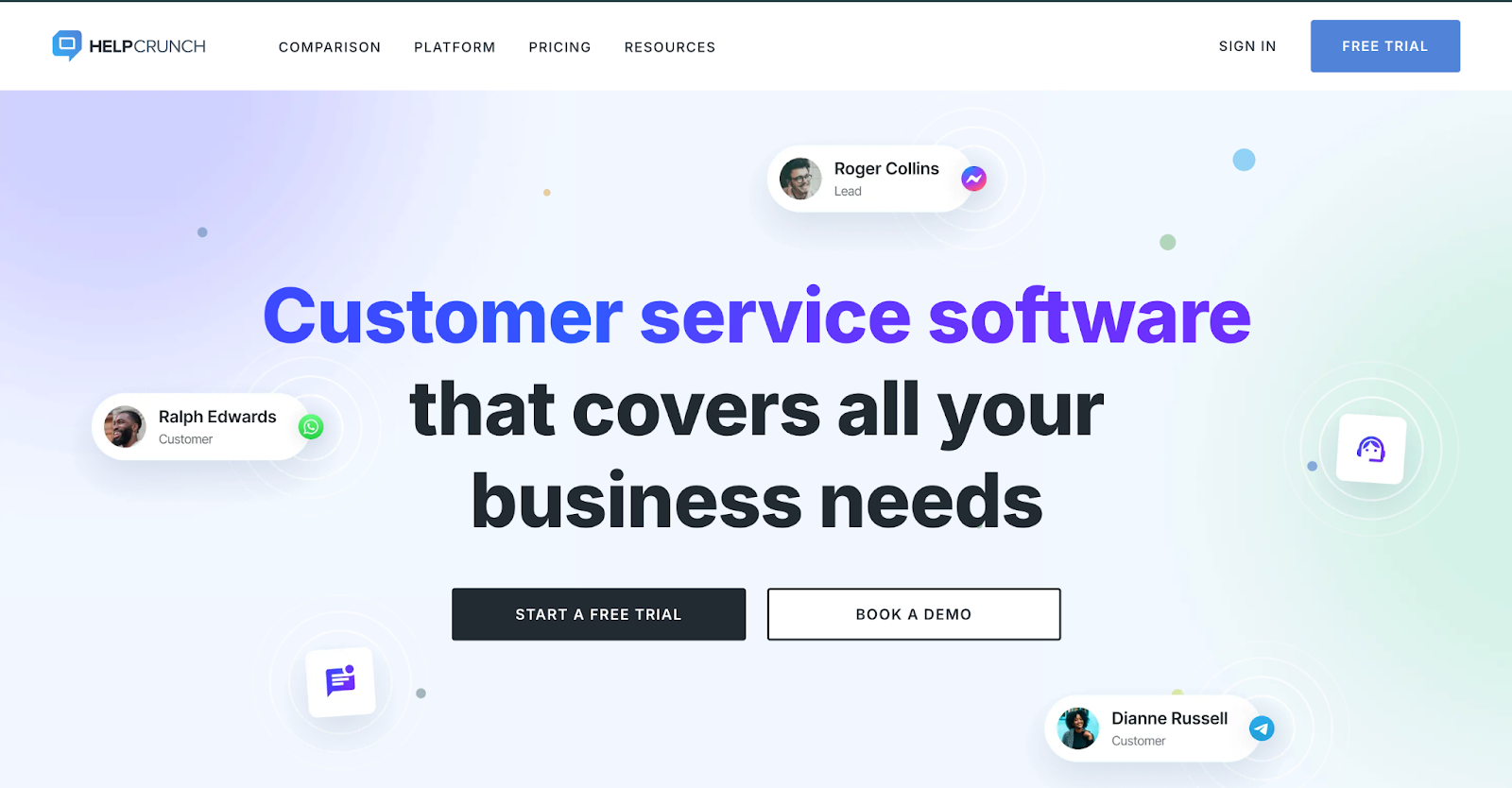
HelpCrunch is a powerful all-in-one customer communication platform that combines live chat, email, a knowledge base and AI Agents (chatbot) under one roof. While it is not a WordPress-native plugin in the traditional sense, it is a SaaS solution with a WordPress integration and it earns its place on this list for teams that need a truly multichannel AI chatbot support experience.
HelpCrunch’s AI Agent can handle complete conversations autonomously, trained on both custom answers and knowledge base articles. The AI editor also helps your support team write faster, more comprehensive responses from just a few words.
Key AI Chatbot Features
- AI Agents: Autonomous chatbot that handles full customer conversations, trained on your knowledge base articles and custom answer sets.
- AI Data Sources: Train your AI Agent on multiple data sources — knowledge base articles, custom Q&As, and more. Pro plans include a free data source limit with paid extensions for scale.
- AI Editor: Helps human agents compose comprehensive replies from minimal input — reducing response time and cognitive load.
- Multichannel Widget: Supports live chat, email, WhatsApp, Instagram, and more from a single unified dashboard.
| Pros | Cons |
| ✅ True multichannel support (chat, email, social messengers) | ❌ AI chatbot is only available on Pro plan and above |
| ✅ AI Agent handles full end-to-end conversations | ❌ AI conversation costs can escalate quickly at scale |
| ✅ Knowledge base + live chat + chatbot in one platform | ❌ Overkill for teams that only need a knowledge base with a chatbot |
| ✅ Unlimited contacts and chats on all plans |
Pricing: Basic plan (free). Pro plan with AI features starts with AI add-ons from $29/month for 100 AI conversations. Annual billing saves 20%.
4. Heroic KB — Premium WordPress Knowledge Base with AI Assistant
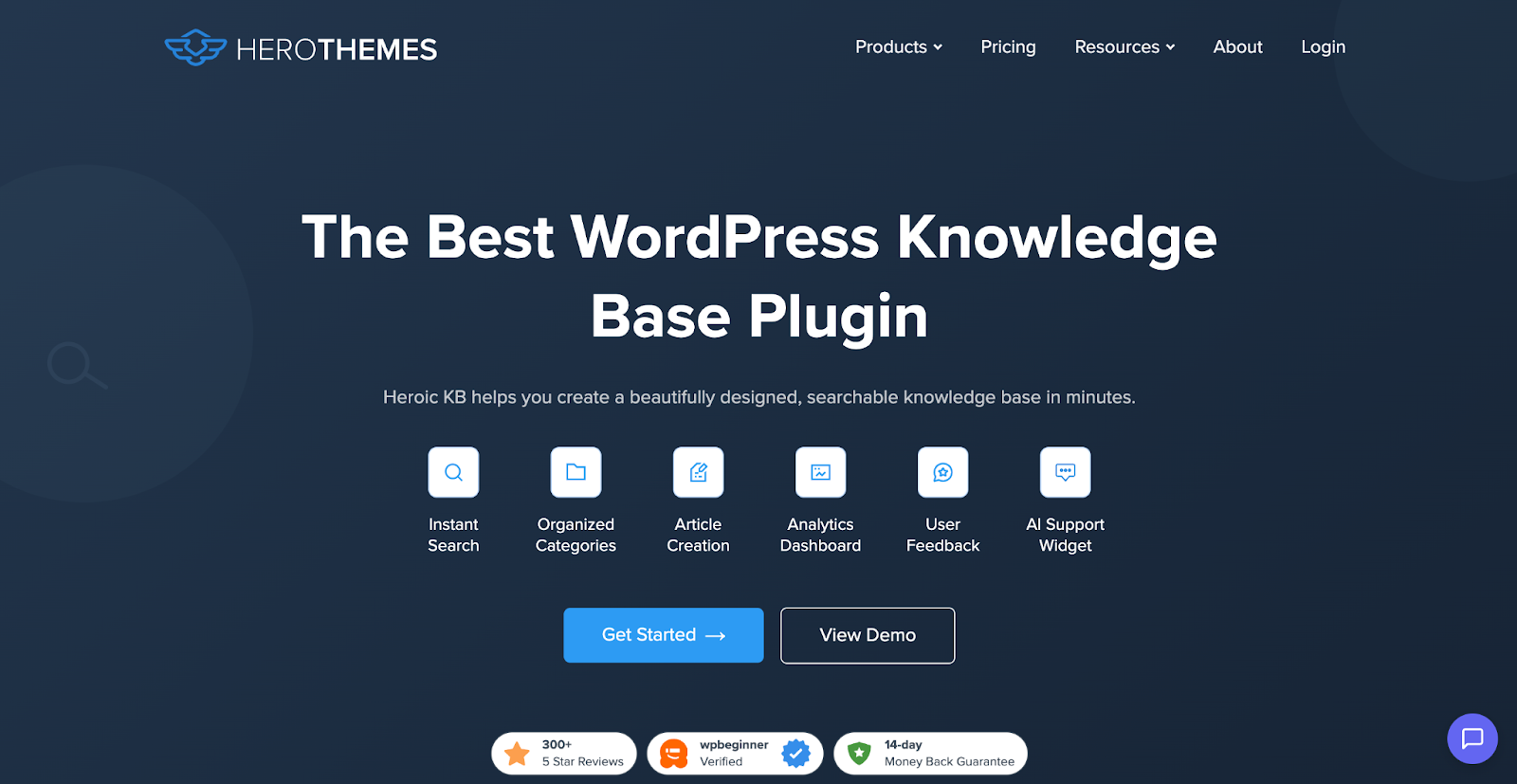
Heroic KB by HeroThemes is a polished, premium-only WordPress knowledge base plugin that introduced the Heroic AI Assistant as its chatbot solution. It is a strong choice for teams that prioritize data, analytics and a clean user experience, though you will need to invest in the top-tier plan to access AI features.
The Heroic AI Assistant transforms your static documentation into a dynamic, interactive Q&A chatbot. It embeds directly into your site, offering real-time AI-powered assistance without requiring visitors to navigate away from their current page.
Key AI Chatbot Features
- Heroic AI Assistant (Pro + AI plan only): Creates a bespoke chatbot tailored to your knowledge base. Transforms static documentation into interactive conversational Q&A sessions.
- Seamless Integration: Embed AI assistance directly on any page of your site without disrupting the user experience.
- Rapid Response: Delivers instant, accurate answers trained on your KB content to reduce support ticket volume.
- Effortless Customization: Build and customize the chatbot to match your knowledge base in minutes.
| Pros | Cons |
| ✅ Clean, professional design out of the box | ❌ No free version — premium-only plugin |
| ✅ Strong search analytics (Popular & Empty searches) | ❌ Renewal price is higher (introductory discounts apply to first year only) |
| ✅ Robust access control features for internal KB |
Pricing: Essential: $67.60/year (1 site, no AI). Plus: $139.60/year (3 sites, no AI). Pro + AI: $239.60/year (5 sites, with AI Assistant). (Introductory prices — renewals at full price.)
5. EazyDocs — Lightweight Documentation Plugin with Basic AI
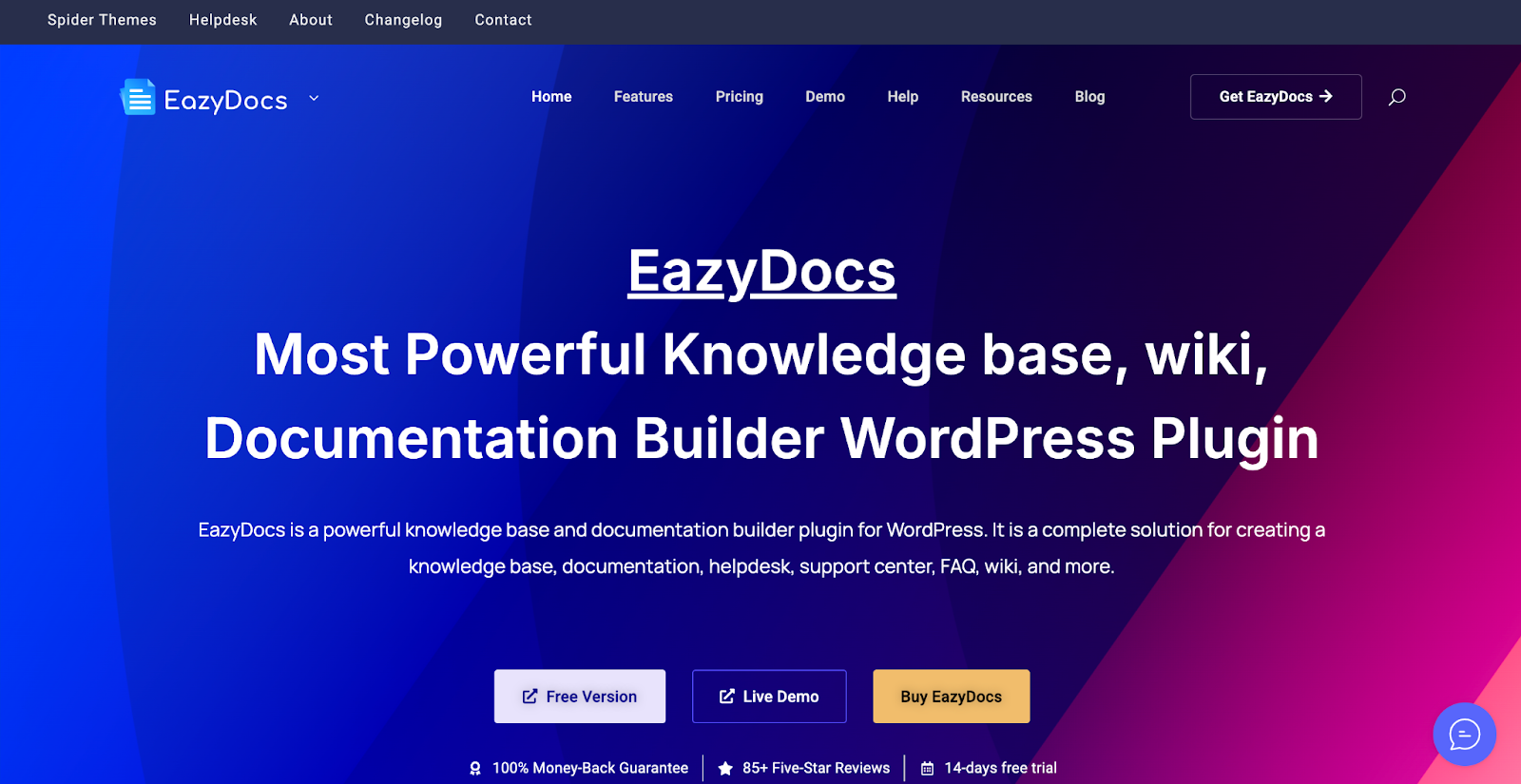
EazyDocs is a lightweight, feature-rich documentation and knowledge base builder trusted by 2,000+ companies. It’s an excellent choice for solo developers, small teams, and businesses that need clean, organized documentation — but its AI capabilities are limited compared to the other options on this list.
EazyDocs does not have a native built-in AI chatbot. Instead, it offers an Antimanual integration, a third-party AI tool that helps generate, organize, and automate your documentation using AI. This is a useful content creation tool, but it’s not the same as an AI chatbot that converses with your website visitors for 24/7 customer support.
Key Features
- Comprehensive documentation builder with Table of Contents, Dark Mode and OnePage Documentation
- Ajax Live Search and Ajax Doc Loading
- Analytics & Email Reporting (Pro Max)
- User Role Management and Doc Contributor features (Pro Max)
- Antimanual integration for AI-powered documentation generation
- Migration from BetterDocs to EazyDocs
- Elementor widgets and Gutenberg blocks
- 30-day money-back guarantee
| Pros | Cons |
| ✅ Clean, easy-to-use interface | ❌ Limited AI features for customer support use cases |
| ✅ Antimanual integration for AI content generation | ❌ AI chatbot for 24/7 customer support would require additional integrations |
| ✅ Good feature set for documentation management |
Pricing: Free version available. Pro: ~$39/year. Pro Max: ~$59/year. Lifetime deals available.
Implementation Difficulty Comparison
How easy is each plugin to get up and running with its AI chatbot for 24/7 support? Let us have a detailed look here:
| Plugin | Installation | AI Chatbot Setup | Requires External API | Overall Difficulty |
| BetterDocs | Easy (WordPress plugin) | Moderate (OpenAI API setup) | ✅ Yes (OpenAI) | ⭐⭐ Easy |
| Echo Knowledge Base | Very Easy | Very Easy (free, built-in) | ❌ No (built-in AI) | ⭐⭐ Easy |
| HelpCrunch | Moderate | Moderate (AI Agent config) | ❌ No (managed SaaS) | ⭐⭐⭐⭐ Medium-Hard |
| Heroic KB | Easy (WordPress plugin) | Moderate (Pro+AI plan required) | ❌ No (built-in AI) | ⭐⭐⭐ Medium |
| EazyDocs | Very Easy | Hard (third-party Antimanual) | ✅ Yes (Antimanual) | ⭐⭐⭐⭐ Medium-Hard (for AI) |
Cost Breakdown
A realistic look at what you will actually pay to get an AI chatbot + knowledge base live on your WordPress site.
| Plugin | Free Tier | Entry AI Chatbot Cost | Mid-Tier | Notes |
| BetterDocs | ✅ KB plugin free | $8.99/mo or $69/yr (AI Chatbot add-on) | ~$107+/yr (PRO + AI Chatbot) | OpenAI API costs extra |
| Echo Knowledge Base | ✅ Free with AI Chat | $0 (AI Chat is free!) | Pro pricing on request | Free AI chatbot value |
| HelpCrunch | ✅ Basic free | Pro + $29/mo (100 AI convos) | Scales with conversation volume | Costs rise significantly at scale |
| Heroic KB | ❌ No free tier | $239.60/yr (Pro+AI intro price) | Full renewal price | AI only in top plan |
| EazyDocs | ✅ Free docs plugin | N/A (no native AI chatbot) | ~$59/yr Pro Max + Antimanual | Antimanual has separate pricing |
Common Mistakes to Avoid When Choosing a WordPress Chatbot Plugin
After evaluating these tools and reading through countless user reviews, here are the most common mistakes businesses fall into:
1. Choosing a knowledge base plugin without verifying that the AI chatbot is native.
Many plugins advertise “AI features” but rely entirely on third-party integrations or add-ons that cost extra. Always check whether the AI chatbot is actually built into the plugin or is a separate service you need to configure independently.
2. Ignoring the training data quality.
An AI chatbot is only as good as the content it is trained on. Plugins that let the chatbot learn from your specific knowledge base articles will outperform generic AI chatbots every single time. BetterDocs and Echo KB both excel here.
3. Underestimating ongoing costs.
The plugin price is rarely the total cost. OpenAI API usage (BetterDocs), AI conversation volume fees (HelpCrunch) and Pro upgrade costs can add up. Build a realistic budget, including all components.
4. Choosing a non-WordPress-native tool because it looks impressive.
SaaS tools like HelpCrunch are powerful but introduce complexity (SaaS dependencies, data privacy considerations and integration overhead) that a natively-built WordPress plugin avoids entirely.
5. Not testing the free version before upgrading.
Both BetterDocs and Echo Knowledge Base offer free versions. Always test the base plugin with your content before committing to paid AI features.
6. Overlooking the human handoff feature.
AI chatbots are great, but not perfect. Ensure the plugin you choose includes a graceful way to escalate complex queries to a human agent; Echo KB’s human handoff and HelpCrunch’s live chat escalation are excellent examples.
7. Setting up the chatbot but neglecting the knowledge base content
Your AI chatbot is trained on your documentation. If your articles are thin, outdated, or incomplete, the chatbot’s responses will be too. Use BetterDocs’ AI Doc Quality Analysis or Echo KB’s Content Gaps Analysis to keep your content sharp.
What is the best WordPress chatbot plugin for a knowledge base?
BetterDocs is the best WordPress chatbot plugin for knowledge bases in 2025. It offers a dedicated AI Chatbot add-on powered by OpenAI that’s trained directly on your documentation, giving visitors instant and accurate 24/7 customer support responses straight from your knowledge base content.
Can I get a free AI knowledge base plugin with a chatbot for WordPress?
Yes. Echo Knowledge Base offers a free AI chatbot included in its free WordPress plugin — making it the best no-cost option for an AI knowledge base with chatbot functionality. BetterDocs also has a free base plugin, though the AI Chatbot is a paid add-on.
Do I need coding skills to set up an AI chatbot plugin with a knowledge base?
No. Most of the plugins on this list, including BetterDocs and Echo Knowledge Base, are designed for non-developers. BetterDocs’ AI chatbot setup requires connecting an OpenAI API key (simple copy-paste), while Echo KB’s AI chat works right after plugin installation with no coding at all.
How does a knowledge base with a chatbot help reduce support tickets?
An AI-powered knowledge base with a chatbot provides instant answers to common questions, helping users self-serve before they ever submit a ticket. Echo KB reports cutting repetitive tickets by 73% after deploying their AI Chat. BetterDocs similarly reduces load on support teams through automated chatbot replies.
What makes BetterDocs AI chatbot different from other WordPress chatbot plugins?
BetterDocs AI Chatbot is unique because it processes your entire website’s data — not just the knowledge base — through its OpenAI integration. It offers 3 embed model options and 2 chat model options, giving you control over how it processes and delivers information. It’s also built by WPDeveloper, an established WordPress plugin company with a strong track record.
Can an AI knowledge base plugin handle 24/7 customer support without a human agent?
Yes, with the right setup. Both BetterDocs and Echo KB can handle a wide range of customer queries autonomously around the clock. However, for complex or emotional support issues, it’s always best to have a human handoff option — which Echo KB provides natively and which BetterDocs can be configured to support.
What is the difference between a knowledge base plugin and a WordPress chatbot plugin?
A knowledge base plugin organizes your support documentation in a searchable format. A WordPress chatbot plugin adds a conversational AI interface on top of that content, letting users ask questions in natural language and get instant responses instead of manually searching through articles. The best solutions — like BetterDocs — combine both into a single unified system.
Which AI knowledge base plugin is best for agencies managing multiple WordPress sites?
BetterDocs is ideal for agencies. Its unlimited sites licensing and the WPDeveloper Agency Bundle Lifetime ($799 for unlimited sites) make it highly cost-effective for agencies deploying knowledge bases and AI chatbots across multiple client sites. Its Multiple Knowledge Base feature also lets you manage separate KBs for different clients from one installation.
What data does a BetterDocs AI chatbot use to answer questions?
BetterDocs AI Chatbot processes and indexes data from your entire WordPress website — including knowledge base articles, FAQs, pages, and posts. It uses OpenAI’s embedding models to convert this content into searchable vectors, and the chat model generates natural language responses based on that indexed data when a visitor submits a question.
Final Verdict: Which Plugin Should You Choose?
The future of customer support is conversational, instant and always-on. With BetterDocs leading the way, adding a powerful AI chatbot to your WordPress knowledge base has never been more accessible or more impactful. Choose the best plugin to automate your customer support and leave every customer satisfied instantly.
Was this blog helpful? If you would like to explore more blogs like this, subscribe to our blog. Is there anything you think is crucial for an effective policy and procedure manual? Do let us know in our Facebook community.