
BetterDocs PRO helps to take your Knowledge base management system to the next level. Follow these simple steps for purchasing the PRO version of BetterDocs.
How To Purchase BetterDocs PRO #
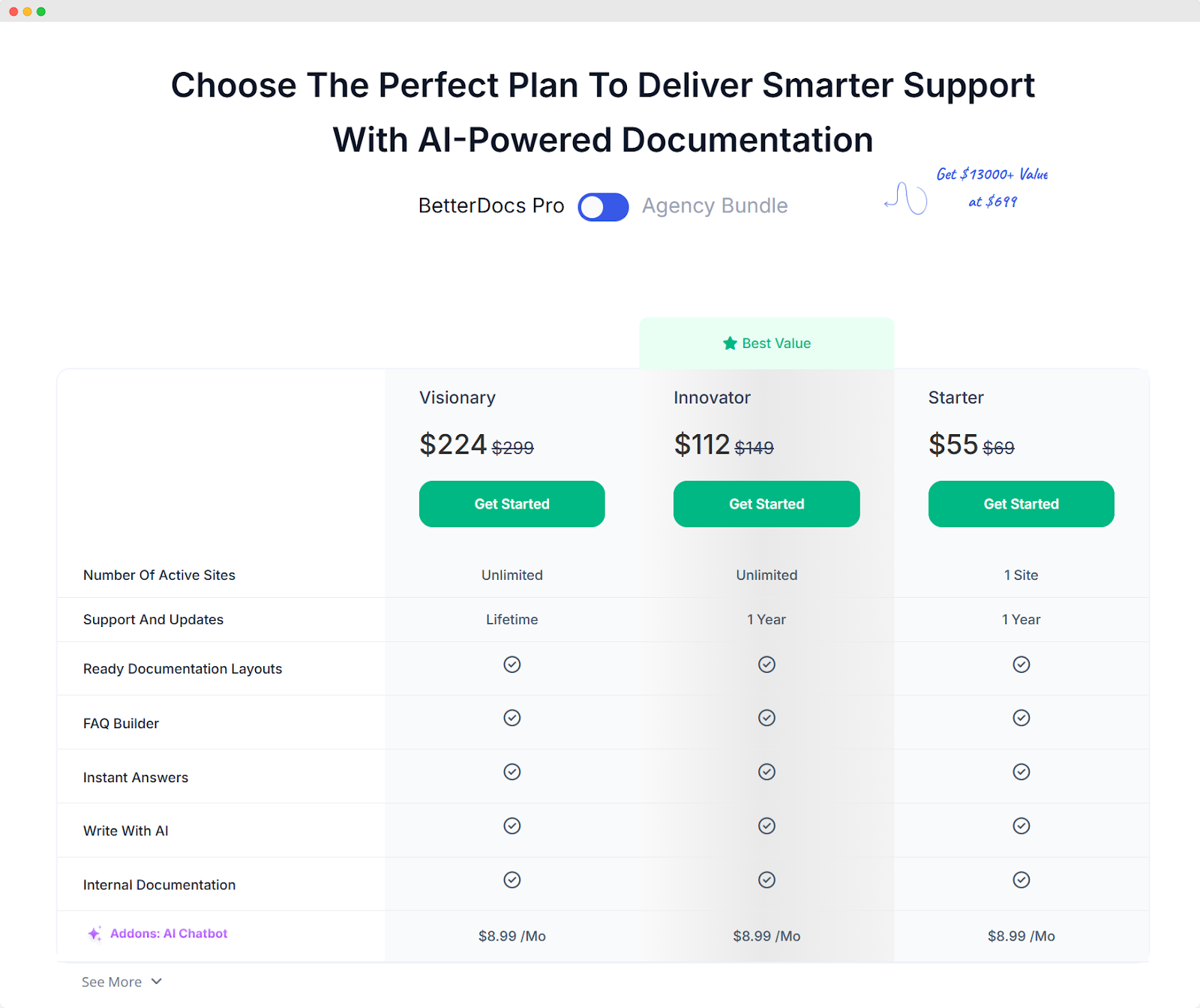
Paso 1: Ve a la BetterDocs página de nuestro sitio web. Luego, simplemente navegue hasta 'Precios' section or hit the 'Empezar' Button. Then, simply pick a pricing plan and click on the 'Empezar' Botón.
Paso 2: Serás redirigido a 'Revisa' Page, and BetterDocs will be 'Agregado al carrito'.
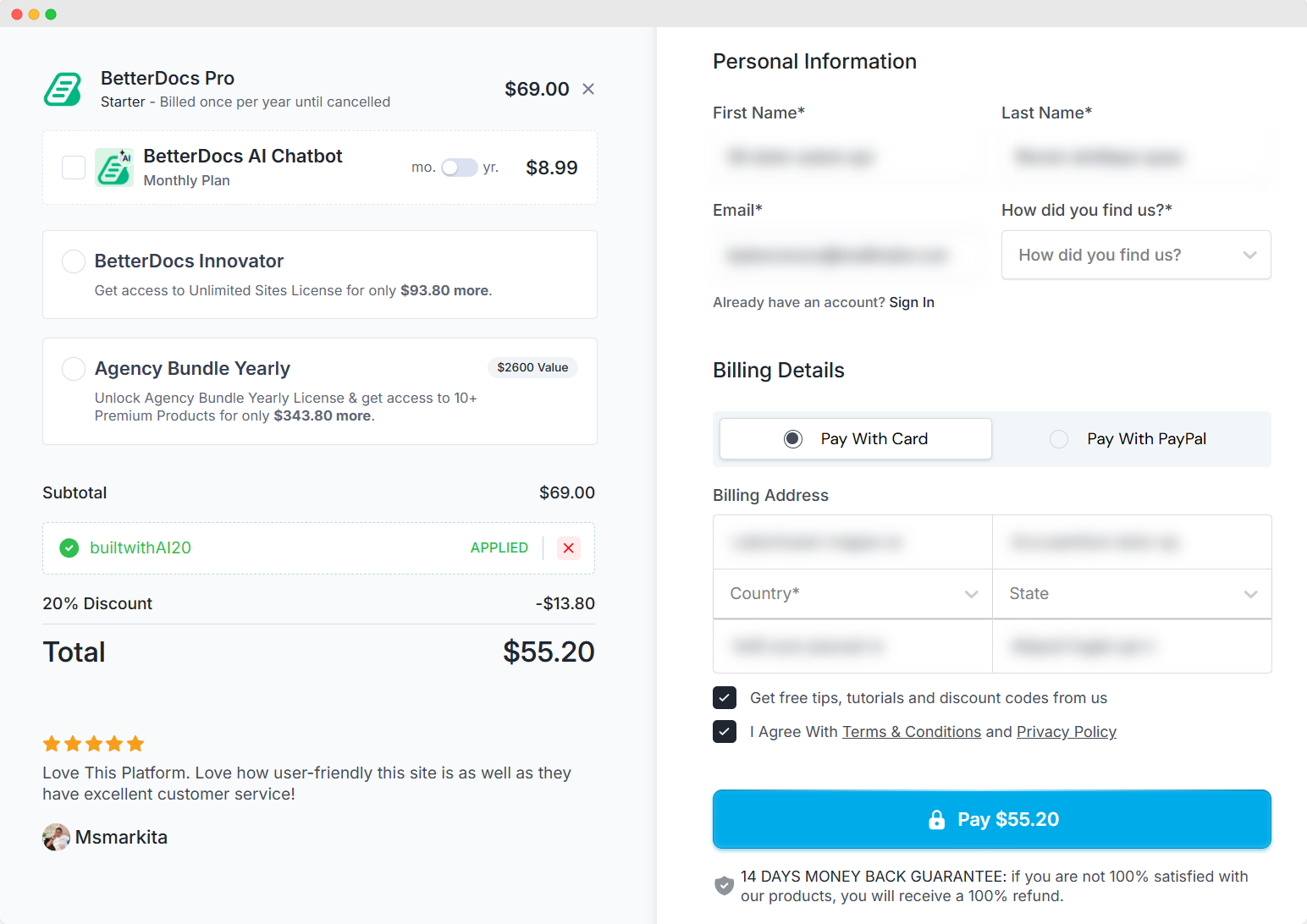
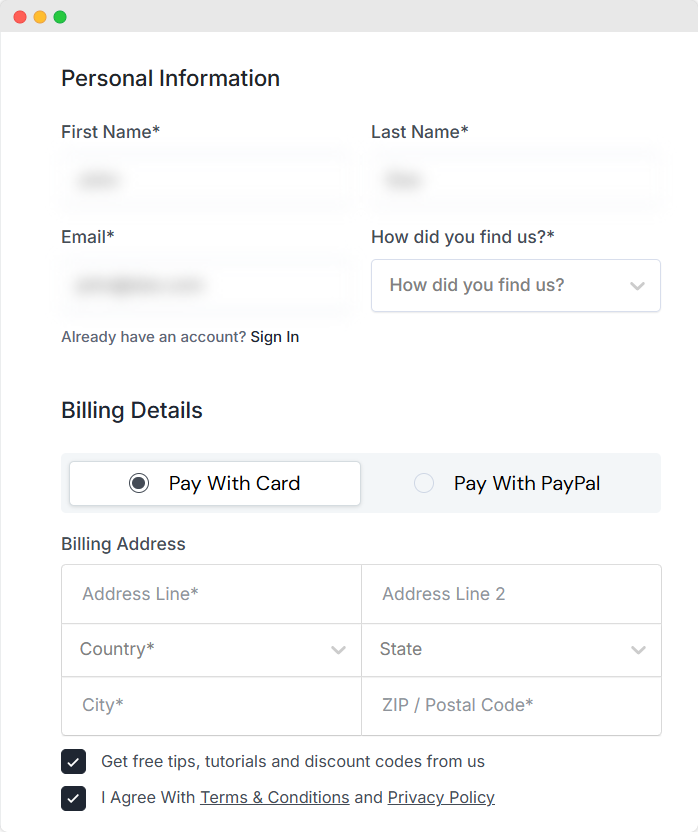
Paso 3: Escoge un 'Método de pago'. Luego, llena el 'Informacion personal' y haga clic en el 'Pagar' botón.
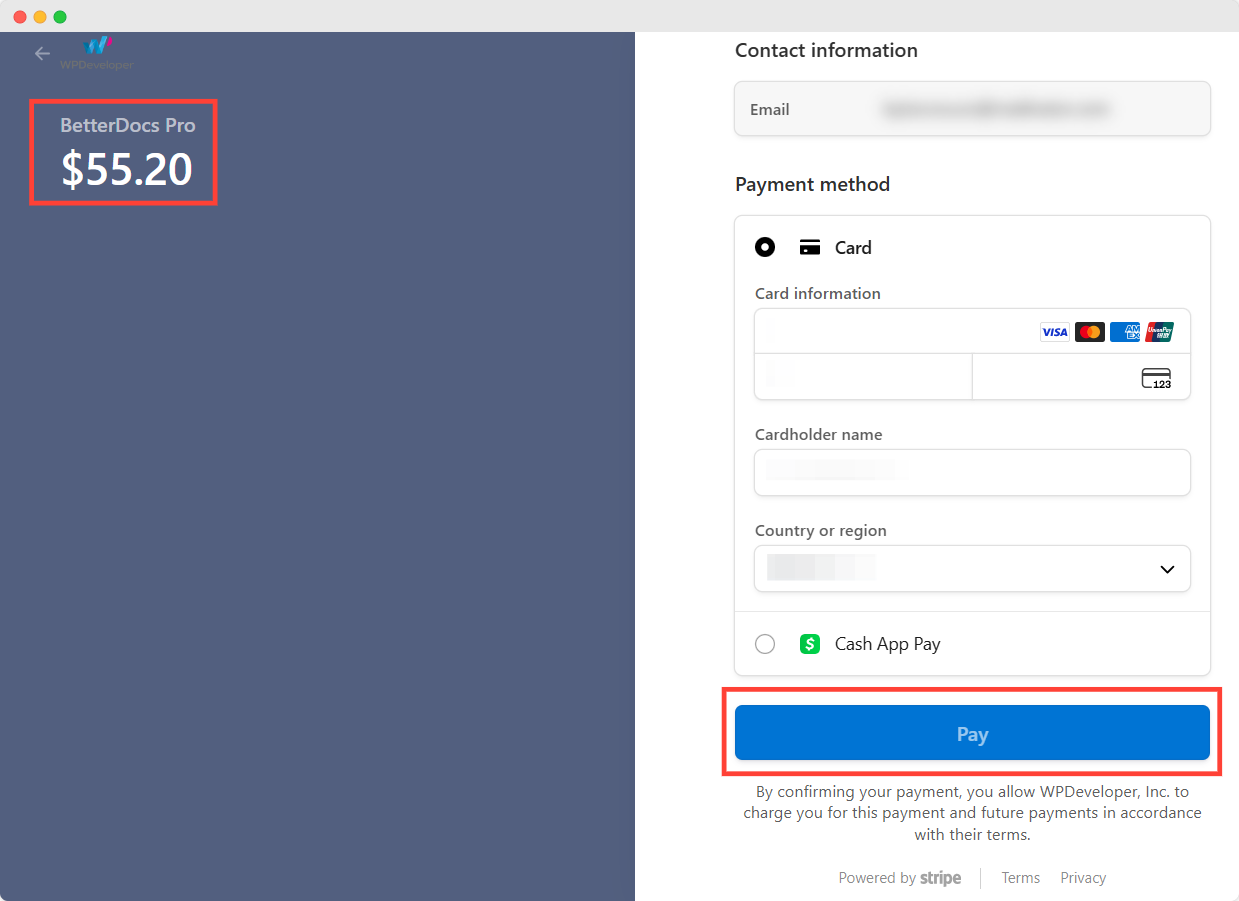
Paso 4: Once you click the ‘Pay’ button, you will be redirected to the payment pages. If you have chosen the ‘Credit Card’ option as the payment method you will be redirected to the Stripe payment page. Now, you need to fill up the payment information and hit the 'Pagar' botón.
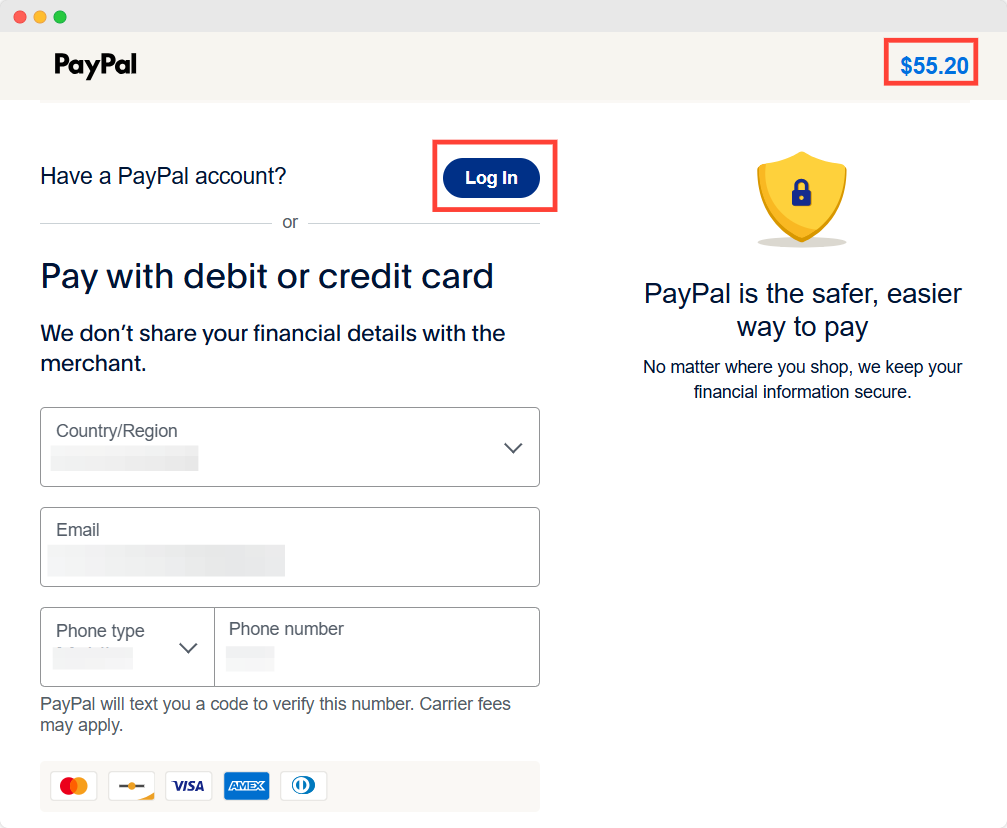
If you choose ‘PayPal’ as the payment option, you will be redirected to PayPal’s payment page. Now you have to login to your PayPal account and finish the purchase.
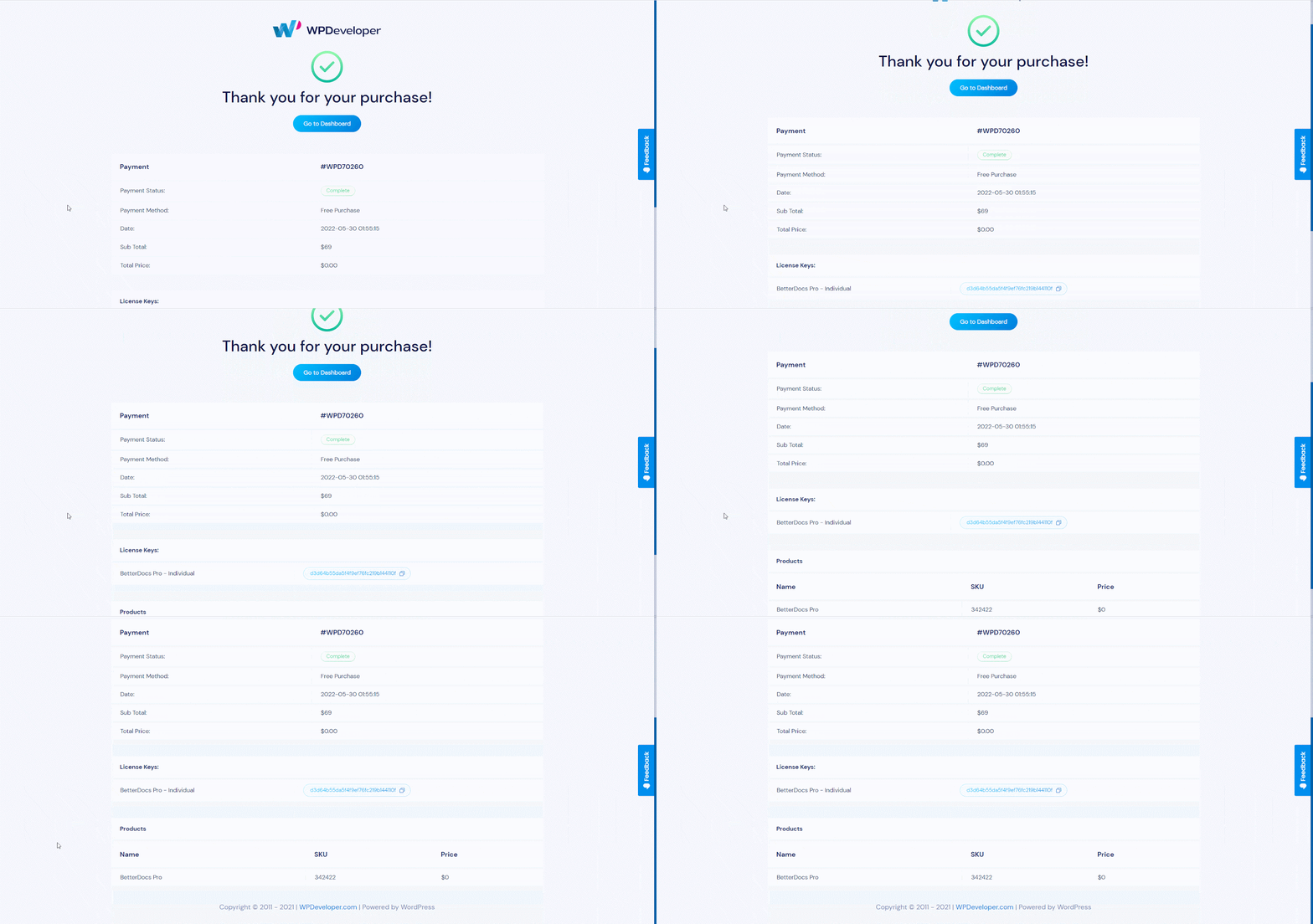
Paso 5: After your payment is successfully completed, you will be redirected to the 'Confirmación de compra' page. You can download the BetterDocs plugin from this page.
By following these simple steps, you can easily purchase BetterDocs PRO for any plan. Getting Stuck? Feel free to contact our dedicated support team for any further assistance.




