
BetterDocs PRO comes with amazing features like Respuesta instantánea, Análisis perspicaz, Base de conocimiento múltiple, etc. which can supercharge your knowledge base experience.
How To Install BetterDocs PRO #
Paso 1: Asegúrate de tener Installed and Activated the Free version of BetterDocs. You will need to keep the Free version activated to use the PRO Version.

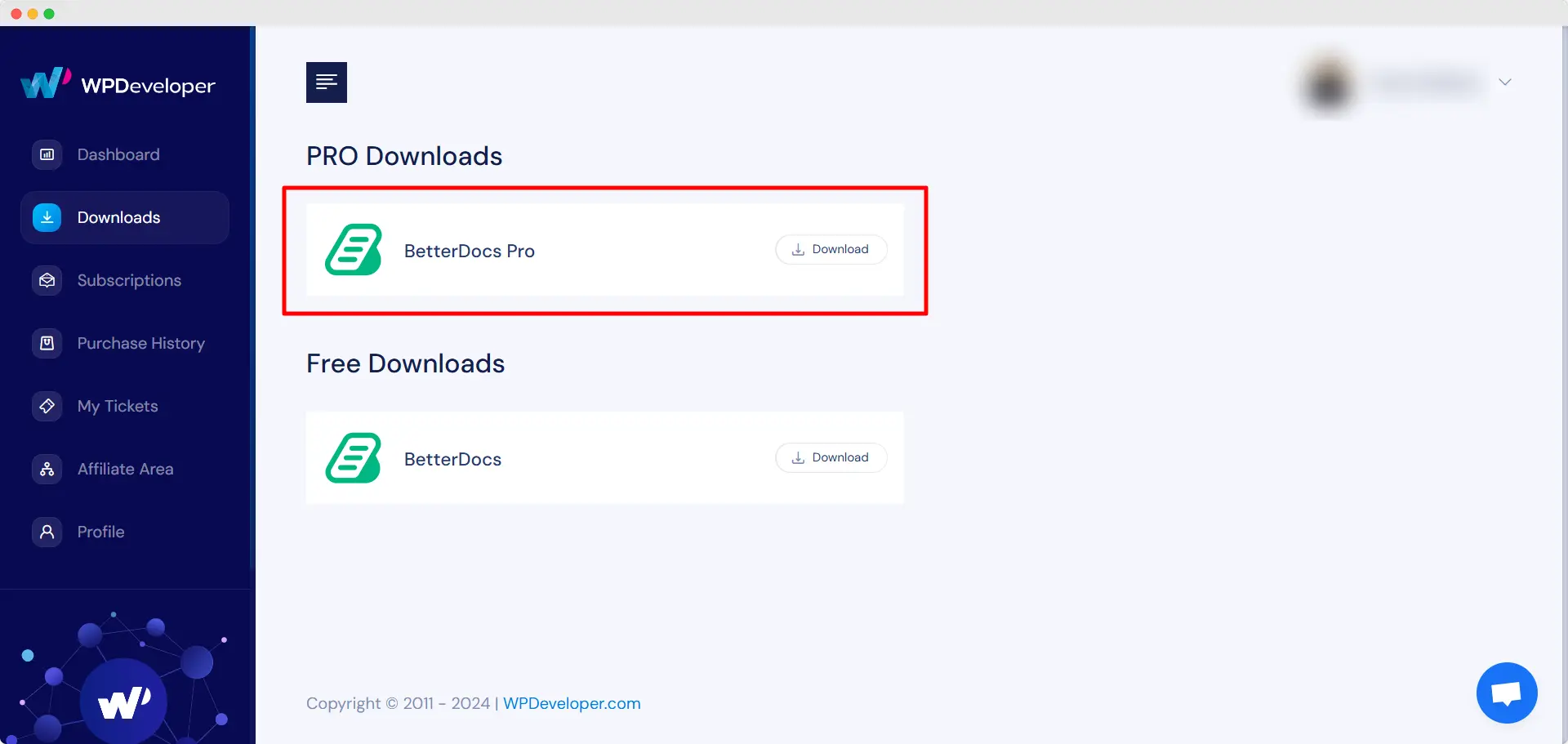
Paso 2: Ir a tu Cuenta WPDeveloper and under the “Downloads” pestaña, verá sus archivos descargables. Luego, descargue el archivo de complemento. Debería verse como betterdocs-pro.zip.
Paso 3: Después, ve a tu Complementos página de Tablero WordPress. Luego haga clic en el 'Agregar nuevo' opción y cargue el complemento BetterDocs PRO que ha descargado. Después de cargar con éxito, haga clic en el ‘Install Now’ botón.

Paso 4: Una vez finalizada la instalación, simplemente haga clic en ‘Activate’ botón.

After activation, navigate to the plugin to use all the PRO features of BetterDocs. To configure the basic settings, go to the ‘Configuraciones’ tab under the app. If you want to configure analytics, go to the ‘Analítica’ tab.
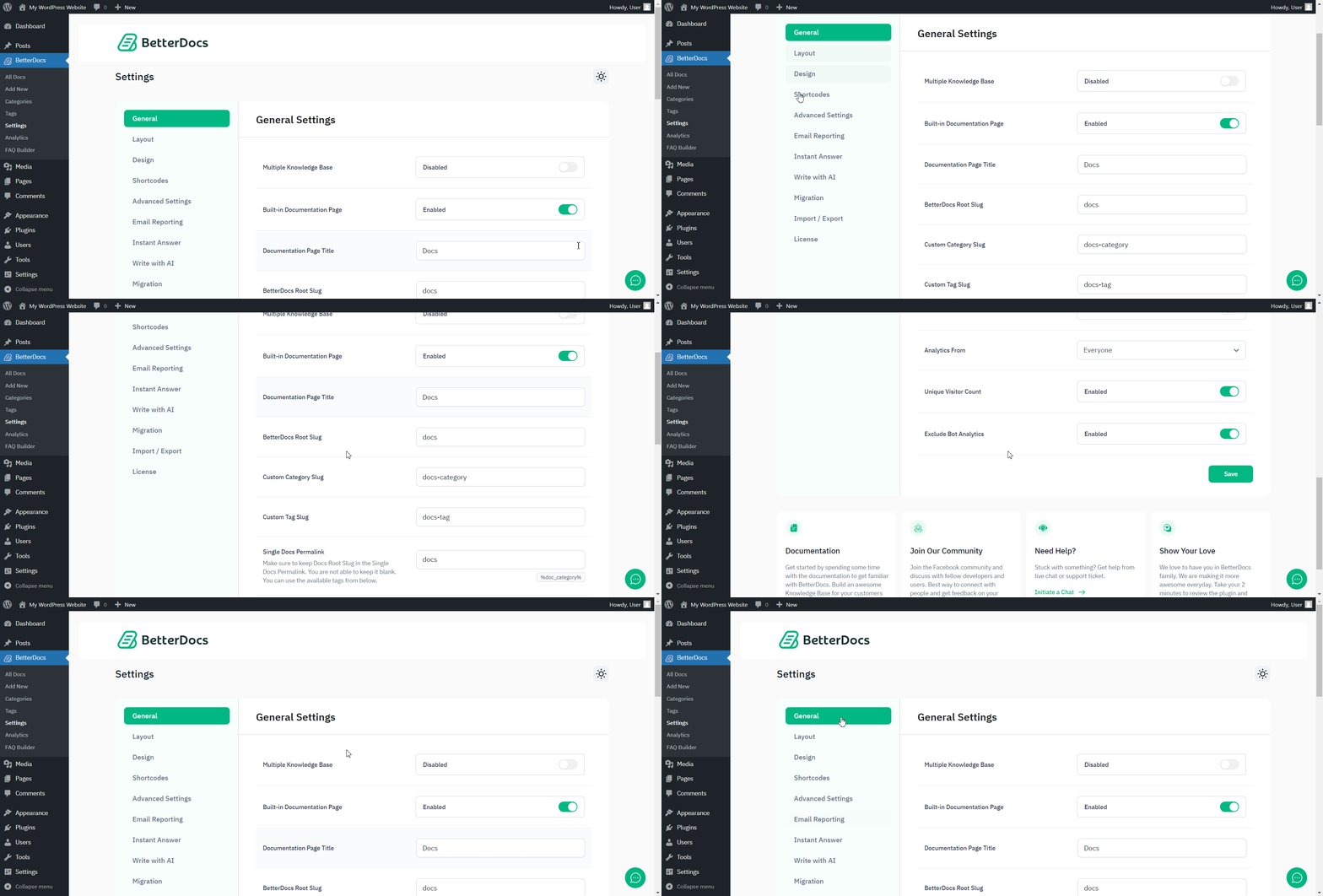
After you have finished activation of BetterDocs PRO, Así es como se verá su página de Complementos:

To activate the license key of BetterDocs PRO, you can check out this documentación.
¿Quedarse atascado? No dude en contactar a nuestro dedicated support team for any further assistance.




