
Permalink, a short form of “permanent link” is a URL intended to remain unchanged for many years, providing a reliable hyperlink to a specific piece of content on the internet. With BetterDocs, you can easily customize the permalink and give it according to your preference with a few clicks.
How to Customize the Single Doc Permalink #
Go to your WordPress dashboard and head over to the ‘Settings’ tab from the BetterDocs dropdown.
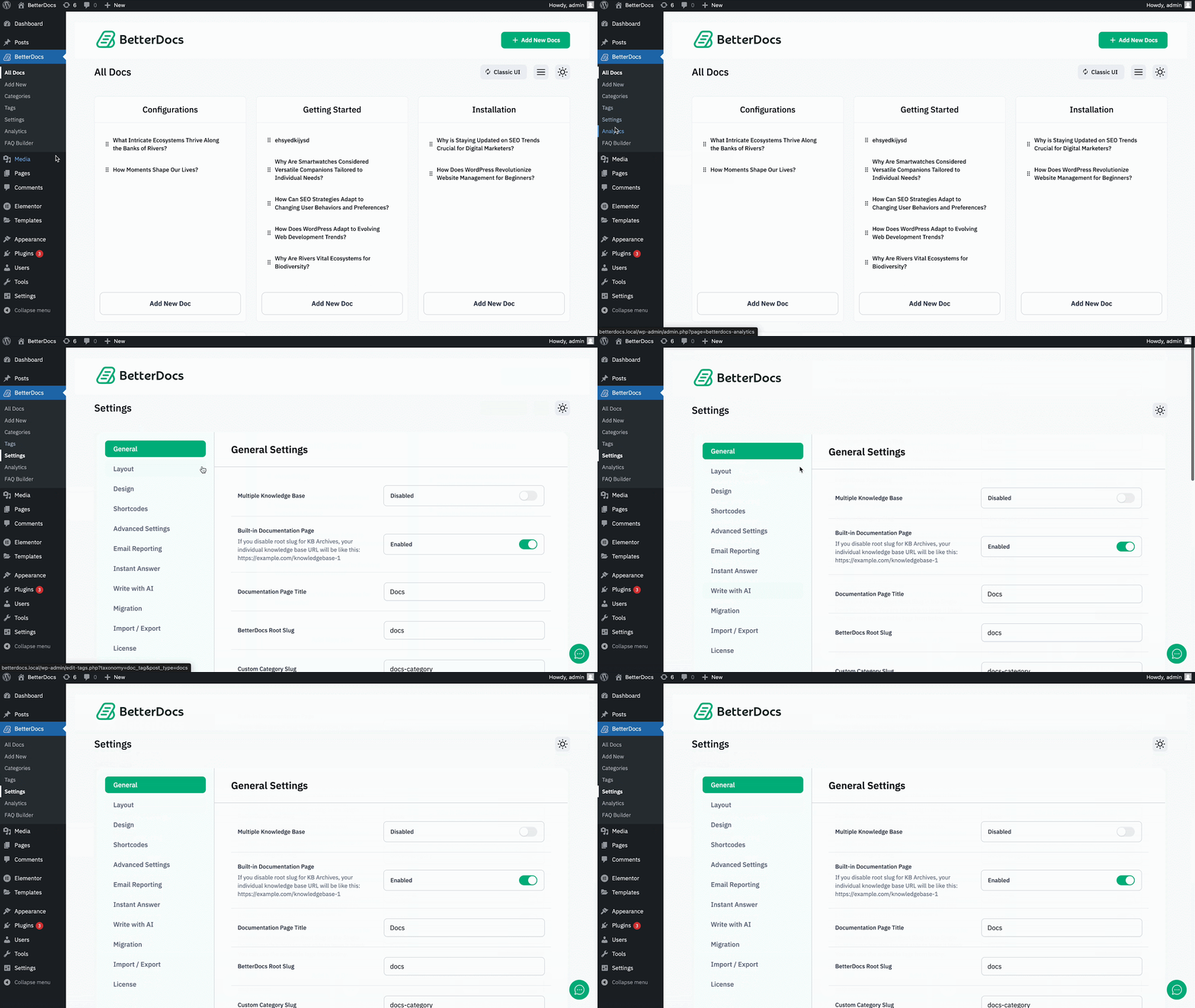
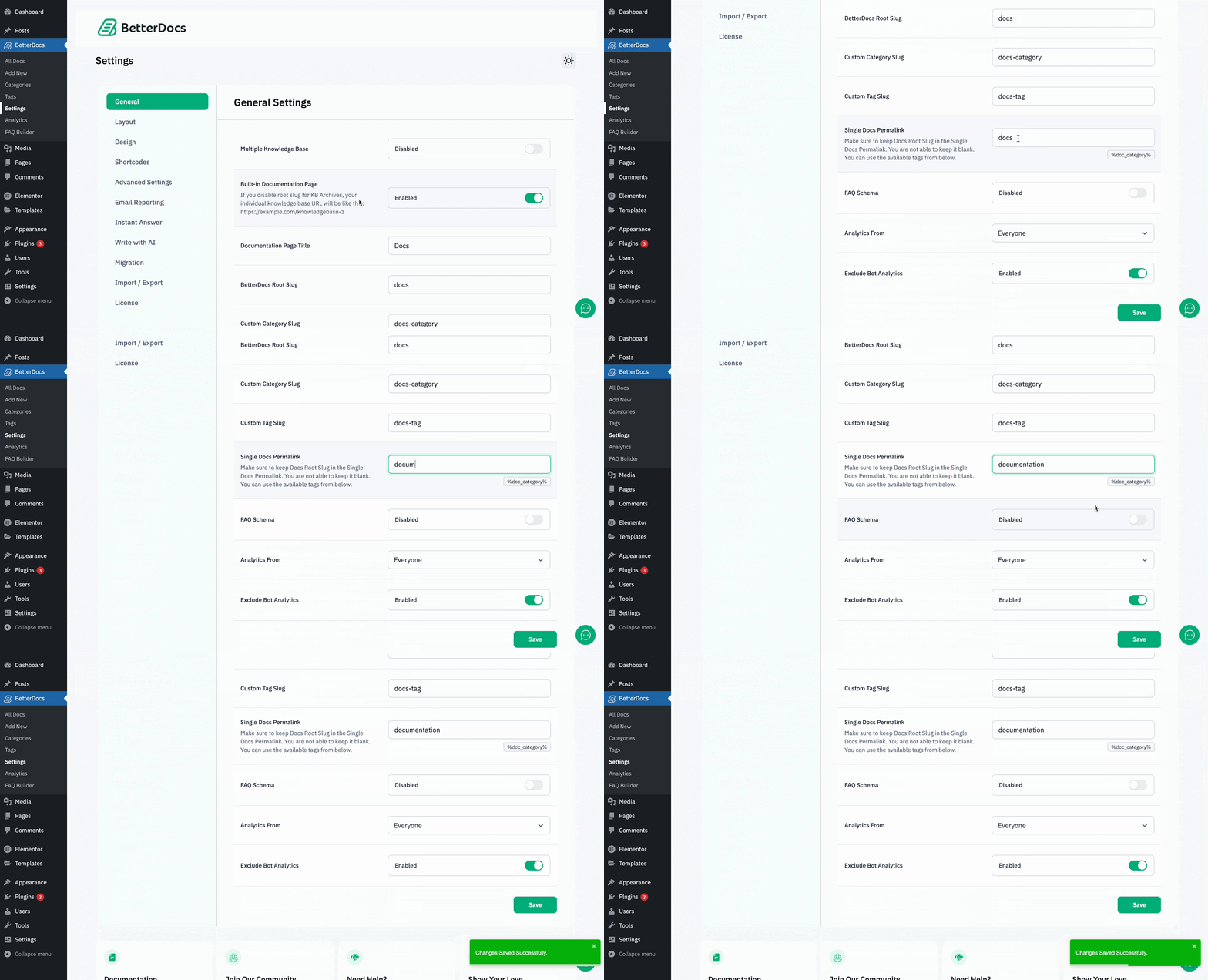
From the ‘General’ tab, scroll down to the ‘Single Doc Permalink’ option. From here you can customize the permalink. After customizing the permalink, click on the ‘Save’ pulsante.
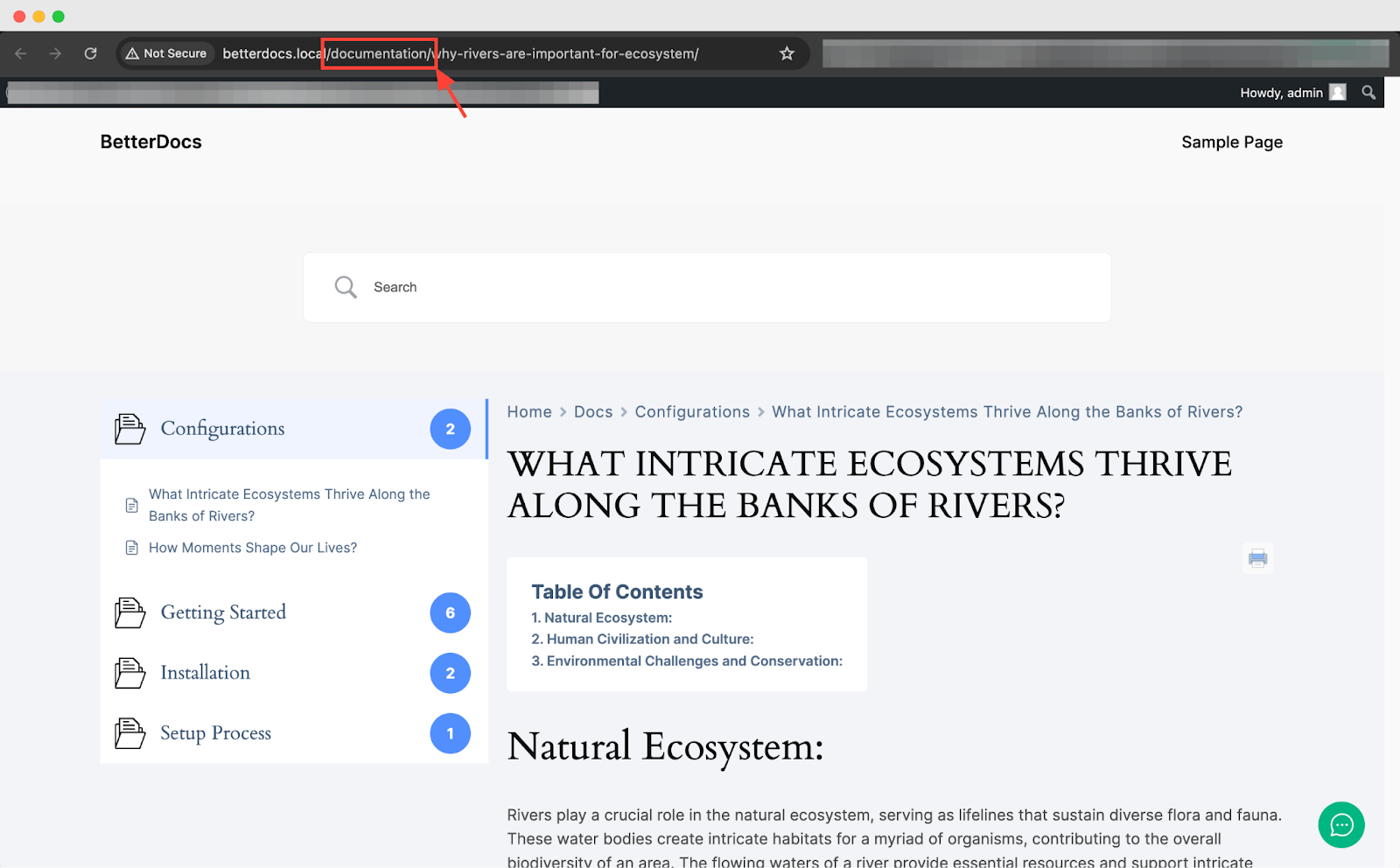
Now, open a document and check the URL, you will see the permalink changed according to your given name.
That is how you can easily customize the permalink in the Single Doc in BetterDocs. Getting Stuck? Feel free to contact our dedicated team di supporto for further assistance.




