
BetterDocs PRO comes with amazing features like Direct antwoord, Inzichtelijke analyse, Meerdere Knowledge Base, etc. which can supercharge your knowledge base experience.
How To Install BetterDocs PRO #
Stap 1: Zorg ervoor dat je hebt Installed and Activated the Free version of BetterDocs. You will need to keep the Free version activated to use the PRO Version.

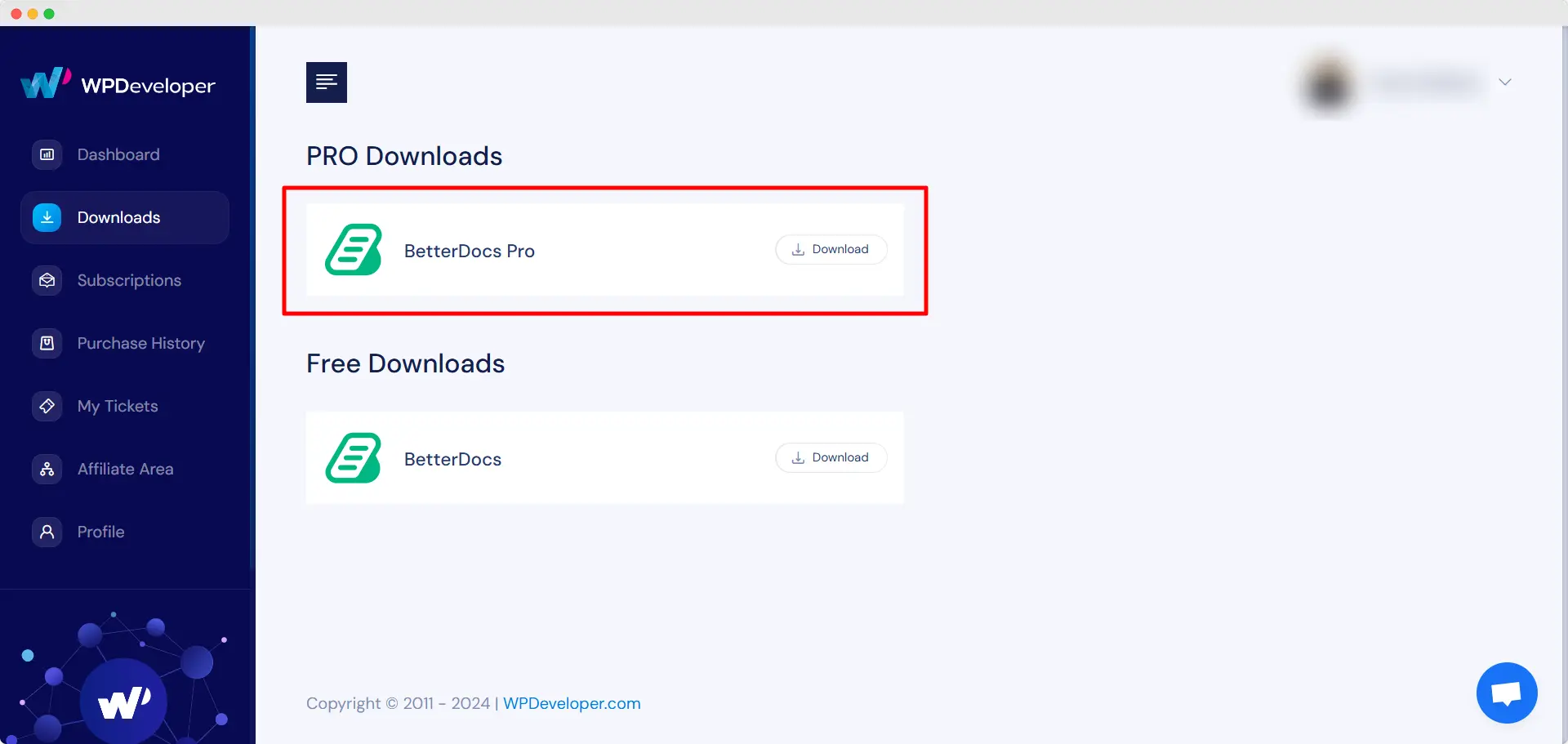
Stap 2: Ga naar je WPDeveloper-account and under the “Downloads” tabblad ziet u uw downloadbare bestanden. Download daarna het plugin-bestand. Het zou er zo uit moeten zien betterdocs-pro.zip.
Stap 3: Ga daarna naar je Plug-ins pagina van WordPress Dashboard. Klik dan op de 'Nieuwe toevoegen' optie en Upload de BetterDocs PRO-plug-in die u hebt gedownload. Klik na het succesvol uploaden op de ‘Install Now’ knop.

Stap 4: Nadat de installatie is voltooid, klikt u eenvoudig op de ‘Activate’ knop.

After activation, navigate to the plugin to use all the PRO features of BetterDocs. To configure the basic settings, go to the ‘Instellingen’ tab under the app. If you want to configure analytics, go to the ‘Analytics’ tab.
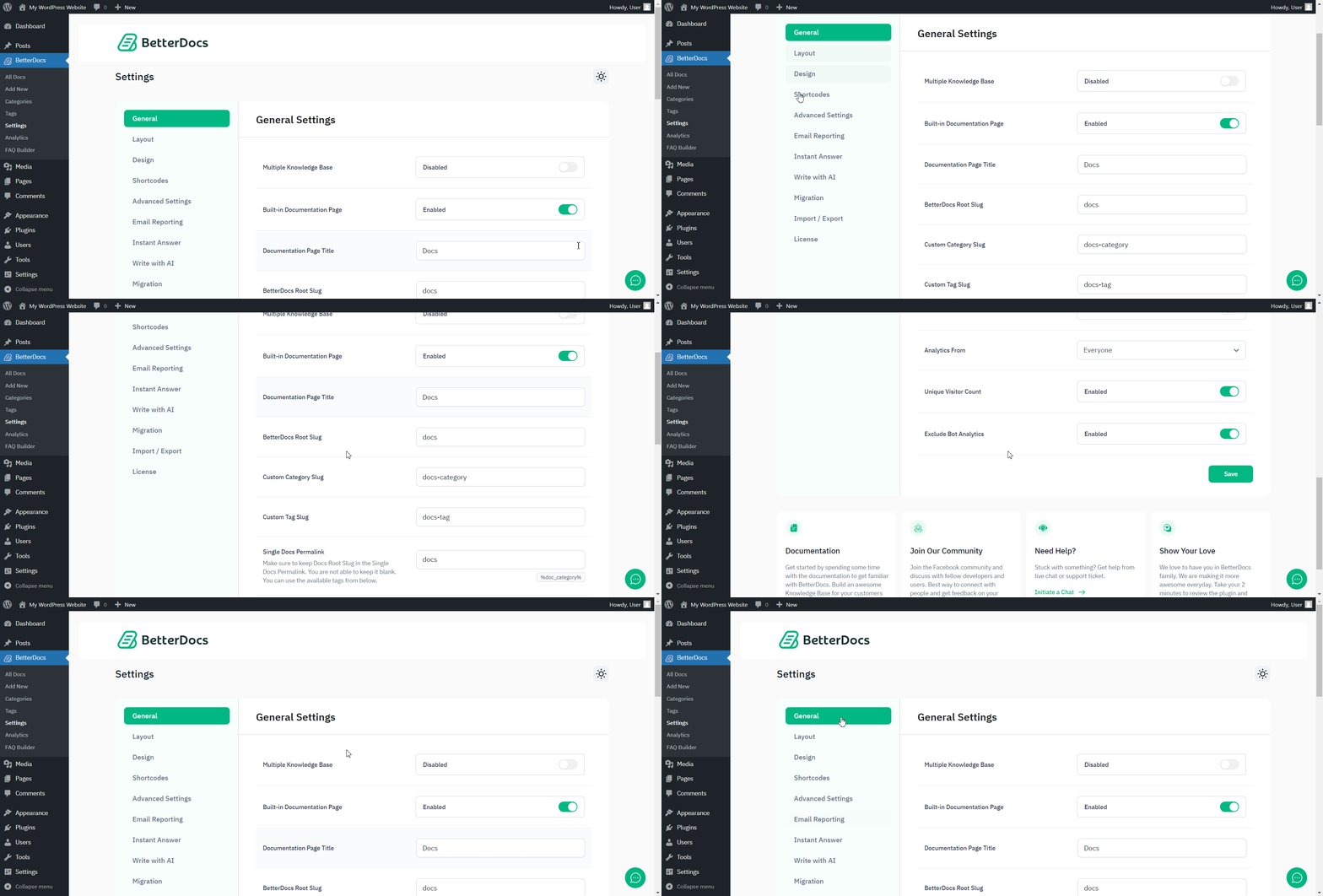
After you have finished activation of BetterDocs PRO, Zo ziet uw plug-inspagina eruit:

To activate the license key of BetterDocs PRO, you can check out this documentatie.
Vast zitten? Neem gerust contact met ons op dedicated support team for any further assistance.




