
BetterDocs PRO comes with amazing features like 即时答案, 深入分析, 多元知识库, etc. which can supercharge your knowledge base experience.
How To Install BetterDocs PRO #
步骤1: 确保你有 Installed and Activated the Free version of BetterDocs. You will need to keep the Free version activated to use the PRO Version.

第2步: 去你的 WPDeveloper帐户 and under the “Downloads” 标签,您将看到可下载的文件。之后,下载插件文件。它看起来像 betterdocs-pro.zip.
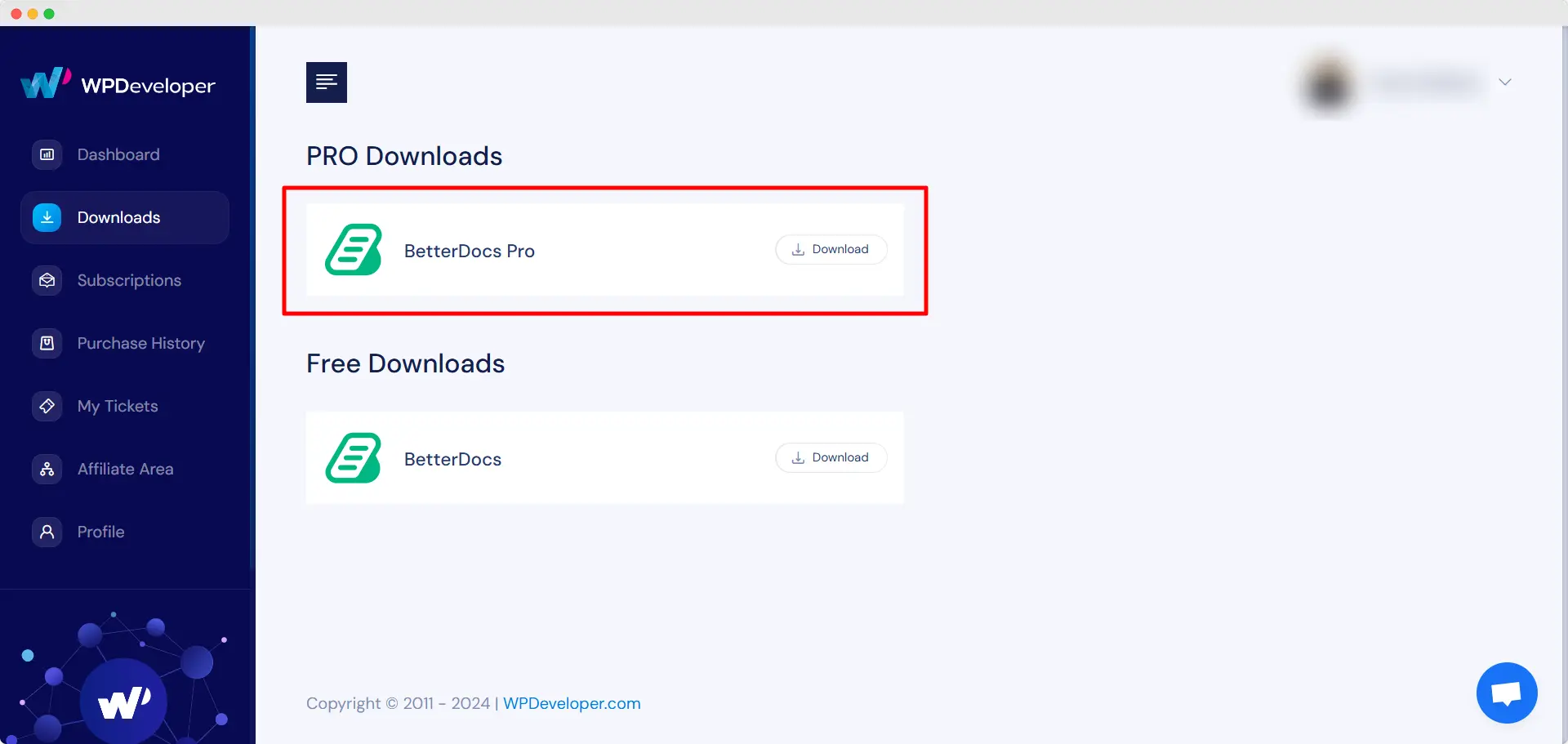
第三步: 然后,转到您的 外挂程式 来自的页面 WordPress仪表板。 然后点击 '添新' 选项并上传您已下载的BetterDocs PRO插件。成功上传后,点击 ‘Install Now’ 按钮。

第四步: 安装完成后,只需单击 ‘Activate’ 按钮。

After activation, navigate to the plugin to use all the PRO features of BetterDocs. To configure the basic settings, go to the ‘设定值’ tab under the app. If you want to configure analytics, go to the ‘分析工具’ tab.
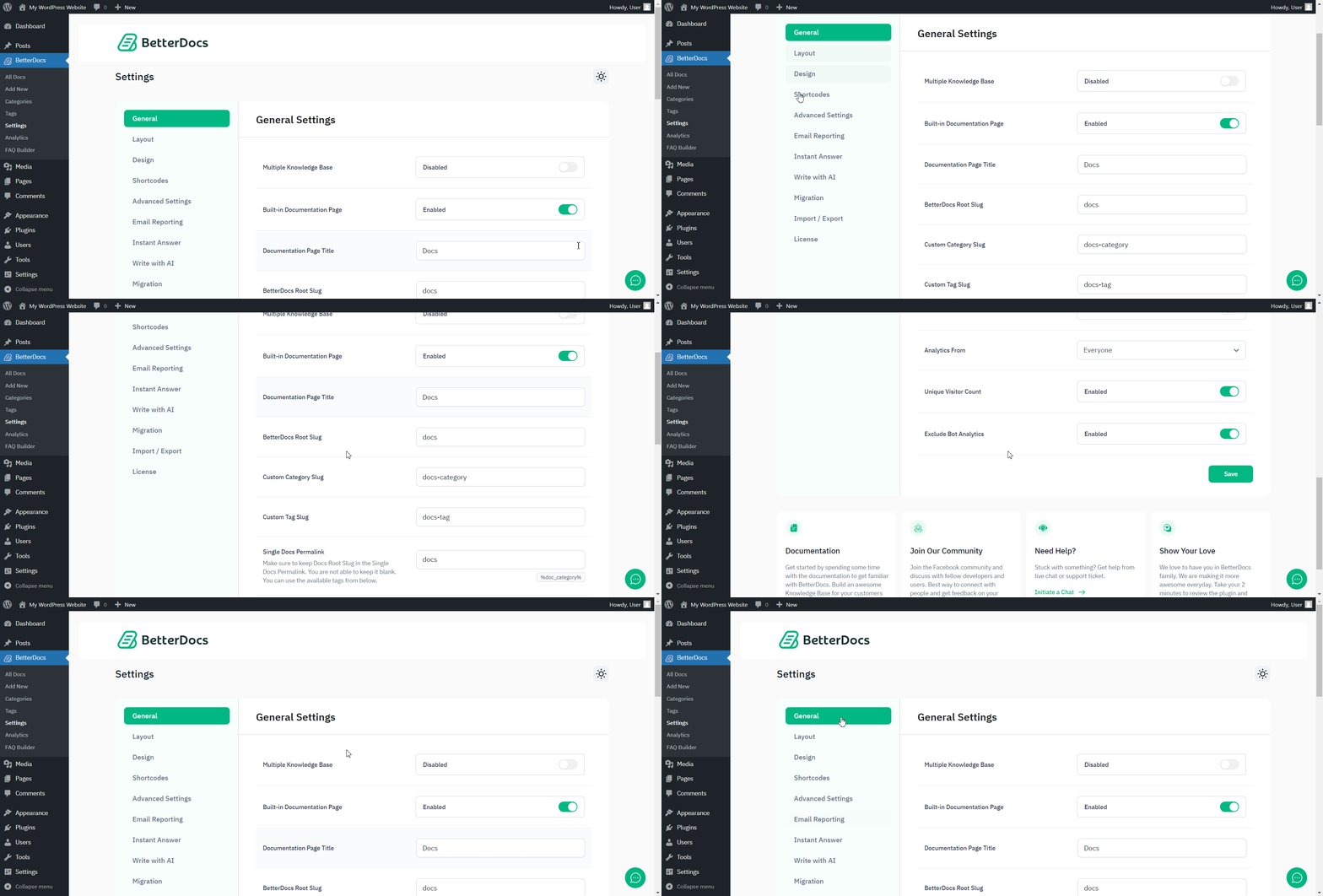
After you have finished activation of BetterDocs PRO,这是您的“插件”页面的外观:

To activate the license key of BetterDocs PRO, you can check out this 文件资料.
被卡住了吗?随时联系我们 dedicated support team for any further assistance.




