
BetterDocs PRO te da la libertad de administrar roles de usuario & capabilities based on certain criteria. By configuring this User Role Management, you can define what a specific user can and can not do in terms of BetterDocs Settings. You can decide whom you want to allow to write BetterDocs articles or access BetterDocs Settings & Analytics. Follow the below guidelines to check how you can manage user roles in BetterDocs:
Para configurar la administración de roles BetterDocs, navegue hasta WordPress Dashboard → BetterDocs → Settings → Advanced Settings. Encontrará tres tipos de capacidades de rol de usuario: ‘Write Docs’, ‘Edit Settings’ Y ‘Check Analytics’. Puede seguir adelante y asignar ciertos roles de usuario a capacidades específicas. Después de hacerlo, asegúrese de presionar el ‘Save Changes’ botón.
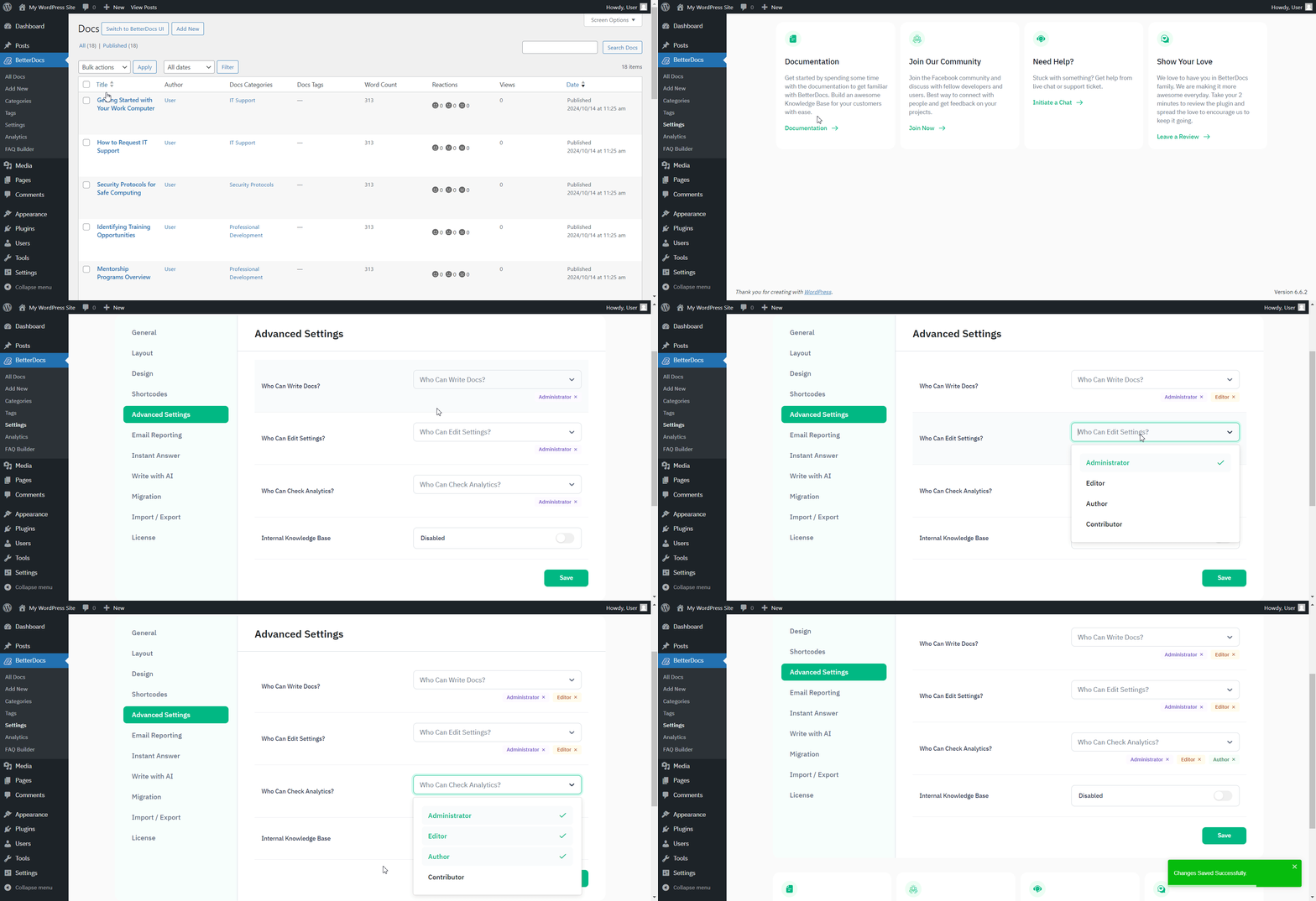
Supongamos que has dado el ‘Editor’ access to write Docs & check Analytics, then they will only have these capabilities. They won’t be able to Edit BetterDocs Settings. You can check out this gif below to see how it works for an Editor based on the permissions given:
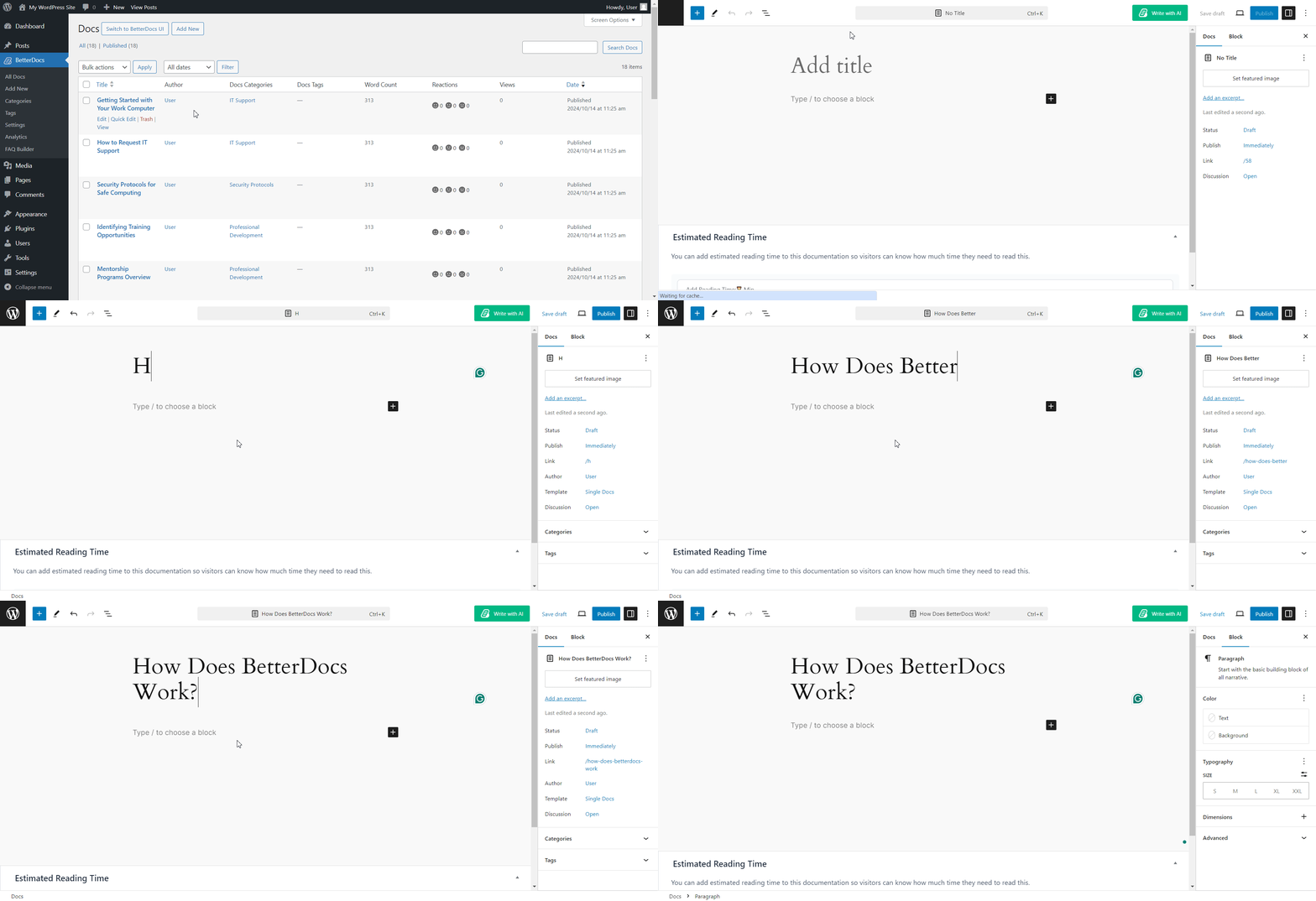
This is how you can easily administrar roles de usuario y permite a ciertos roles de usuario las capacidades para cambiar la Configuración BetterDocs.
¿Quedarse atascado? Siéntase libre de contactar a nuestro dedicated support Team y lo ayudaremos con sus consultas.




